

Three text to speech modes
Convert text to speech with Device TTS, AI Local TTS, or AI Cloud voices. The cloud option uses character credits, while local modes support quicker playback and local generation.
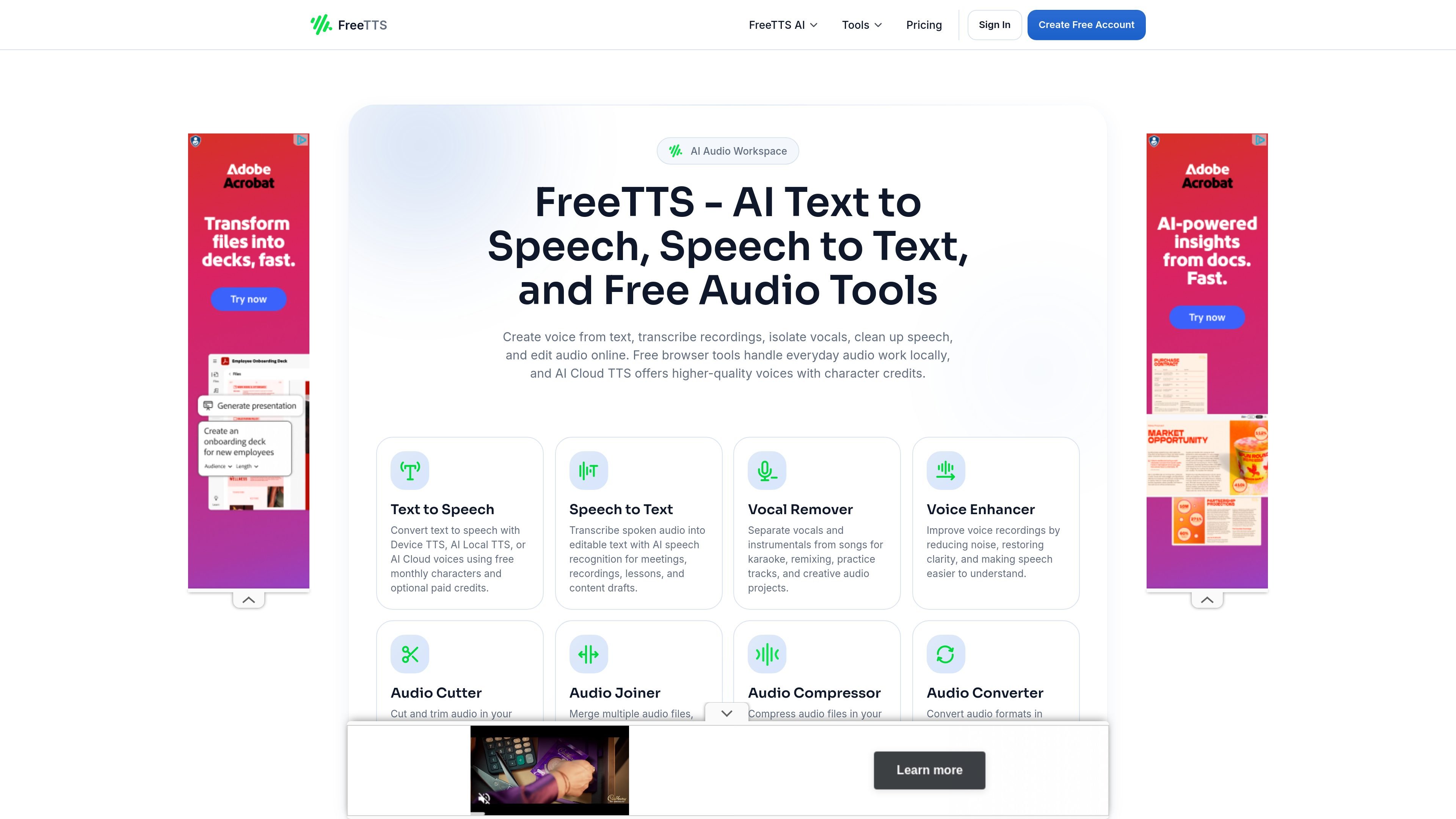
FreeTTS is an online audio toolkit for text to speech, speech to text, vocal removal, voice enhancement, and browser-based audio editing. It combines free local tools with AI Cloud TTS for users who need more voice generation capacity.
The site separates browser audio tools from paid AI Cloud Text to Speech usage. That means you can work with transcription and editing tools in the browser, then use monthly characters or top-up credits only when a project needs cloud-generated speech.
Convert text to speech with Device TTS, AI Local TTS, or AI Cloud voices. The cloud option uses character credits, while local modes support quicker playback and local generation.
Transcribe spoken audio into editable text for meetings, recordings, lessons, and drafts using AI speech recognition.
Separate vocals and instrumentals for karaoke, remixing, practice tracks, and creative audio work.
Edit voice recordings by reducing noise and improving clarity so speech is easier to understand.
Cut, join, compress, and convert audio files in the browser with waveform controls, batch processing, and export options such as WAV and common audio formats.
Turn scripts, drafts, or study notes into speech for quick listening, narration, or accessibility support. Users can choose built-in playback, local voice generation, or cloud voices depending on quality and workflow needs.
Convert meeting audio, lessons, interviews, or recordings into editable text for notes and drafting. The speech to text tool is positioned for transcription and everyday text extraction.
Remove vocals from songs to make karaoke tracks, practice versions, remixes, or isolated instrumental stems for creative work.
Clean up voice recordings by reducing noise and improving clarity for podcasts, voiceovers, and spoken content.
Trim, merge, compress, or convert files directly in the browser when you need common audio edits without desktop software.
FreeTTS offers a mix of free browser tools and paid AI Cloud TTS usage. The browser-based audio tools are available as free tools with usage limits, while AI Cloud Text to Speech uses monthly character allowances or one-time top-up credits.
The pricing page says you can cancel your subscription anytime from your account dashboard, and you keep access to remaining credits until the current billing cycle ends.
FreeTTS uses a credit-based model for AI Cloud TTS. You can get more characters through a monthly subscription or by buying a one-time top-up package.
FreeTTS says its browser audio tools process files locally when possible, while cloud AI features use server processing and short retention windows. The site also states uploads are encrypted and sessions are automatically cleared after processing.
The text to speech page describes three modes: Device TTS for built-in playback, AI Local TTS for local voice generation, and AI Cloud TTS for cloud voices that use character credits.
流量数据仅供参考。

dubformer.ai
Dubformer 是一款基于 Web 的 AI 配音工作室,可创建本地化视频音轨,并逐行控制发音、情感和表达方式。专为广播、本地化及流媒体团队打造,支持可审阅导出与团队协作流程。

voxfactory.app
AI歌声合成器,可从MIDI、歌词或录音人声创作和编辑演唱声部。

gpt-reader.com
浏览器扩展,用 AI 语音朗读文本并将语音转为可编辑文字
cartesia.ai
面向实时语音与语音智能体的 AI 平台

devnagri.com
面向企业翻译与本地化流程的语言 AI 基础设施平台

smallest.ai
语音 AI 平台,支持 TTS、STT、语音代理及音频模型