

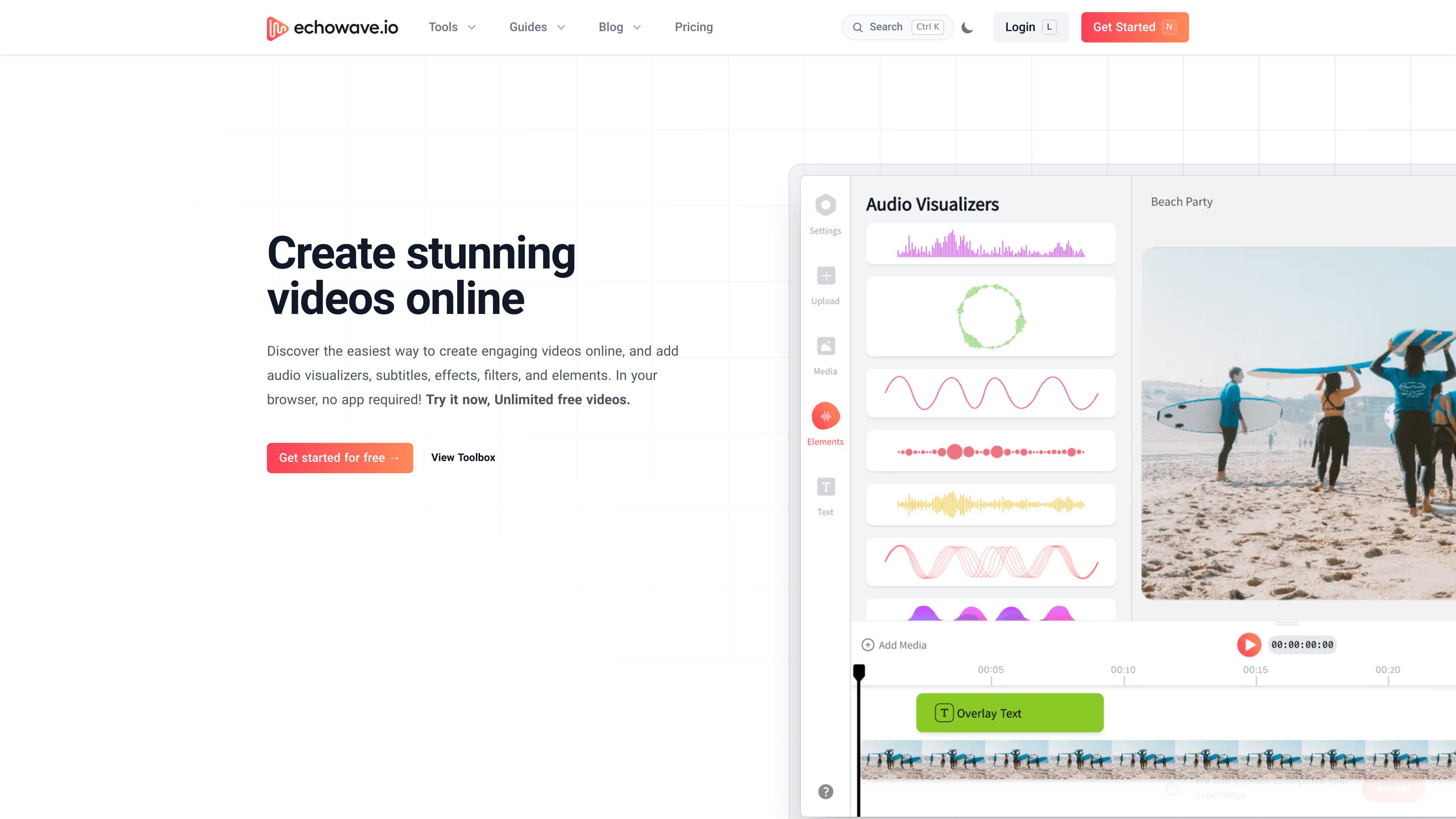
Browser-based video editor
Edit video in the browser with a built-in editor for trimming, splitting, and general content cleanup without installing software.
EchoWave is a browser-based video and audio editor built for creating share-ready clips without downloading desktop software. The site positions it as an online editor for captions, waveforms, effects, filters, subtitles, and a wider toolbox of video utilities.
The product combines direct editing with conversion workflows. Sources describe it as useful for turning audio into video, editing podcast snippets, repurposing music for social platforms, and creating short-form content for creators who want to work from a laptop or phone.
Edit video in the browser with a built-in editor for trimming, splitting, and general content cleanup without installing software.
Generate captions and subtitles automatically, or add them manually and upload subtitle files when needed.
Create audio visualizers, waveforms, audiograms, and other motion graphics for music, podcasts, and social clips.
Reduce file size while keeping quality with the video compressor, and export finished work as MP4 for sharing.
Work with common media formats, including MP4, MOV, AVI, WebM, MP3, WAV, and AAC, depending on the task.
Use the toolbox for crop, rotate, flip, overlay, watermark, progress bar, text, and censoring workflows.
Create clips for Facebook, Instagram, YouTube, and other social platforms by adding subtitles, waveforms, and visual effects in the browser.
Turn podcast episodes or snippets into video with waveform visuals so audio-only content can be shared in a video-first format.
Prepare music posts with a custom cover image and waveform animation to make tracks easier to share on social feeds.
Trim, crop, resize, and compress videos for platform-specific publishing or quick content cleanup.
Use the toolbox to add text, watermarks, overlays, progress bars, or censoring when a project needs specific finishing touches.
Yes. The pricing page says you can start on the free plan without an account, and paid plans add more exports, storage, and advanced video tools.
EchoWave works in the browser and the about page says it runs on any laptop or phone. The pricing page also says it is fully responsive on modern smartphones and tablets, though the desktop experience has the complete toolkit.
No. The contact page says support is handled by email and the help center, and that EchoWave does not run a phone line or live chat.
The pricing page states that business plans can support alternative payment methods such as invoicing and bank transfers, while standard plans use Stripe checkout with major credit cards.
The tool pages describe a browser-based video and audio editor with tools such as subtitles, waveforms, conversions, cropping, trimming, and compression. The source pages do not list third-party app integrations.
流量数据仅供参考。

shootclip.com
ShootClip 是一款 macOS 视频编辑器,提供专业时间线工具、AI 字幕和内置 MCP 服务器,让 AI 助手在你编辑视频时协同工作。
contentfries.com
ContentFries 提供公开定价,但产品功能尚无法确认。

aivideocut.com
基于网页的 AI 视频编辑器,将长视频制作成社交短片

reap.video
reap 用 AI 将长视频转成短片、字幕、配音和翻译字幕。

dubformer.ai
Dubformer 是一款基于 Web 的 AI 配音工作室,可创建本地化视频音轨,并逐行控制发音、情感和表达方式。专为广播、本地化及流媒体团队打造,支持可审阅导出与团队协作流程。

autocaption.io
为社交视频生成 AI 字幕和说明文字