ChatSlide AI logo

ChatSlide AI

Freemium
访问

AI 演示文稿制作工具,将文档、链接和笔记转为可编辑的幻灯片、视频、头像、海报和图表。

什么是 ChatSlide AI?

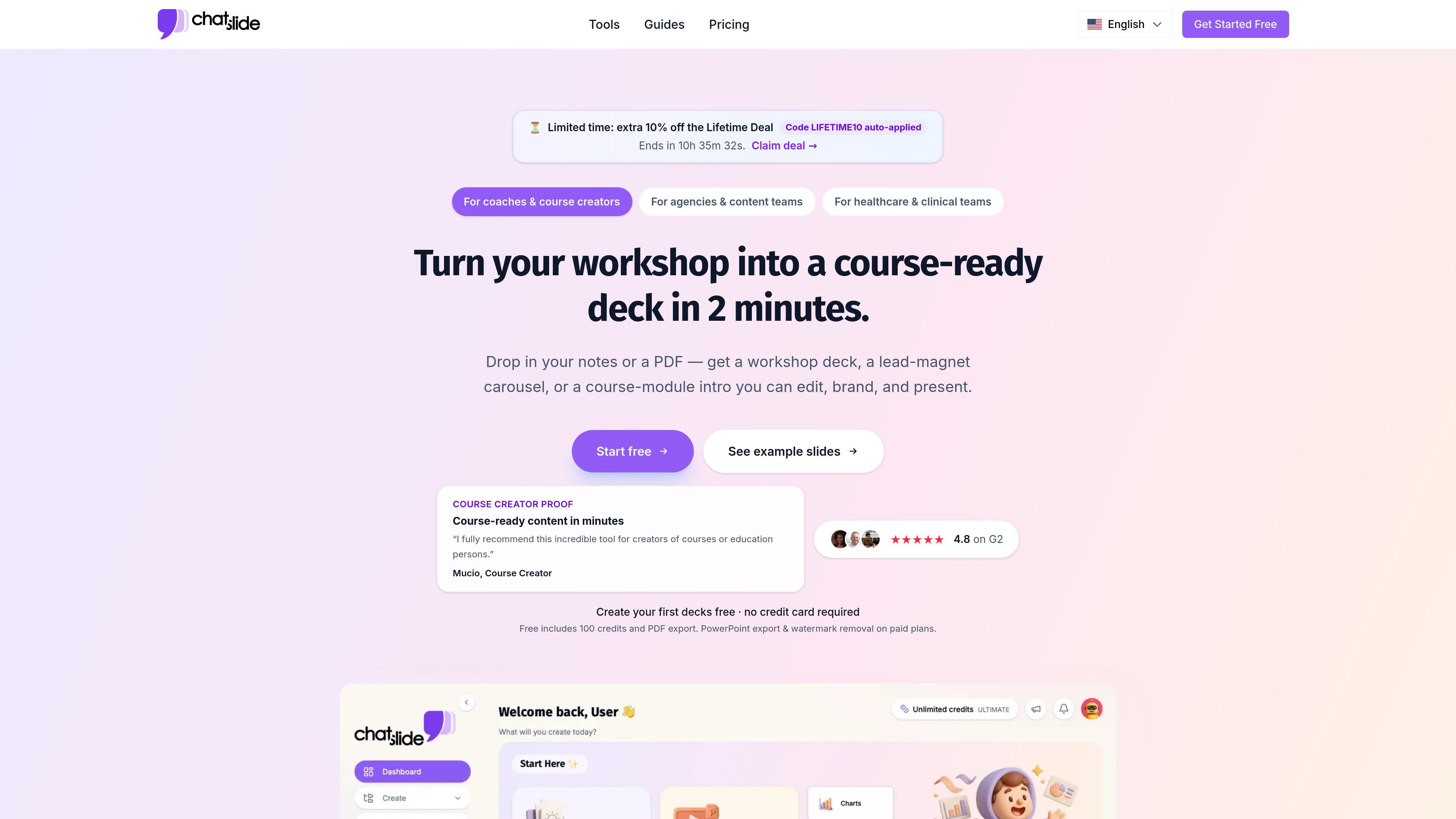
ChatSlide AI is an AI presentation maker and content creation platform from drlambda.ai. It turns source material such as PDFs, documents, videos, links, notes, briefs, and transcripts into editable slide decks, with additional output options for videos, avatars, posters, and charts.

The product is positioned for people who need presentation content quickly but still want to refine it. The site highlights workflows for course creators, agencies, healthcare teams, education, enterprise, consulting, research, and legal use cases, and it supports export formats such as PDF, PPTX, and, on higher plans, KEY.

ChatSlide AI 能做什么?

Content-to-slide generation

Turn PDFs, docs, videos, links, briefs, transcripts, or notes into editable presentations. The site also says ChatSlide can generate slides from ideas and knowledge bases, which makes it useful for starting from rough source material rather than a blank page.

Editable, branded outputs

Edit the generated deck directly, including text and layout adjustments. The pricing page also mentions deck-wide AI editing and customized branding, so the output is intended to stay editable and brandable after generation.

Presentation export options

Export slide projects as PDF and PPTX on the lower paid tier, with KEY export available on higher tiers. That makes the product usable for presentation workflows that need both sharing and downstream editing.

Avatar and voice presentation tools

Generate narrated video presentations with AI avatars and voice cloning. The product pages describe avatar videos, custom avatar cloning, and cloned voice support, with additional language support for multilingual delivery.

Multi-model image generation

Create slide visuals with a large model selection. The homepage says the platform includes 25+ AI image models, and it lists providers such as GPT Image, DALL-E 3, Flux, Imagen 4, Grok, Wan 2.6, Seedream, and others.

Multiple output formats

Produce more than slides. The homepage describes output types including videos, avatars, posters, charts, and analysis visualizations, so one source can be repurposed into several content formats.

使用场景

“Course and workshop materials”

Coaches and course creators can turn workshop notes, PDFs, or outlines into course-ready decks, lead-magnet carousels, and module intros that can be edited and branded.

“Client presentations and briefs”

Agencies and content teams can paste briefs, transcripts, or reports to produce client-ready decks, then export to PowerPoint for review and presentation.

“Clinical and medical presentations”

Healthcare and clinical teams can convert PubMed papers, guidelines, and case notes into clinical, CME, or grand-rounds decks for internal or external sharing.

“Academic and research communication”

Researchers, educators, and students can turn papers or lecture materials into slides for classes, conference talks, thesis defenses, and poster sessions.

“Narrated training and explainer videos”

Teams creating narrated content can pair slides with AI avatars and cloned voice to build training videos or presenter-led explainers without filming.

常见问题

Can I cancel a paid plan at any time?

Yes. The pricing page states that you can cancel a subscription from account settings at any time, and access to paid features continues until the end of the current billing period.

Is there a free plan?

Yes. The site says the Free plan is available with no credit card required, and it includes a monthly credit allowance on the free tier.

What changes when I upgrade?

The pricing page says paid plans unlock additional credits and premium features such as AI voice cloning, avatar video, and Keynote export, while free and paid tiers both include AI slide generation, scripts, video creation, and avatars.

Are refunds available?

The pricing page says recurring subscription plans are eligible for refunds within 14 days of purchase, subject to policy. One-time purchases, lifetime plans, and promotional or deal-code purchases are non-refundable.

Which export formats are supported?

The site indicates exports include PDF and PPTX on lower tiers, with KEY export available on higher paid plans.

快速信息

Category
AI presentation maker
Brand
ChatSlide AI
Website
drlambda.ai
Primary outputs
Slides, videos, avatars, posters, charts
Export formats
PDF, PPTX, KEY on higher plans
Notable workflow
Upload or paste source material, generate a deck, then edit and export

ChatSlide AI 流量分析

流量数据仅供参考。

域名评分
27

ChatSlide AI 替代品

文多多 AIPPT logo

文多多 AIPPT

docmee.cn

文多多 AIPPT 是一款快速生成和编辑演示文稿的 AI 工具,支持从标题、文档、网址或大纲创建 PPT,并进行排版、美化、导出和演讲稿生成。

ChatSlide AI logo

ChatSlide AI

chatslide.ai

AI 演示文稿制作工具,将文档、URL、视频和研究资料转换为可编辑幻灯片

SlideSpeak logo

SlideSpeak

slidespeak.co

AI 演示文稿生成器,将提示词和文件转换为可编辑的 PowerPoint 演示文稿

CubeOne logo

CubeOne

www.getcube.one

AI 幻灯片编辑器,可将提示词或 PowerPoint 文件转换为可编辑演示文稿

AI Book Generator logo

AI Book Generator

aibookgenerator.net

用 AI 从大纲到下载创建电子书,支持多语言、章节建议、封面生成及 EPUB、PDF 和 DOC 导出。

Twistly logo

Twistly

twistly.ai

Twistly 是一款适用于 Microsoft PowerPoint 的 AI 演示文稿制作工具,帮助学生、教育工作者和团队根据提示词或上传文件创建、编辑并导出演示文稿。