
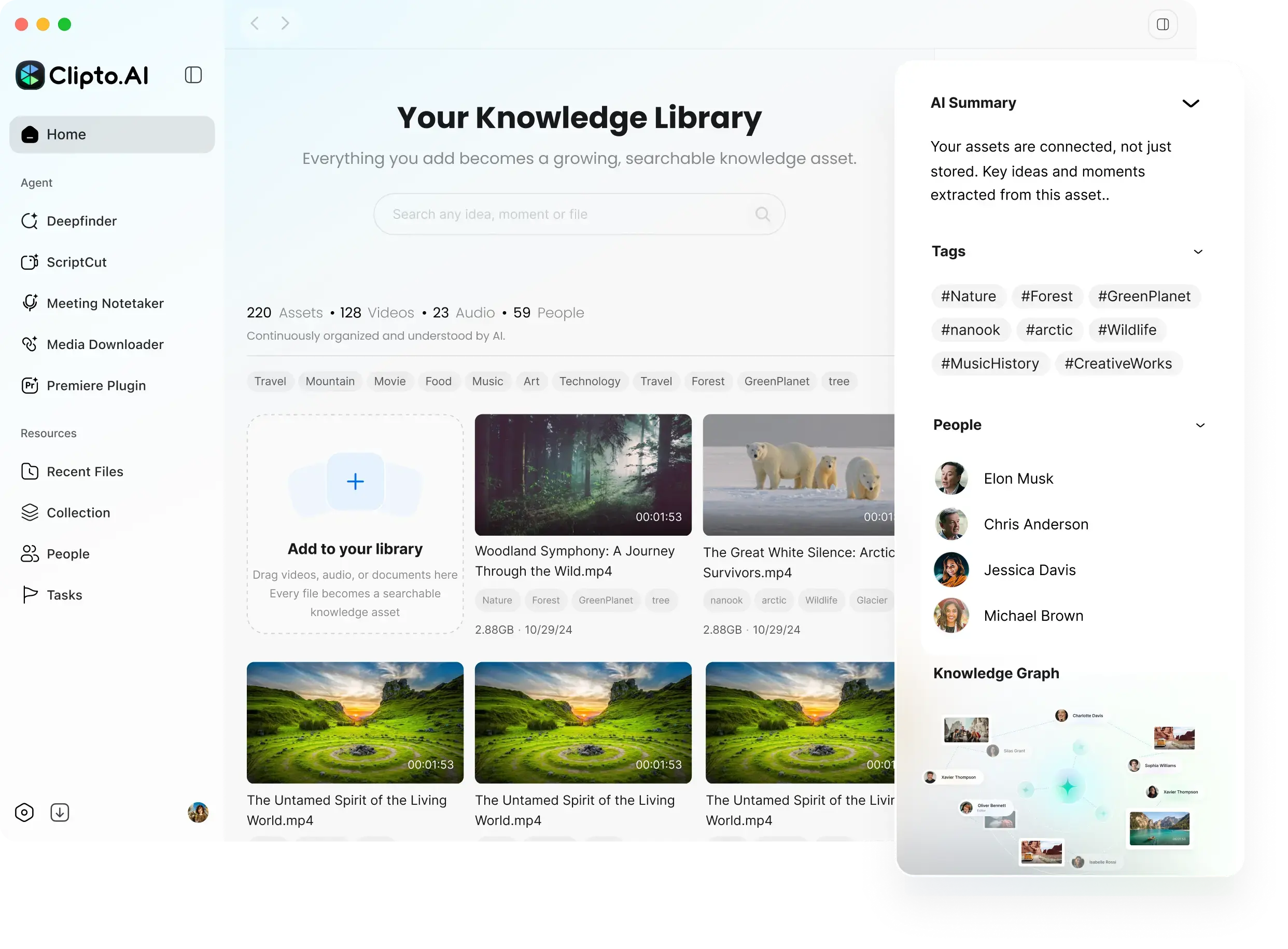
Local media indexing and search
Clipto indexes media on the device and lets connected AI tools search approved folders for relevant moments and context.

Clipto MCP 让 AI 工具能够搜索本地索引的媒体,按时间戳查找相关片段,并整理出有来源依据的内容,例如 B-roll 匹配结果、播客剪辑和素材日志。适合希望通过连接的 AI 智能体处理本地视频、音频、照片和文档的用户。
Clipto MCP connects AI tools to a local media index in the Clipto desktop app, so agents can search approved folders and retrieve specific moments, context, and source-backed references. It is built for working with large libraries of video, audio, images, meetings, conversations, documents, and related files on Mac and Windows.
The product is designed around practical media workflows rather than open-ended file access. Users can ask for clips, quotes, screenshots, matched footage, or logs, then use the results in creative planning, rough cuts, podcast cleanup, and other production tasks.
Clipto indexes media on the device and lets connected AI tools search approved folders for relevant moments and context.
The MCP tool is built into the Clipto desktop app, and the site says it can connect to MCP-compatible agents such as ChatGPT, Claude, Cursor, and others.
Returned results include evidence, timestamps, and an Open in Clipto link back to the original media, which makes the output easier to check and reuse.
Prompts shown on the site support tasks such as matching B-roll to a script, turning text into a video, editing a podcast, and building a footage log.
Users choose which folders Clipto can search, and connected AI tools only receive structured results rather than unrestricted access to the Mac.
Clipto provides a demo library of varied sample footage for exploring search and media workflows before using a personal library.
A creator can ask Clipto to match footage to a script, then use the returned timestamps and source links to assemble a first pass more quickly.
Users can ask an AI tool to remove false starts, pauses, repetition, interruptions, and off-topic sections while preserving the meaning and pacing of the recording.
Editors can generate an Excel log of usable moments with in/out timecodes, descriptions, spoken topics or quotes, quality notes, and Clipto links.
Teams with many hours of media can query approved folders for quotes, screenshots, scenes, or other moments without manually scrubbing every file.
New users can use the demo footage packs to try search, matching, and source review before connecting their own library.
Yes. The site says Clipto MCP uses the Clipto Mac app as the local media memory engine, and the app is also described as available for Mac and Windows.
No. AI tools can only request results from folders you approve in Clipto, rather than getting open-ended access to your device.
No. The product is described as local-first, with source files staying on your device unless you choose another workflow.
The page shows workflows for matched B-roll, podcast edits, rough-cut briefs, highlight reels, and footage logs, and it also mentions moments, context, quotes, screenshots, and source-backed answers.
The site instructs users to download the Clipto app, open the MCP tab, connect to an MCP-compatible agent, and then issue requests in the agent or in natural language.
流量数据仅供参考。

yapdaily.com
Yap is a voice journal for iPhone that turns a spoken account of your day into a tidy daily page. It is designed for people who want to capture and revisit memories without typing.

nevercap.ai
NeverCap 是一款 AI 转录工具,可将音频和视频转换为可编辑文本,支持批量上传、说话人标注、时间戳和 100 多种语言,且无每月分钟数上限。

www.theloqua.ai
Loqua is a voice-first desktop productivity app for macOS and Windows that turns natural speech into polished text, edits selected content, translates dictation, and answers questions about user-selected screen content. It is designed for hands-free writing and supported voice workflows across desktop apps.

myminutes.ai
用于会议、讲座和录音的 AI 记录与转录工具

ideashell.ai
闪念贝壳是一款 AI 语音笔记应用,帮助用户快速记录想法,用 AI 整理、提炼和延展内容,并导出到其他工具。

transkrip.xyz
基于网页的 AI 转录工具,支持印尼语及长音频、视频文件