
AI denoise and deblur
Removes grain, chroma noise, high-ISO artifacts, and other background noise while reconstructing sharper edges in soft or blurry footage.

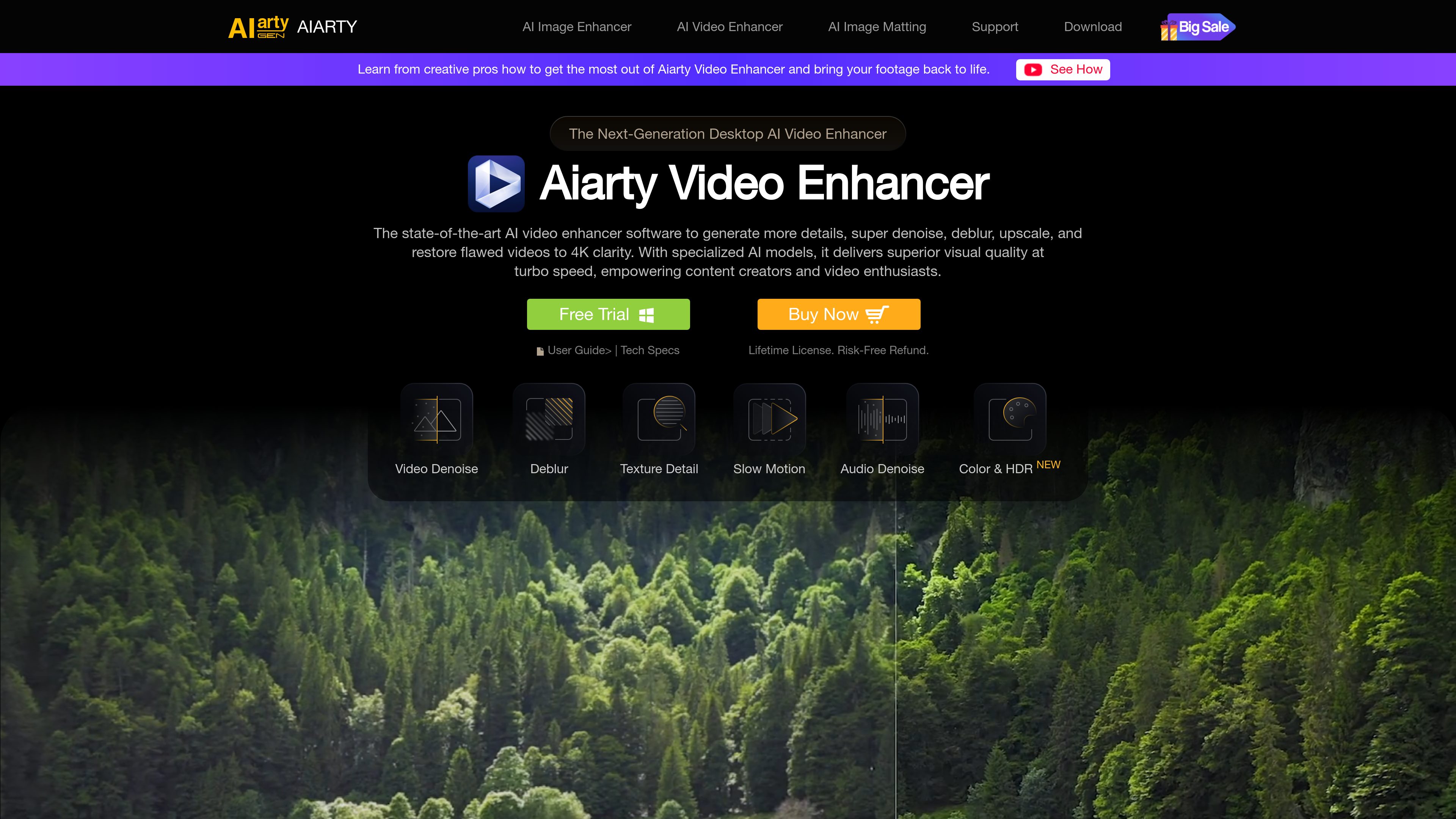
Aiarty Video Enhancer is a desktop AI tool for denoising, deblurring, upscaling, restoring, and refining video footage. It is designed for content creators, videographers, and other users working with low-quality, noisy, blurry, or aging video.
Aiarty Video Enhancer is desktop AI video enhancement software for improving noisy, blurry, low-resolution, or aging footage. It combines denoising, deblurring, texture restoration, upscaling, frame interpolation, audio cleanup, and color correction in one application.
The software uses specialized models for different footage conditions: moDetail-HQ v3 for fine textures, Smooth-HQ v3 for natural and faithful restoration, and superVideo vHQ for grainy, low-light, or especially difficult clips. Users can choose a model, adjust its strength, preview the result, and upscale footage to 4K output where appropriate.
Processing takes place locally on the desktop rather than through an upload-based online service. The site also describes batch processing and hardware optimization for Nvidia, AMD, Intel, and Apple Silicon systems, although detailed system requirements and format limits are not provided in the supplied sources.
Removes grain, chroma noise, high-ISO artifacts, and other background noise while reconstructing sharper edges in soft or blurry footage.
Restores detail in areas such as skin, hair, fur, plants, architecture, and other intricate textures, with workflows for enlarging video to 4K clarity.
moDetail-HQ v3 targets detailed textures, Smooth-HQ v3 prioritizes natural and faithful restoration, and superVideo vHQ is intended for grainy, low-light, or difficult clips. Model strength can be adjusted.
Generates additional frames for smoother 60fps, 90fps, or 120fps video and slow motion. The site describes motion compensation intended to reduce smearing, distortion, and jello-like artifacts.
The audio module removes microphone, environmental, wind, click, and echo noise while improving vocal clarity. Color tools cover white balance, exposure, contrast, saturation, highlights, and shadows; SDR-to-HDR 10-bit remastering is listed as experimental.
Processes footage locally on the computer without uploading it to external servers, and the product pages describe support for batch video tasks.
Use superVideo vHQ and denoising tools on night shots, interiors, high-ISO recordings, or other grainy clips where noise obscures the subject.
Denoise, deblur, restore details, and upscale family videos, digitized DVDs, classic performances, or old films for clearer viewing on a 4K display.
Apply frame interpolation to stuttering footage, live-action motion, timelapses, or existing slow-motion clips when a higher frame rate is needed.
Use audio denoise to reduce wind, room, microphone, click, and echo noise in vlogs, podcasts, lectures, live performances, and family videos.
The site identifies animation, 3D CG, AI films, anime, and AIGC footage as applicable enhancement contexts, including detail restoration and higher-resolution output.
It can reduce video grain and noise, deblur soft footage, restore visual textures, upscale video including 4K workflows, interpolate frames for smoother motion, remove unwanted audio noise, and provide color adjustments.
moDetail-HQ v3 is presented for hair, skin, plants, and fine textures; Smooth-HQ v3 is intended for natural, faithful restoration; and superVideo vHQ is aimed at grainy, low-light, or particularly blurry footage. The software also provides strength control.
The product is described as an offline desktop application. Its site says footage is processed locally and is not uploaded to external servers.
Yes. Its AI frame interpolation module generates new frames for smoother 60fps, 90fps, or 120fps footage and slow-motion workflows.
The supplied pricing page was unavailable, so specific prices, license terms, and plan limits cannot be confirmed. The product site does advertise a free trial and a lifetime-license purchase option.

www.avclabs.com
AVCLabs Video Enhancer AI is desktop software for improving, upscaling, restoring, and editing video with AI. It helps Windows and Mac users clean up low-resolution or degraded footage, adjust motion and color, and process multiple files locally.

hitpaw.com
HitPaw 提供 AI 工具,用于增强、修复和转换视频、照片及音频内容。
www.topazlabs.com
Topaz Video is AI-powered video enhancement software for improving footage through upscaling, detail enhancement, stabilization, frame interpolation, and related processing workflows. It is intended for creators and video professionals working with footage that needs higher resolution, smoother motion, or steadier presentation.

www.topazlabs.com
AI 驱动的照片与视频增强,支持锐化、降噪、放大、修复和稳定。

www.hitpaw.com
HitPaw VikPea is an AI video enhancement tool for upscaling, restoring, sharpening, colorizing, stabilizing, and repairing video. It is available through Windows and Mac desktop apps, with online, iPhone/iPad, and Android options presented on the product site.

unifab.ai
AI 驱动的视频和音频增强工具,支持放大、降噪、上色与格式转换。