
Multi-format content creation
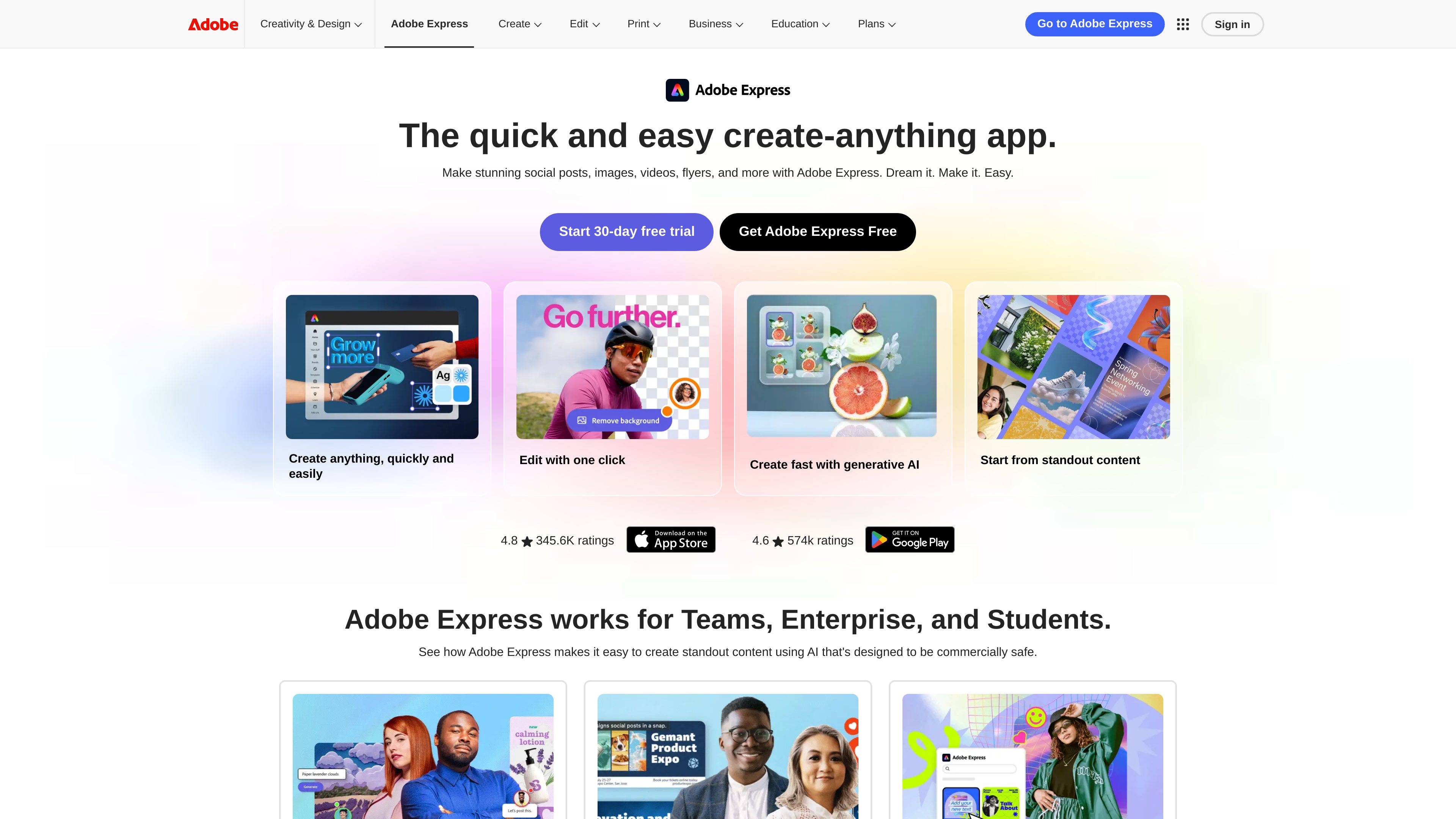
Create social posts, images, videos, flyers, logos, webpages, and PDFs from blank projects, uploaded media, templates, or the AI Assistant beta.

Adobe Express is an all-in-one design, photo, video, and PDF creation app for making social posts, images, videos, flyers, logos, and other content. It supports individuals, students, teams, and enterprises with templates, editing tools, generative AI features, and brand-focused workflows.
Adobe Express is an all-in-one design, photo, video, and PDF creation app. It is designed for quickly producing content such as social posts, images, videos, flyers, logos, and webpages without requiring a separate tool for each format.
A project can start from scratch, from uploaded media, from a template, or from the AI Assistant beta. The product combines one-click editing utilities, template-based creation, video editing, generative AI features, brand controls, and sharing or publishing workflows in one app. It is positioned for individual creators as well as students, teams, and enterprises.
Create social posts, images, videos, flyers, logos, webpages, and PDFs from blank projects, uploaded media, templates, or the AI Assistant beta.
Common utilities include background removal, image resizing, cropping, JPG/PNG conversion, video trimming, captioning, clip merging, GIF conversion, and video resizing.
The product lists tools for generating images, videos, templates, and similar content, plus inserting or removing objects and generating voice. Availability varies by device and feature, and AI Assistant is identified as a beta feature.
Video workflows include drag-and-drop editing, bulk editing, self-recording, direct exporting, and publishing to Vimeo.
Brand kits let users apply brand fonts and colors to designs, images, and illustrations, while locked elements help keep shared content consistent. Team workflows include real-time collaboration.
Files stay synced between the desktop browser and phone. Designs can be resized for different channels, downloaded, scheduled, or published through supported workflows.
Create posts and short-form visual assets, resize a design for multiple channels, and use scheduling or publishing workflows for social content.
Produce flyers, logos, promotional images, and short videos from templates or original media, then adapt the assets for different campaign channels.
Assemble clips with drag-and-drop editing, add captions and audio, record yourself, and export or publish the finished video.
Students can use professional templates and generative AI features to create content for classes, clubs, and early-career work.
Teams can collaborate on content, apply shared fonts and colors through brand kits, lock important elements, and keep files available across devices.
The product can be used to make social posts, images, videos, flyers, logos, webpages, and PDFs, using blank projects, uploaded media, templates, or the AI Assistant beta.
Yes. Listed tools include background removal, cropping, resizing, format conversion, trimming, captioning, clip merging, GIF conversion, drag-and-drop editing, bulk editing, and self-recording.
Yes. The source lists image, video, template, and similar-content generation, object insertion or removal, voice generation, and the AI Assistant beta. Availability depends on the feature and device.
Yes. Adobe Express is described as supporting Teams and Enterprise use, with real-time collaboration, Adobe Creative Cloud integration, brand kits, and locked elements for maintaining consistent designs.
The product states that files stay synced between the desktop browser and phone, allowing users to create content across those environments. Some individual tools have separate desktop-only or app-only labels.

www.recraft.ai
面向设计师、创作者和团队的 AI 图像生成与设计平台

fakeface.io
基于浏览器的 AI 换脸工具,支持照片、视频和 GIF,并提供图像转视频功能。

fylm.ai
基于浏览器的视频与静态照片调色协作平台,支持 AI 创建风格和 Premiere Pro 同步

faceswap.so
基于网页的 AI 换脸工具,支持照片和视频,提供免费及付费套餐。

faceswapper.ai
基于网页的 AI 换脸工具,支持照片、视频、GIF 和群像,无需注册或积分即可免费使用。

retouch4.me
用于自然照片与视频编辑的 AI 修图套件