
Context-aware notes
Create notes where AI reads referenced files, notes, and code blocks as grounded context using `@` references.

Markdown notes for executable .md files with code, AI, and inline results
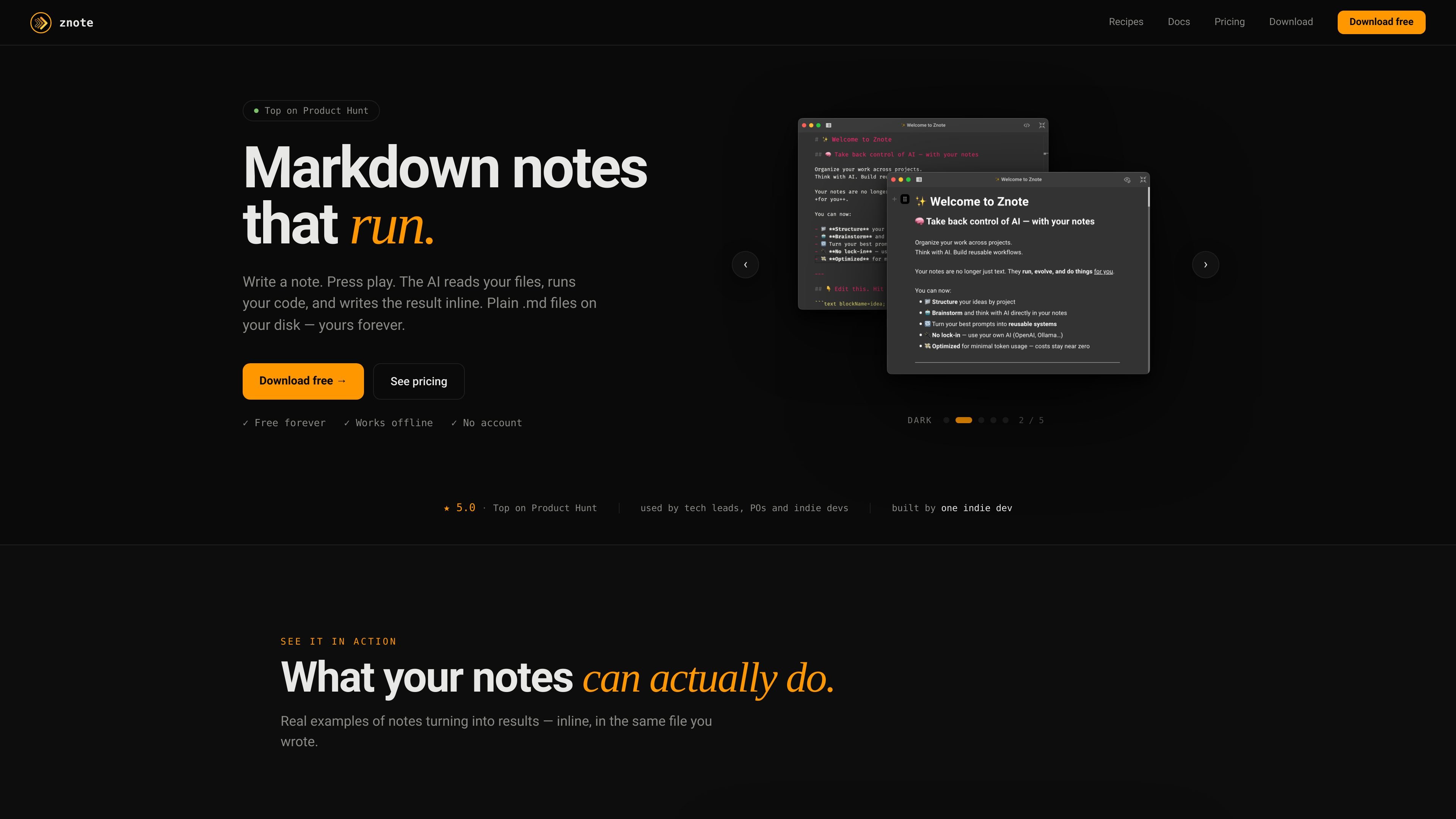
Znote is a Markdown-based note app built around executable notes: you write in plain .md files, then press play to have AI read referenced files, run code, and write results inline. The product is positioned for people who want their prompts, context, and scripts stored together in files they own.
The site emphasizes local ownership and portability. Notes stay on your disk, can be opened in any editor, and the app works offline; AI features use your own key, with support for OpenAI, OpenRouter, and local Ollama models.
Create notes where AI reads referenced files, notes, and code blocks as grounded context using `@` references.
Run JavaScript or Node.js directly inside a note and keep the results inline next to the code that produced them.
Record a meeting, transcribe it, and draft a structured summary back into the same note.
Use AI blocks to call local JS tools, query public APIs, or transform data from inside the note.
Install recipe templates for common workflows such as Gmail replies, Jira tickets, API testing, SQL exploration, Slack digests, and prompt libraries.
Connect your own AI key and use OpenAI, OpenRouter, or Ollama instead of a managed Znote AI subscription.
Turn rough notes into structured summaries, action items, or next steps directly in the file where the idea started.
Run JavaScript or Node.js snippets against live data, APIs, or local logic without leaving the note editor.
Create repeatable workflows from recipe templates for tasks like Gmail replies, Jira ticket creation, Slack digests, or SQL exploration.
Record a call, transcribe it, and generate a clean summary with decisions and follow-ups in one place.
Keep prompts, context, and code together so the same workflow can be reused next sprint without retyping or copying between apps.
No. The checkout page says Znote Pro is a one-time payment with no subscription.
Yes. The checkout page says the license is valid for all your computers, including Mac, Windows, and Linux.
Yes. The checkout page offers a 14-day money-back guarantee.
Yes. AI features use your own key, with support for OpenAI, OpenRouter, and Ollama.
Your notes remain plain .md files on your disk, so they can be opened in any editor even if updates stop.
Traffic data is for reference only.
| Jun | 2990 |
|---|---|
| Jul | 2097 |
| Aug | 2809 |
Traffic analytics are not available yet.

anki-decks.com
AI flashcards from files, notes, YouTube videos, and prompts, with spaced repetition and Anki .apkg export

ticnote.com
AI workspace for meeting notes, files, and follow-up work

studybites.ai
AI study app that turns course files into flashcards, quizzes, summaries, and notes.

omnisets.com
AI flashcards and study tools that turn notes and files into review materials.