
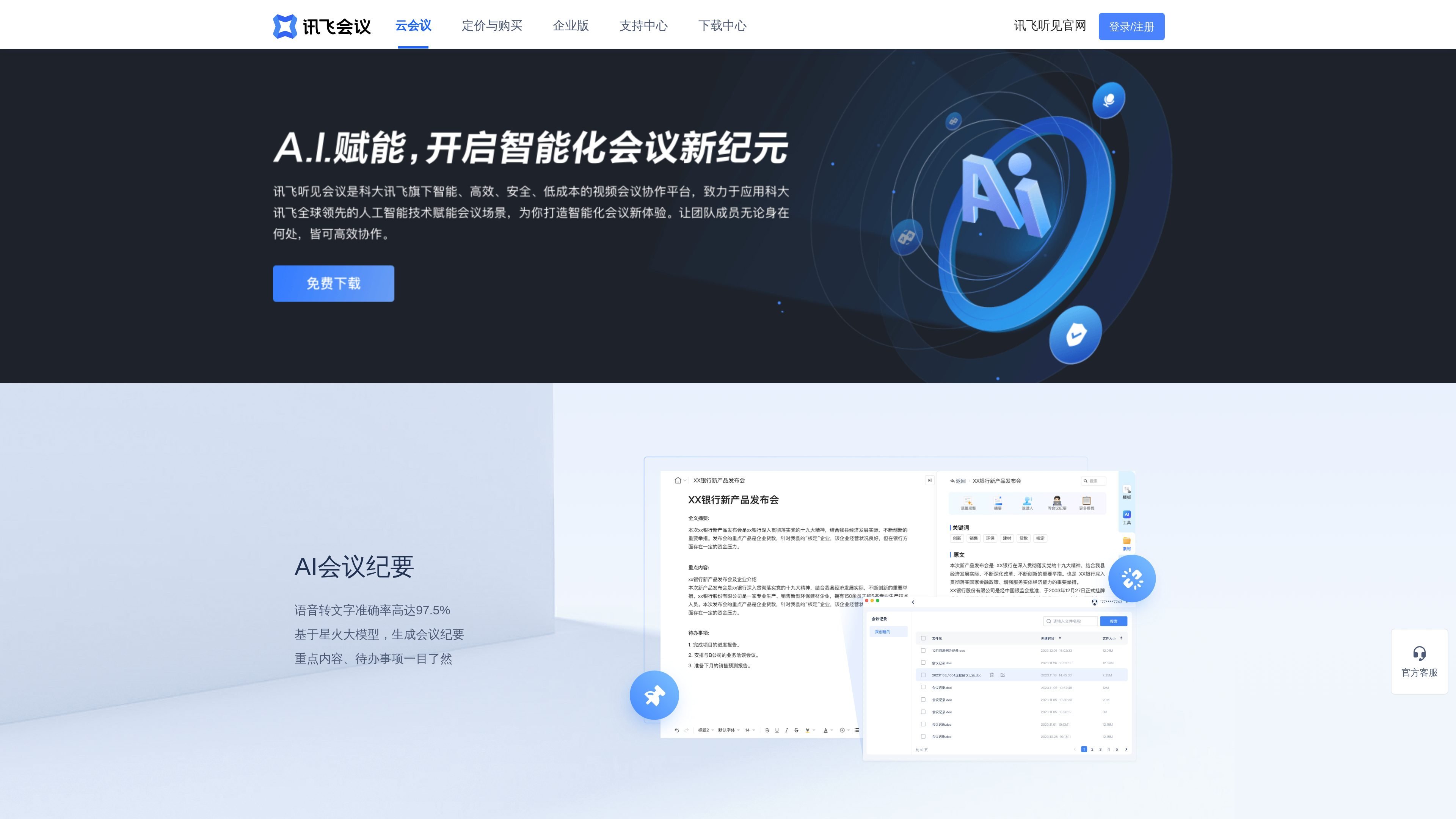
AI Meeting Notes and Transcription
The page explicitly mentions AI meeting notes and speech-to-text accuracy of up to 97.5%, and says meeting notes are generated based on the Spark large model, highlighting key points and action items.

Cloud video meetings with AI transcription, translation, and notes
Xunfei Meeting is a cloud video conferencing collaboration platform under iFLYTEK, providing audio and video conferencing capabilities for online remote meetings, enterprise collaboration, and meeting room scenarios. The official website highlights its core features, including AI transcription and translation, automatic meeting note generation, high-definition and stable audio/video connectivity, and multi-device access from PCs, Macs, mobile phones, and smart hardware terminals.
Based on the product information, it is more than basic video conferencing software, covering meeting collaboration, meeting management and control, and enterprise administration capabilities. The Business and Enterprise plans support larger participant counts and longer meeting durations. The Enterprise plan further provides an enterprise directory, enterprise member management, and centralized enterprise procurement, making it suitable for teams that require organized management.
The page explicitly mentions AI meeting notes and speech-to-text accuracy of up to 97.5%, and says meeting notes are generated based on the Spark large model, highlighting key points and action items.
Supports real-time captions, real-time translation, and automatic meeting note generation, making it suitable for cross-language collaboration and post-meeting organization.
Provides high-definition audio and video, clear sound without lag, smooth video without interruptions, plus echo cancellation and weak-network optimization, emphasizing stable meeting connectivity.
Supports screen sharing, app sharing, file sharing, webpage sharing, as well as private and group chat, making it easier to share materials and discuss during meetings.
Supports inviting members, managing meeting entry, and host controls for participants' audio and video status, helping hosts organize meetings more easily.
Supports multi-device access from PCs, Macs, mobile phones, and smart hardware video conferencing terminals, covering common office devices.
Suitable for teams that need to meet frequently and want meeting notes automatically organized and quickly shared with attendees. AI transcription and meeting record generation can reduce manual post-meeting work.
Suitable for enterprises collaborating across regions or devices, especially when members connect from computers, mobile phones, or conferencing terminals. The product emphasizes multi-device collaboration, HD stability, and weak-network optimization.
Suitable for organizations with formal management needs, such as companies that require member entry management, host controls, and an enterprise directory. The Enterprise plan also supports enterprise member management and centralized enterprise procurement.
Suitable for project reviews, solution discussions, and external presentations that require screen sharing, file sharing, webpage sharing, and real-time communication.
Suitable for scenarios that require stable meeting experiences and multi-party participation, such as education and training, government meetings, cross-border meetings, and remote interviews.
Xunfei Meeting offers a free plan, a Business plan, an Enterprise plan, and comprehensive solutions for government and enterprise customers as well as industry clients. The free plan supports up to 25 participants and 40 minutes per meeting; the Business plan supports up to 500 participants and 24-hour meetings; the Enterprise plan supports up to 500 participants and includes enterprise meeting management, an enterprise directory, and enterprise member management.
According to the page, Xunfei Meeting supports multiple deployment options, including public cloud and private cloud. The Enterprise plan also supports integrated software and hardware terminal management, making it suitable for scenarios where video conferencing devices need to be managed centrally.
The product page states that Xunfei Meeting supports real-time captions, real-time translation, and automatic meeting note generation, and can output meeting records, speaker separation, and filler-word filtering. The homepage also mentions one-click sending of meeting records for easier post-meeting organization and distribution.
The page shows that it is suitable for internal enterprise collaboration, cross-company business negotiations, remote interviews, multi-location work, remote collaboration, as well as education and training, government meetings, and cross-border meetings.
The official website states that it supports access from PCs, Macs, mobile phones, and smart hardware video conferencing terminals, and provides entry points for online customer service, technical support center, download center, and sales contact.
Traffic data is for reference only.
| Apr | 2334 |
|---|---|
| May | 3669 |
| Jun | 1714 |

teameet.cc
Video meetings with AI translation, captions, transcription, recording, and host controls

saydi.ai
Saydi is an AI voice translation tool for meetings, events, and conferences, offering live interpretation, transcription, and professional meeting workflows.

trywalkie.com
Walkie is a voice productivity app for dictating polished text into any application, transcribing meetings, reading text aloud, and performing selected computer actions hands-free. It supports desktop platforms and iPhone, with cloud and fully on-device transcription modes.

screenapp.io
AI audio and video recorder for transcripts and notes

circleback.ai
AI meeting assistant for notes, action items, transcription, search, and automations

bluedothq.com
Bluedot is a bot-free AI note taker for online, phone, and in-person meetings, creating transcripts, notes, and action items that sync with your favorite tools.