
Single or multiple references
Combine one or more screenshots or reference images, or supply a website URL, as the starting point for visual analysis.

Turn visual references into a style brief, CSS variables and builder-ready prompts, with Pro exports for implementation.
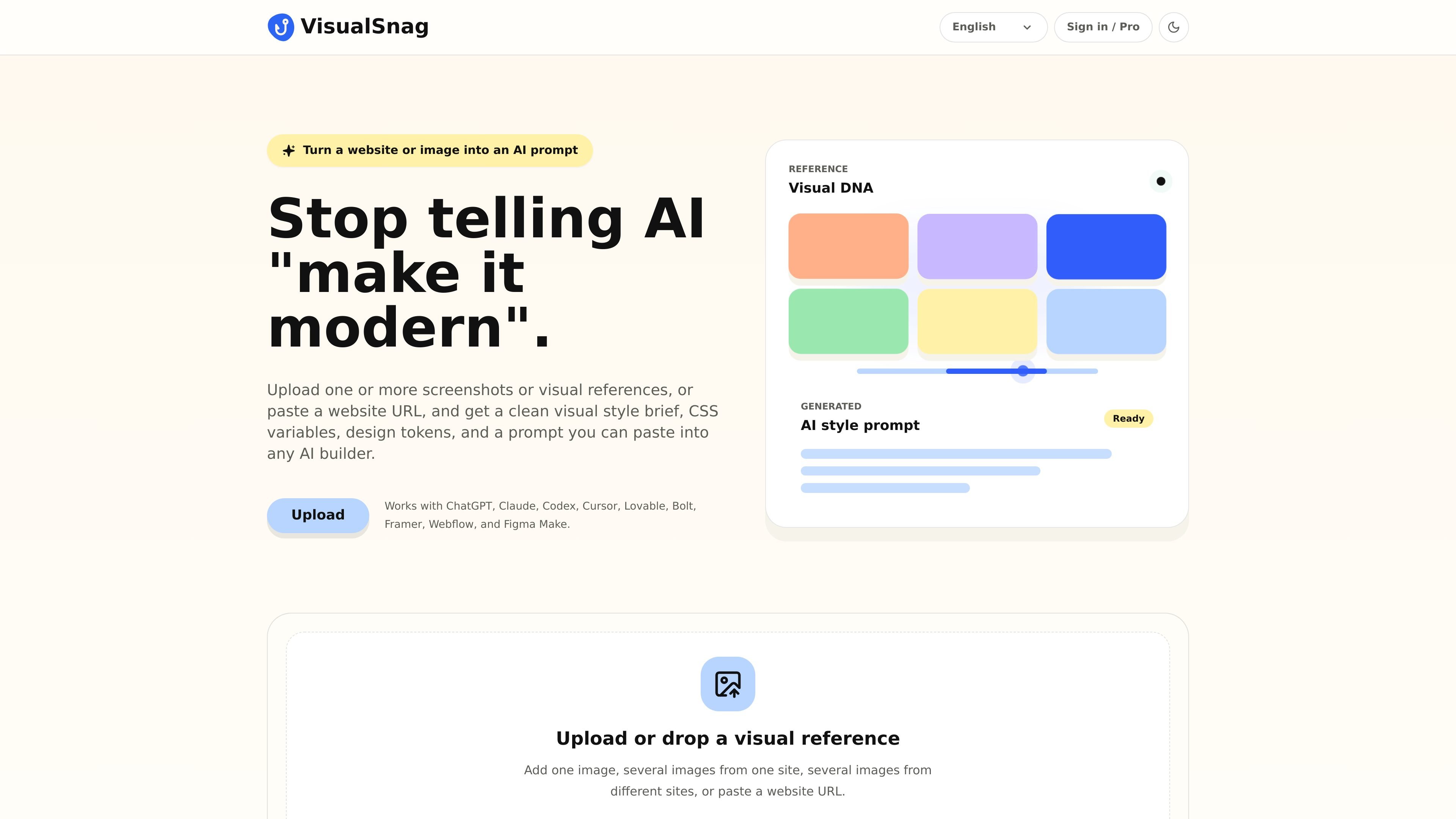
VisualSnag analyzes screenshots, reference images or a website URL to prepare design materials for a new interface. Add one image, several views of the same site or references from different sites, run the analysis, and review the generated style direction alongside a UI preview.
The Free plan provides basic reference analysis, a style brief, basic CSS variables and a universal prompt. Pro adds enhanced analysis, platform-specific prompts and downloadable STYLE.md, variables.css and tokens.json files. Use those materials to brief a designer, guide frontend work or prepare a prompt for an AI builder.
Combine one or more screenshots or reference images, or supply a website URL, as the starting point for visual analysis.
Translate a visual reference into a readable design direction and basic CSS variables, with a universal prompt available on Free.
Pro provides platform-specific prompts in addition to the basic universal prompt. Copy the prompt into the AI builder you use.
Inspect the generated UI preview alongside the analysis before using the result in a design or development workflow.
Download STYLE.md, variables.css and tokens.json on Pro, with AI-enhanced visual and website URL analysis included in that tier.
Use a reference screenshot to describe a direction more clearly before starting a new interface.
Bring Pro CSS-variable and token exports into the implementation workflow, reviewing the generated choices before adoption.
Analyze several images to develop a cohesive visual direction rather than handing a builder unrelated screenshots.
Choose or drop one or more reference images, or paste a website URL, then analyze the reference. The app presents design materials and a UI preview; available outputs depend on the plan.
Free includes basic visual-reference analysis, a style summary, preview, basic CSS variables and a universal prompt. File exports and enhanced URL analysis are Pro features.
Pro is a monthly subscription: UAH 530 in Ukraine or $12 internationally. International payments are processed in the UAH equivalent using WayForPay’s exchange rate; the card issuer may apply its own conversion rate or fee.
Copy and paste the generated prompt into your chosen builder, such as Cursor, Lovable or Figma Make. Use the universal prompt on Free or a platform-specific prompt on Pro.
Traffic data is for reference only.
| Mar | 0 |
|---|---|
| Apr | 0 |
| May | 0 |
Traffic analytics are not available yet.

www.usegalileo.ai
Turn prompts and references into UI designs and interactive prototypes

pixelcrew.ai
PixelCrew is an AI design workflow that coordinates specialized agents to turn a written brief into research, creative direction, UX wireframes, copy, design-system assets, QA documentation, and production HTML/Tailwind. It’s for people and teams who need websites, dashboards, landing pages, or design systems without starting from a rigid template.

tastemaker-skill.online
Tastemaker is a workflow skill for coding agents that turns product context and visual references into UI screens, assets, contrast-checked color systems, and local design decisions. It is designed for agents such as Claude Code, Windsurf, and Gemini CLI.