
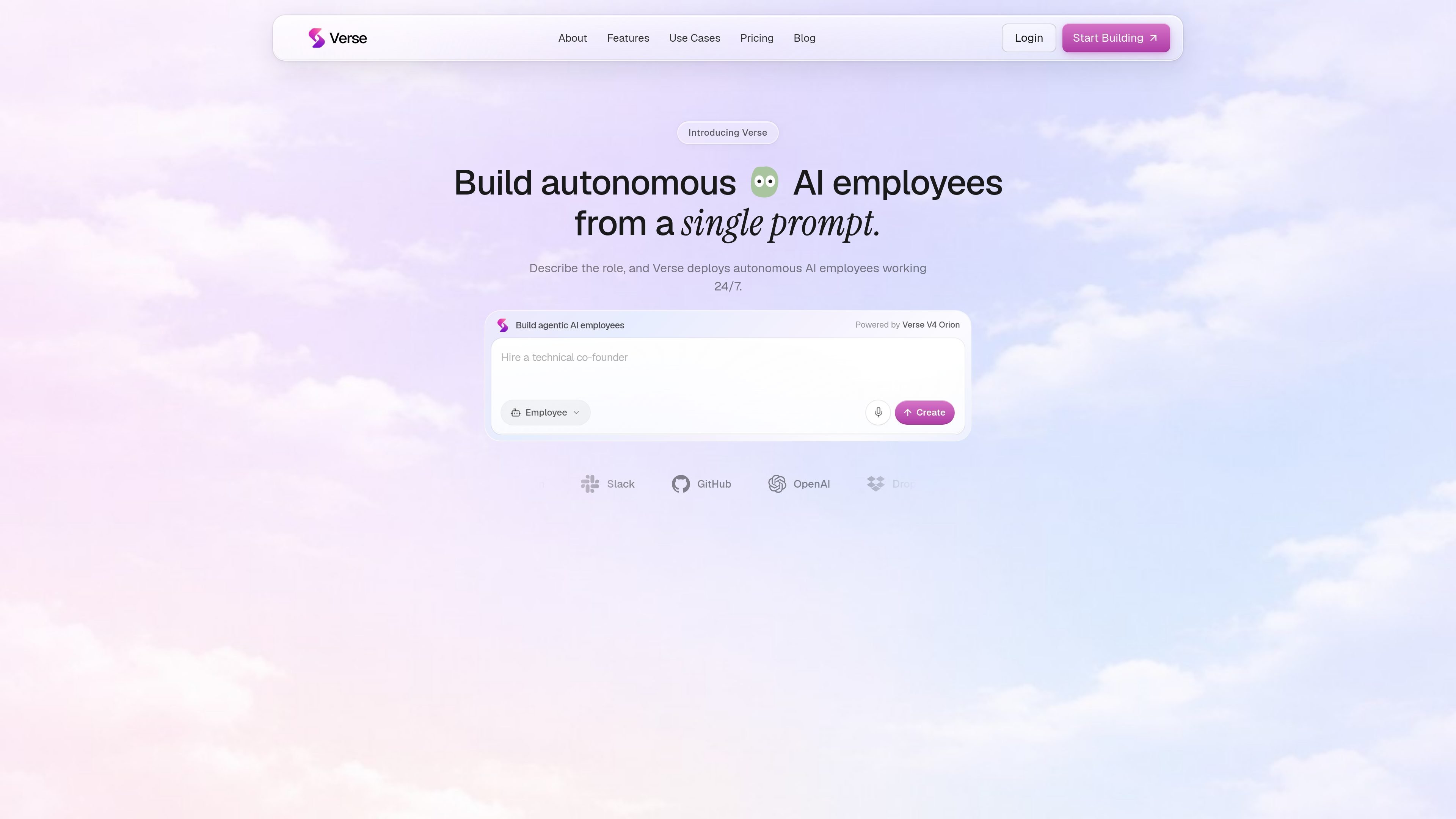
Prompt-based employee creation
Describe a role in plain language and Verse sets up an AI employee to work from that prompt. The product is positioned around turning a job description into an autonomous worker without technical setup.

Verse is a platform for building autonomous AI employees from plain-language prompts, helping individuals and teams automate recurring work with connected tools, workflows, and shared agent workspaces.
Verse is a platform for creating autonomous AI employees that can take actions on your behalf. The product is built around a simple prompt: you describe the role you want, and Verse deploys an AI employee that can use your tools, hold context, and run work continuously.
The site positions these employees as software workers rather than chat assistants. They can browse the web, access connected systems, run code, and operate with their own memory, goals, and permissions. Verse also offers workflow generation, shared workspaces for multiple agents, and plan tiers for individual users and teams.
The published materials frame Verse as useful for recurring work across business functions such as marketing, sales, support, research, recruiting, operations, and product management. Pricing is presented as a subscription with monthly or annual billing, usage credits, and no time-limited trial; new accounts instead get free credits to evaluate the product.
Describe a role in plain language and Verse sets up an AI employee to work from that prompt. The product is positioned around turning a job description into an autonomous worker without technical setup.
Verse says AI employees can use tools, write code, access systems, browse the web, build tools, and use computers. The terms also describe cloud browsers, cloud computers, and optional local computer control through Verse Desktop.
Employees can be given their own memory, goals, self-direction, and access permissions. The product is designed to hold context over time rather than starting from scratch on every run.
The product supports Agent Spaces for multi-agent collaboration and shared workspaces. The pricing page ties this to team-oriented plans, with shared memory available on Scale.
Verse includes AI workflow generation from a single prompt or recording, plus a visual flow for building automations. The home page emphasizes that this can be done without scripts, YAML, or glue code.
The site says each employee can have its own email identity, phone, virtual card, computer, and crypto wallet, with spending and trading capabilities described in the Terms where enabled. These capabilities are presented as part of the employee model, not as separate manual tools.
Use Verse to deploy a research-focused employee that gathers sources, checks claims, and turns messy notes into cited briefs. The home page presents this as a role built for deep work rather than surface-level summarization.
Marketing teams can assign an employee to draft content, track competitor and pricing shifts, schedule campaigns, and report on what is driving growth. The product also shows workflow generation for repetitive marketing operations.
A personal assistant employee can triage email, draft replies, schedule meetings, prepare briefs, and keep a day organized. This fits users who want recurring admin work handled continuously.
Product teams can use a product manager employee to turn feedback into specs, groom the backlog, and send weekly updates. This is aimed at keeping delivery organized without manually rewriting the same status work.
Teams can use shared spaces and multi-agent collaboration to delegate work across several employees. The pricing page positions this for shared team workflows, while the site’s examples include support, sales, finance, and operations roles.
Yes. The pricing page says you can upgrade, downgrade, or cancel at any time from Settings → Billing. Upgrades take effect immediately, while downgrades and cancellations take effect at the end of the current billing period.
Verse is built for creating autonomous AI employees and workflows through a web app, desktop app, command line tools, and APIs. The Terms also mention integrations, cloud browsers, cloud computers, and optional local computer control through Verse Desktop.
Paid plans include monthly usage credits that reset each billing month and do not roll over. When credits run out, AI features pause until the next reset or an upgrade. Free accounts get a small one-time credit grant for evaluation.
The pricing page says Professional and Scale plans include connector support through the standard tool library and Composio connectors. It also says you can contact support if you need a custom connector built.
No time-limited trial is listed. Instead, new accounts receive free credits so they can try building AI employees and workflows before paying.
Traffic data is for reference only.

codewords.ai
CodeWords is an AI agent platform for building and deploying hosted workflows from natural-language descriptions, with a focus on WhatsApp agents. Automate conversations, notifications, and tool-connected tasks without manually assembling flows.

www.quaso.ai
Quaso is an AI automation agent that turns plain-English instructions into browser-based workflows and app-connected tasks. It is aimed at people and teams automating recurring reporting, triage, monitoring, research, and admin work.

www.gumloop.com
Gumloop is a no-code AI automation framework for building and hosting business workflows and agents, helping teams automate tasks and connect data.

lutra.ai
Lutra AI turns plain-language instructions into automated workflows across connected apps.

superagent.com
Hyperagent is an AI agent platform for teams that need research, building, and delivery handled through ongoing workflows. Connect via Slack, Telegram, webhooks, or schedules to create websites, dashboards, slides, documents, and video.

toolhouse.ai
Toolhouse turns plain-language tasks into completed work with connected tools.