
GitHub-based spending limit
Connect GitHub and Vaaya reads public contribution signals such as contributions, merged pull requests, public commits, issues, account age, and activity consistency to set an initial limit and a ceiling for growth.

Vaaya lets developers connect GitHub to a spendable credit balance for AI agents, then pay per call for models, data, search, scraping, compute, storage, and other services through one account. It works with MCP-capable agents and also offers chat and API access.
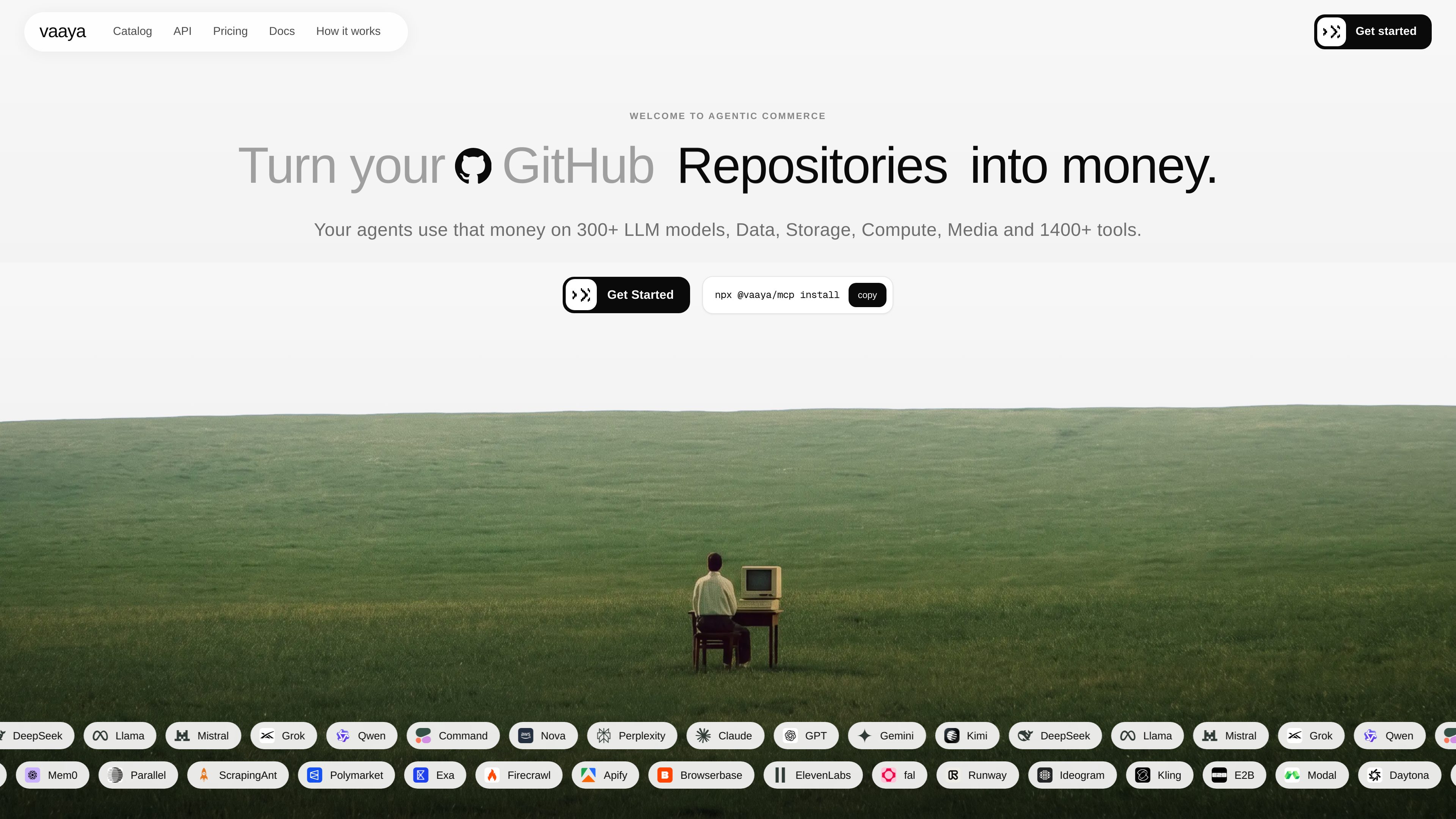
Vaaya is an access and payment layer for AI agents. It turns a developer’s GitHub contribution history into a spend limit, adds a free $2 welcome balance, and lets agents spend that balance on services in Vaaya’s catalog.
The product is built around pay-per-call access. Vaaya shows the price before each call, settles only successful calls, and keeps all charges in one ledger. It supports use through an MCP connection, a browser chat experience, and an API, so the same balance can be used from different entry points.
Connect GitHub and Vaaya reads public contribution signals such as contributions, merged pull requests, public commits, issues, account age, and activity consistency to set an initial limit and a ceiling for growth.
Vaaya quotes the price before each call, meters usage to the cent, and charges only when the call succeeds.
Agents can spend the same balance on models, data, search, scraping, media, compute, storage, and other cataloged services.
Vaaya can be connected to MCP-capable agents, used from chat in the browser, or called through its API and tool reference.
In addition to GitHub-backed credit, users can buy prepaid packs such as $10, $30, or $100 that do not expire.
Successful calls appear in one history with the price and result, instead of separate vendor invoices.
A developer can give an agent a single balance instead of wiring in separate API keys and accounts for each service provider.
Agents can search, scrape, read, and cite live web sources, then continue monitoring or synthesizing results across multiple steps.
Teams can route calls to different LLMs through one OpenAI-compatible or agent-facing entry point, while paying per answer or per token depending on the service.
Agents can run code, use browsers, or access compute and storage services without a separate seat or vendor relationship for each tool.
Users who prefer a fixed outlay can add a prepaid pack and let agents spend from that balance as needed.
Vaaya shows the price before a call runs, charges only for successful calls, and records the result and charge in one ledger.
No. Vaaya is designed to let an agent spend through one balance across many services in the catalog.
Yes, if the agent supports MCP. The docs also mention browser chat and API access.
Every account starts with a $2 welcome balance, and GitHub-connected credit can be card-backed for amounts above that. Prepaid packs are also available.
Failed calls are free and are not billed.
Traffic data is for reference only.

www.clarkchat.com
Clark Labs offers Clark Agent for autonomous cloud-based web work and Clark Code for local or SSH-based coding tasks. It also provides an OpenAI-compatible API gateway to call Clark models or route frontier models through Clark.

aymo.ai
Aymo AI is a browser-based multi-model AI workspace for individuals, creators, developers, and teams. It combines access to 60+ AI models with file analysis, web search, specialized tools, and collaboration features in one account.

harnessrouter.ai
HarnessRouter is an agent backend layer that lets teams connect Codex, Claude Code, and Hermes to their product through a single API on their own infrastructure. A managed cloud option is also available for teams that prefer not to operate the agent runtime themselves.

voidleap.com
Voidleap Code is a desktop IDE for professional developers and AI engineers building software with AI agents. It runs locally on Mac and Windows, supports cloud provider accounts or local models, and lets you inspect and control prompts, tool calls, context, and file changes.

cto.new
cto is an AI platform for building apps, agents, and startup workflows on frontier models. It coordinates multi-agent teams and lets you get started free, with no credit card or API key required.

mistral.ai
Mistral is an enterprise AI platform for building assistants, coding agents, custom models, and deployment workflows, with Vibe, Studio, Forge, and Compute.