Unified model access
Access more than 15 top AI models in one platform instead of switching between separate tools.

AI chat platform unifying 15+ models with voice, Remix, and document handling
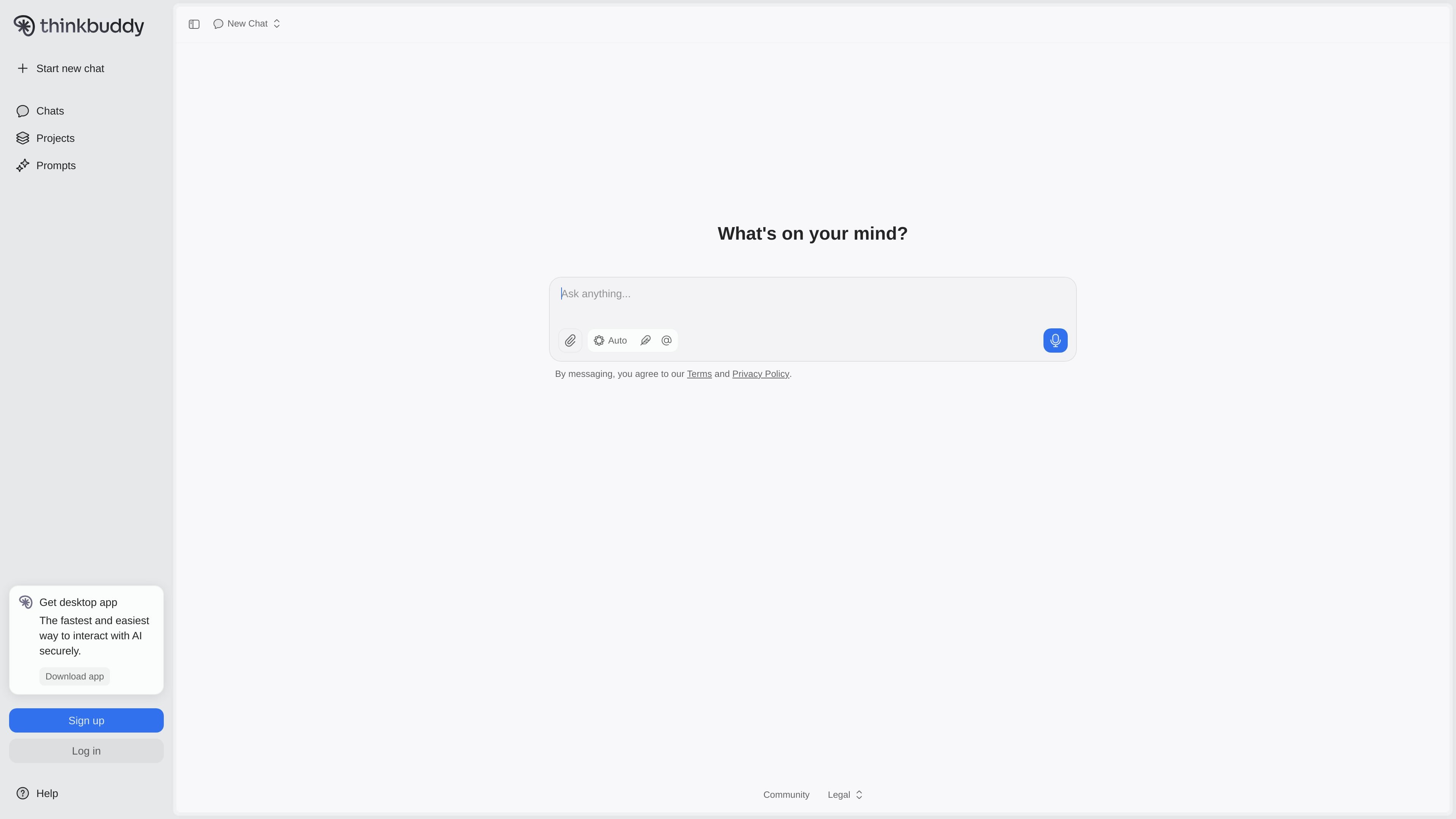
Thinkbuddy is an AI chat platform that brings multiple leading models into a single interface. The product homepage describes it as a way to unify more than 15 top AI models and presents it as a secure place to start new chats, manage projects, and work from prompts.
The product’s feature set centers on practical interaction modes rather than a single-model chat box. It highlights Remix, voice interaction, document handling, and a desktop app, which points to a workflow built for users who want to move between models and tasks without leaving one environment.
Access more than 15 top AI models in one platform instead of switching between separate tools.
Use Remix to work with AI outputs in a way that supports iterative follow-up and refinement.
Interact with AI by voice as well as text, supporting hands-free or conversational use.
Handle documents inside the product, which supports workflows that depend on reading or working from files.
Use the desktop app for a local application experience alongside the web product.
Useful for people who want to compare or switch between AI models without juggling separate products.
Fits workflows where a user wants to speak to the assistant rather than type every prompt.
Useful when the work depends on reading or working from uploaded documents inside the same environment.
Appropriate for iterative drafting or refinement when a user wants to remix AI output and continue from there.
Helpful for users who prefer a desktop app experience instead of only using the browser.
Thinkbuddy is an AI chat platform that unifies more than 15 top AI models in one place. It is presented as a secure way to interact with AI and includes features such as Remix, voice interaction, and document handling.
The source does not list a full setup flow, but the homepage points to downloading the desktop app or signing up to start a new chat. That suggests users can begin through the web experience and the desktop app option.
Thinkbuddy is aimed at people who want to work with multiple AI models from a single interface, especially for chatting, voice interaction, and document-related tasks.
The pricing page is available, but the provided source text does not include plan names, prices, or limits. It confirms that pricing information exists on the site without exposing the details here.
Traffic data is for reference only.