
No-code agent builder
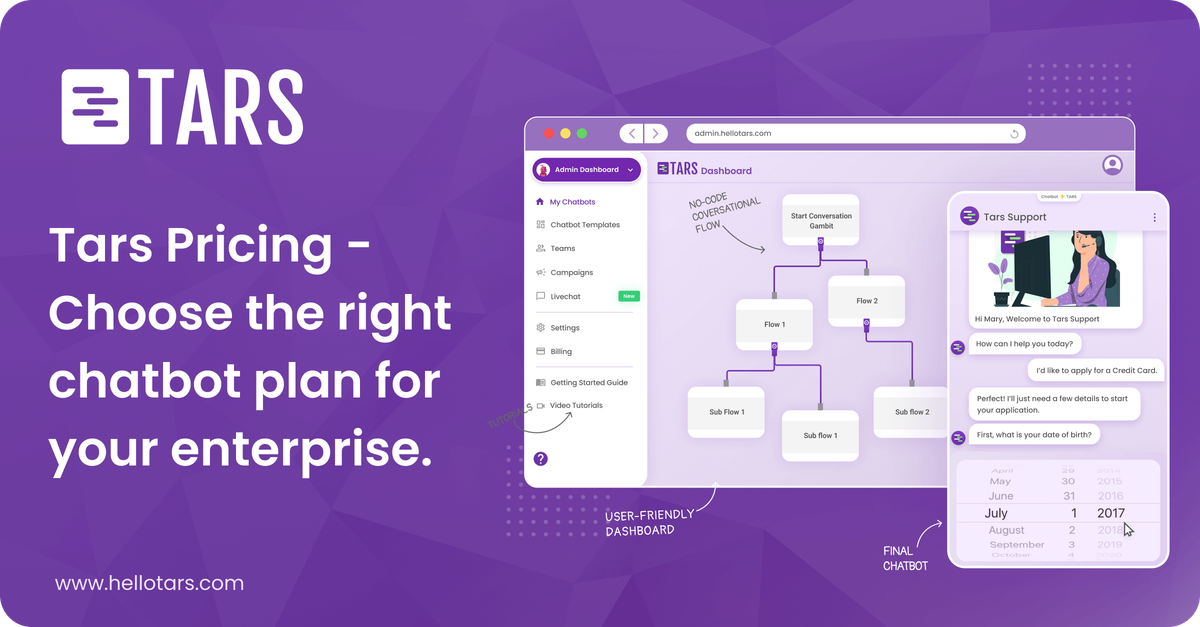
Create AI Agents without writing code using a visual drag-and-drop builder. The site says you can configure behavior, connect data sources, and build production-ready agents in minutes.

Tars is a no-code AI agent platform for support and lead generation.
Tars is a no-code platform for building AI Agents that automate customer support and lead generation. It is presented as a customer experience automation tool that helps teams handle high volumes of conversations without adding headcount.
The product centers on a visual builder, reusable templates, and a workflow the site describes as Build, Customize, Deploy, and Analyze. Teams can connect data sources and tools, train agents on their own content, test responses before launch, and then monitor performance after deployment.
Create AI Agents without writing code using a visual drag-and-drop builder. The site says you can configure behavior, connect data sources, and build production-ready agents in minutes.
Use pre-built templates or start from scratch, then customize the agent’s prompt, guardrails, and model choice. The homepage describes Gambits as the building blocks of an agentic workflow.
Train agents on your own data and pair them with a knowledge base for semantic search and retrieval. The product page frames this as a way to answer high-volume questions with accurate, personalized responses.
Test agents before launch with synthesized datasets and question sets that evaluate retrieval accuracy, tool selection, response quality, and behavioral consistency.
Deploy agents on a website, publish them on WhatsApp, or integrate them with Slack. The homepage also says agents can be shared internally for team use.
Review conversation analytics after launch, including unique visits, goal completion, CX scores, resolution rates, deflection rates, sentiment analysis, and conversation transcripts.
Automate high-volume support questions with agents trained on a company’s own documentation and knowledge base. This fits teams that want accurate, personalized answers without expanding frontline staff.
Engage site visitors immediately, qualify intent, and capture lead details before a prospect leaves the page. The homepage positions this as a way to avoid missing acquisition opportunities at any hour.
Create internal or external assistants for specific service workflows, such as IT help, municipal service requests, or hospital navigation. The template examples show agents routing users to the right next step and collecting the information needed to continue the process.
Measure whether conversations are resolving issues, deflecting support, or losing users mid-flow, then update prompts or content based on the analytics. This is useful for teams that want to tune an agent over time instead of treating launch as the finish line.
Add an AI layer to a team’s existing channels and collaboration tools, including website embeds, Slack, and selected integrations such as HubSpot, Notion, or Zapier. This scenario fits teams that want the agent to sit inside current operations rather than replace them.
Tars provides a visual no-code builder for creating AI Agents and says you can build, customize, deploy, and analyze them without writing code. The site also mentions pre-built templates, testing before launch, and deployment to website embeds, WhatsApp, and Slack.
The homepage positions Tars for customer support and lead generation. It describes agents that answer support queries, qualify buying intent, and capture leads while handling high volumes of interactions.
The pricing page shows a Freemium plan, a Premium plan, and an Enterprise plan. Premium adds larger usage tiers and support options, while Enterprise adds white-glove onboarding, unlimited knowledge bases, custom integrations, SSO, and configurable access and retention settings.
Yes. The site says the analytics area shows metrics such as unique visits, goal completion, CSAT, resolution rates, deflection rates, sentiment analysis, and full conversation transcripts.
The source mentions integrations with tools such as Firecrawl, Notion, HubSpot, Slack, Zapier, Google Analytics, Facebook Pixel, and AdWords conversion tags, and it also says Tars can connect with 600+ tools. The exact supported set depends on plan and implementation.
Traffic data is for reference only.

tidio.com
Tidio combines an AI agent, live chat, help desk, and automation to help teams support customers and capture leads with human handoff.

podium.com
Podium is a lead generation and management platform for local businesses, combining AI-assisted messaging, reviews, payments, and automations.

noform.ai
Website-based AI sales assistant for lead capture, qualification, and 24/7 pre-sales support

muraena.ai
AI-powered B2B lead generation for small teams and SDRs

www.tables.so
Tables is a sales intelligence and lead-generation platform for finding prospects, enriching contact records, and researching companies with AI. It also supports CRM sync, LinkedIn prospecting, and Claude-based workflows.

groweasy.ai
AI lead generation and automation for campaigns, follow-up, WhatsApp, telephony, and voice agents