
Create content from one recording
Generate transcripts, show notes, summaries, articles, newsletters, titles, social posts, clips, and more from uploaded audio or video.

Turn podcast and video recordings into transcripts, clips and publishable content with AI.
Swell AI turns audio and video into transcripts, clips, show notes, summaries, articles, titles, newsletters, social posts, and other podcast or video marketing content. You can set a brand voice and reusable templates to shape generated assets.
Upload a recording or import an episode, generate content, and use the transcript editor to highlight and clip sections of the transcript. Projects organize multiple shows and their workflows; RSS or Apple Podcasts imports and Google Drive or Dropbox exports support back-catalog and team work.
Generate transcripts, show notes, summaries, articles, newsletters, titles, social posts, clips, and more from uploaded audio or video.
Use the transcript editor to highlight and clip moments. AI suggestions surface sections to review, and saved clips remain accessible to the team.
Swell AI automatically labels speakers and lets you share a transcript with a public or team-facing link.
Set a brand voice and save reusable content templates for repeated podcast and video workflows.
Each uploaded episode comes with a chatbot that lets listeners ask questions about that recording.
Create a project for each podcast, manage show workflows in one dashboard, and make saved clips available to the rest of the team.
Turn an episode into show notes, summaries, titles, articles, and social posts so a host can prepare material for a release.
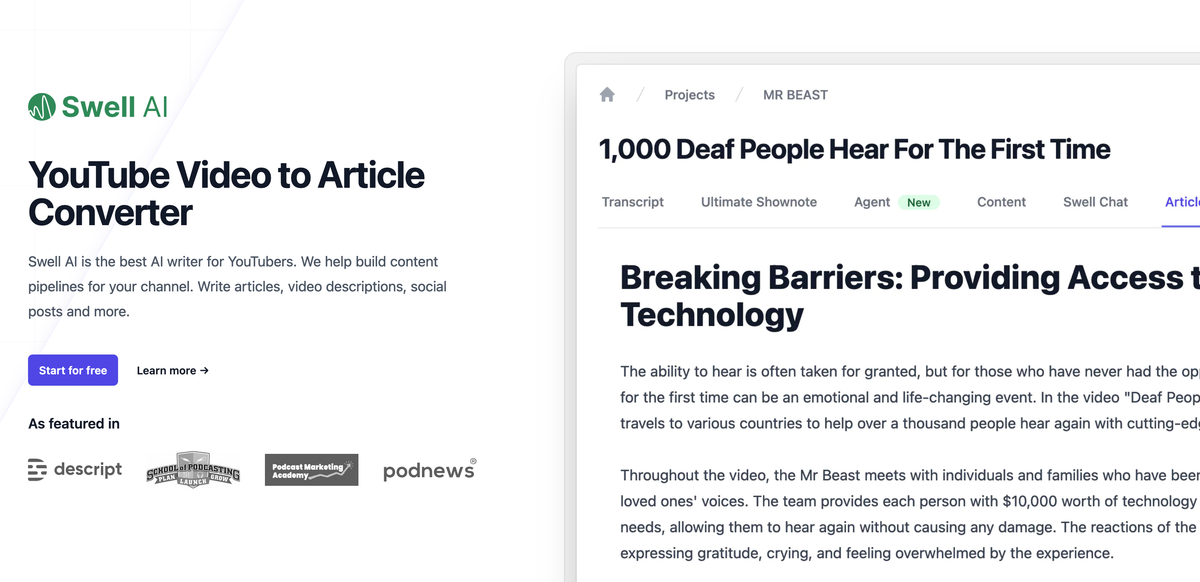
Paste a YouTube video URL into a project and receive an article, with video descriptions and social copy available for promotion.
A podcast team can organize each show as a separate project, import catalog episodes, and share saved clips with teammates.
Give listeners access to the episode’s chatbot so they can ask questions about the recording after publication.
Swell AI accepts audio or video media. You can paste a YouTube URL into a project or import podcast episodes from RSS or Apple Podcasts.
It can create transcripts, show notes, summaries, titles, articles, newsletters, social posts, clips, and other materials from a recording.
Yes. Every uploaded episode comes with a chatbot that lets listeners ask questions about that recording.
Yes. Hobby includes one upload per month at no charge. Paid plans include a monthly transcription-minute allowance.
Traffic data is for reference only.

taja.ai
Repurpose long-form video into clips, posts, and social content, then schedule across major platforms.

videotap.com
Video Tap turns uploaded videos into blog posts, clips, summaries, subtitles, and other publishable assets for creators and teams to reuse across channels.

tugan.ai
Turn videos, articles, or URLs into publishable marketing content.

runninghub.ai
RunningHub is an AI content creation platform that combines ComfyUI workflows, AI applications, an infinite canvas, image and video generation, and model API access. It supports creators and developers building visual content workflows or adding generative AI capabilities to applications.

socialcurator.com
Social Curator helps business owners create content, plan posts, and turn followers into customers with Dottie, education, scheduling, and post management.

www.vitra.ai
Vitra Universe is an agentic content platform for creating, translating, personalizing, reviewing, and publishing video, images, documents, websites, and app content. It is designed for marketing, localization, product, engineering, agency, and enterprise teams that need shared content memory and controlled workflows.