
Knowledge pods
Group videos, podcasts, documents, PDFs, articles, and voice notes into scoped libraries organized by a client, topic, project, or other purpose.

Build source grounded knowledge pods from media and documents, then use them across Summify and connected AI tools.
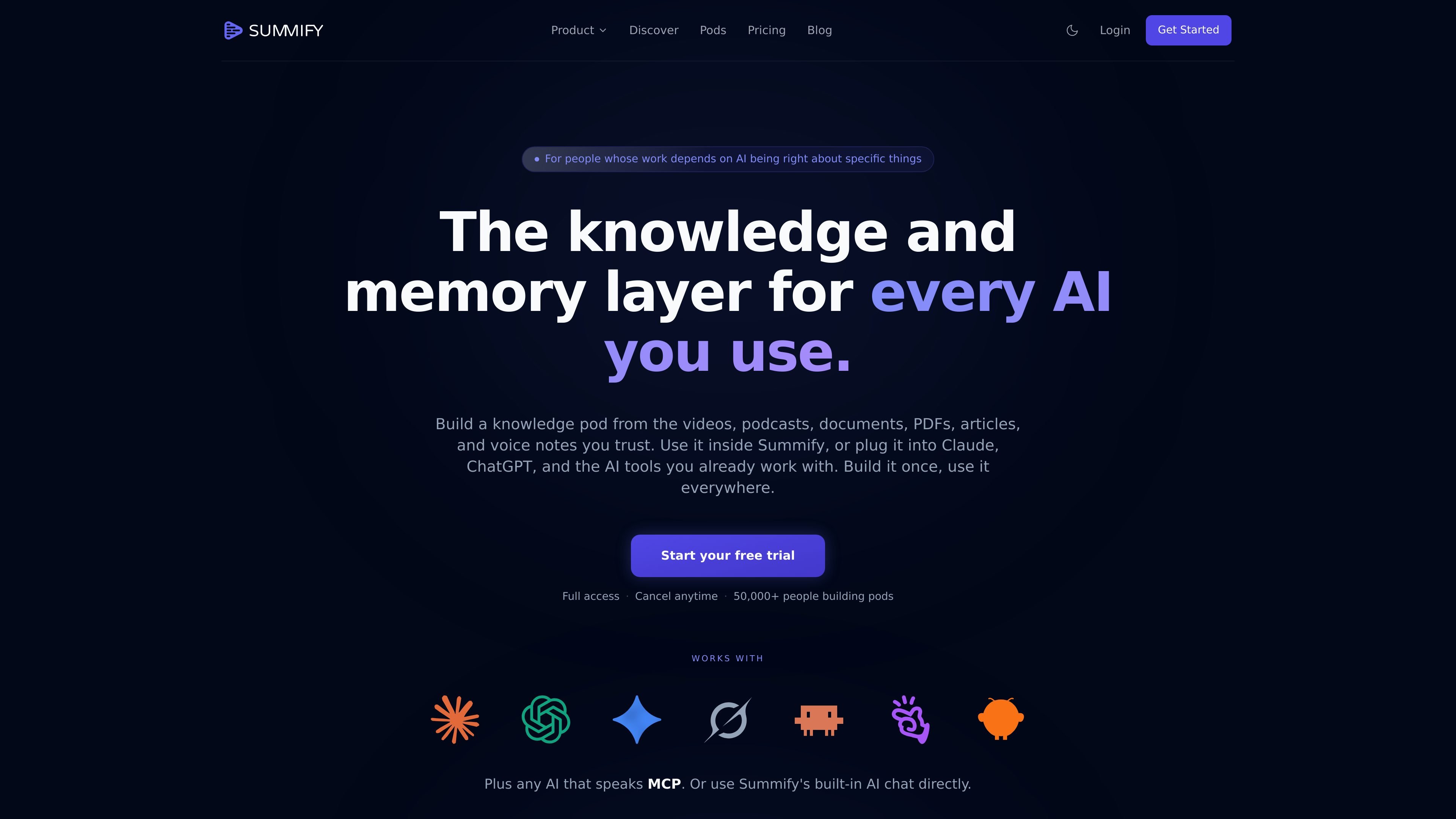
Summify is a knowledge and memory layer for AI workflows. It turns videos, podcasts, PDFs, documents, articles, and voice notes into searchable knowledge pods. Audio and video are transcribed and sources are indexed for grounded retrieval, while each source can also receive a structured summary for reading and sharing. Users can ask questions inside Summify or connect a pod to Claude, ChatGPT, Claude Code, Cursor, Windsurf, and other MCP-compatible AI tools. Answers can cite the source passage, timestamp, or document page.
Group videos, podcasts, documents, PDFs, articles, and voice notes into scoped libraries organized by a client, topic, project, or other purpose.
Ask questions about one saved source or an entire pod. Responses are based on the indexed content and include citations that link to timestamps or document pages.
Generate readable summaries with key insights, entities, questions and answers, quotes, data tables, and other extracted details. Deep Dive analysis adds timestamped insights for audio and video.
Choose from 11 styles, including General, Timestamps, Deep Dive, Q&A, Academic, Blog, X, LinkedIn, Action List, Thought Cleaner, and Transcript.
Use the same pod across Summify and connected AI tools, including Claude, ChatGPT, Claude Code, Cursor, Windsurf, and other MCP-compatible applications.
Automatic language detection supports more than 130 languages, with options to summarize in the source language or translate.
Combine interview recordings and transcripts in a pod, then ask cross-source questions about recurring problems, onboarding friction, or other themes with links back to the original interviews.
Keep brand voice references, briefs, past work, and client transcripts together so AI assisted writing can draw from the relevant source library.
Collect papers, talks, podcasts, conference recordings, and market reports, then compare findings or investigate a topic across the full pod.
Organize pitch decks, founder calls, market research, and diligence documents for review from Summify or a connected AI tool.
Store course material, recorded training, and onboarding videos in one library for later summaries, source questions, and team reference.
You can add YouTube videos, podcasts, PDFs, documents, articles, and voice notes. Audio and video are transcribed before being indexed.
Yes. Open a pod and ask questions across its sources. Summify returns an answer grounded in the pod and links claims to relevant timestamps or document pages.
Summify supports its built-in chat and connections to Claude, ChatGPT, Claude Code, Cursor, Windsurf, and other MCP-compatible AI tools.
Answers include citations to the original content. For audio and video, citations can point to a timestamp; for documents, they can point to a page.
Summify offers a free start with no card required, and the first Deep Dive is free. Its pricing page also states that a three-day trial unlocks any plan.
Traffic data is for reference only.

waper.ai
waper is a personal agent that works across connected apps, watches chosen sources, and keeps documents and saved material in a searchable knowledge base and library.

slite.com
Slite is a self-maintaining AI knowledge base that keeps team documentation current, answers questions across connected tools, and verifies information in one workspace.

heptabase.com
Heptabase is a visual knowledge base for structured learning with whiteboards, connected notes, source capture, and AI Tutor.

memo.cards
Memo AI is an AI knowledge workspace that turns PDFs, videos, websites, slides, and text into grounded answers, flashcards, notes, tests, and other study outputs for students, researchers, and teams working with dense source material.

kolosal.ai
Kolosal Planout is an AI data translation layer that turns multimodal product context into structured input for AI, helping teams define application intent across documents, meetings, designs, and knowledge.

luci.memories.ai
LUCI is a local desktop memory tool for Mac and Windows that captures computer activity and meetings, then makes that context available to search, chat, and connected AI coding agents. It is designed for people and teams that need persistent context across calls, screens, notes, and everyday workflows.