
Model-based stem separation
Choose a separation model before dropping an audio file into the uploader. The help documentation covers 5 Stem Standard and 2 Stem Pro, and describes cleaner vocal separation with the Pro model.

AI music stem separation, with free uploads and paid audio tools.
Splitter.ai uses AI to isolate musical sources in a recording. Select a model, upload an audio file, and track it through a shared processing queue. When processing finishes, the upload window shows when the results are ready to download. Its separation technology is based on Deezer’s Spleeter research project.
Free uploads provide an entry into the service. Splitter PRO lists two-stem extraction and reverb removal. A separately purchased Chrome extension can split YouTube audio after you sign in and unlock that feature in your Splitter account. Model choice affects vocal separation quality; no separation result is guaranteed to be artifact-free.
Choose a separation model before dropping an audio file into the uploader. The help documentation covers 5 Stem Standard and 2 Stem Pro, and describes cleaner vocal separation with the Pro model.
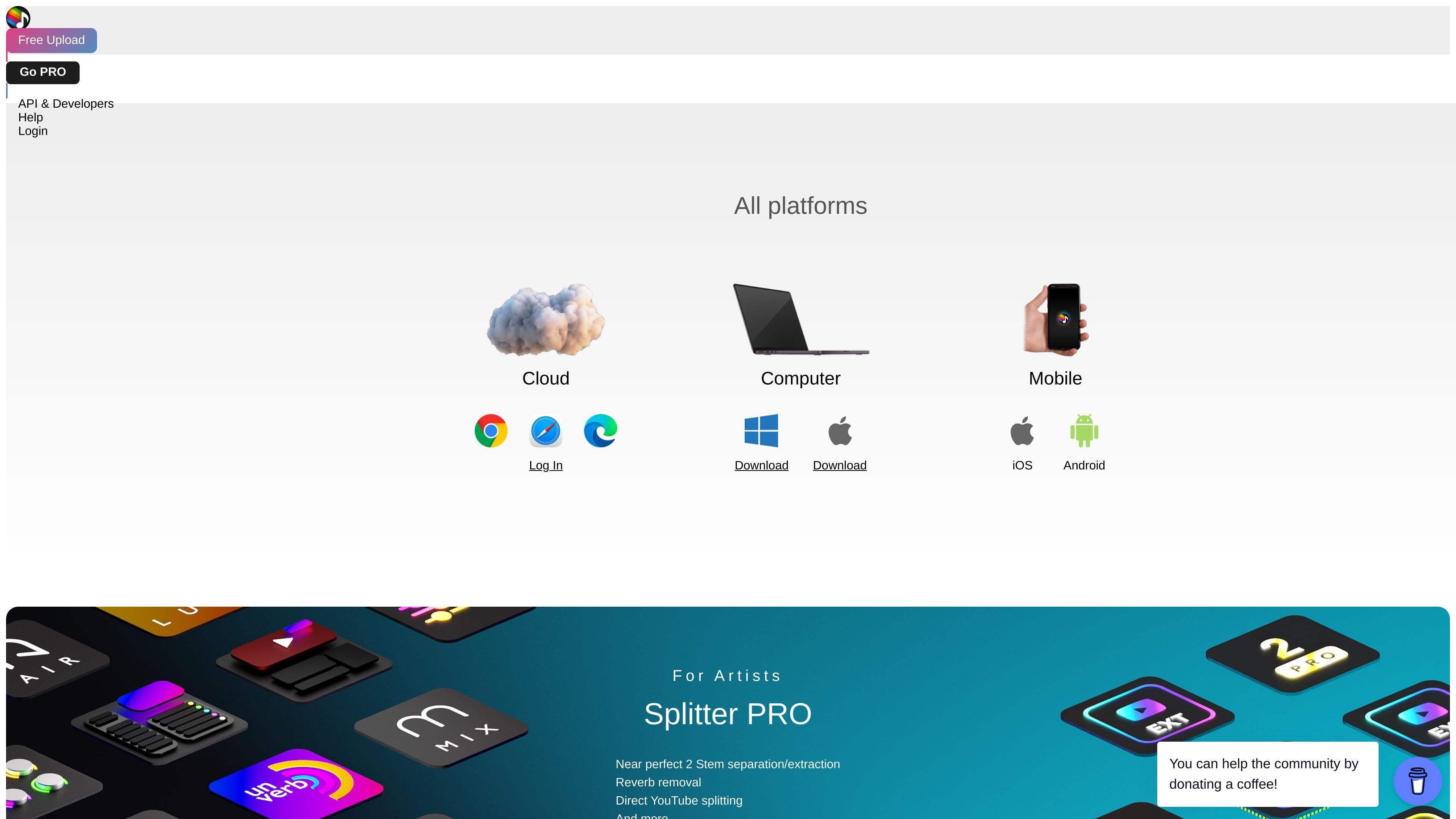
Splitter PRO lists two-stem extraction and reverb removal for isolating parts of a recording or reducing its reverberant sound.
Use My Uploads to see whether a file is queued, processing, being uploaded to the cloud, or ready to download. High traffic can increase queue times.
On Google Chrome for Windows or macOS, the extension adds a Start Splitting button to YouTube videos and shows processing status. It requires a Splitter account, purchase, installation, and an unlocked YouTube Splitting feature.
Separate a recording to listen more closely to an individual part while learning an arrangement.
Isolate sources for editing or analysis, or use the PRO reverb-removal option when a less reverberant recording is useful.
Use the purchased extension to start a split from a video page and follow its progress there or in your Splitter account.
Select a model, drag an audio file into the uploader, and open My Uploads to track progress. You can also click the uploader to select a file. Check its displayed file requirements for accepted formats and limits.
Queue bypass is available for some models through purchased CPU units, which require Splitter Studio. Ordinary uploads use a shared queue, and high traffic can increase the wait.
Uploaded files expire after one hour and are automatically deleted. Download completed results promptly rather than treating Splitter as long-term audio storage.
After uploading, you can optionally request an email notification. For free uploads, the email is stored temporarily for that notification.
Use Google Chrome on Windows or macOS with a Splitter account. Purchase the extension, install it, sign in from the extension, and unlock YouTube Splitting in your account.
Traffic data is for reference only.

lalal.ai
AI audio separation for vocals, instruments, and voices

emastered.com
eMastered masters uploaded tracks into WAV or MP3 files, with tools for reference mastering, stem separation, vocal removal, distribution, and artist link-in-bio pages.

freemusicdemixer.com
Music Demixer separates songs into stems and converts audio to MIDI or sheet-music drafts.

aimastering.com
AI Mastering is an automated online audio mastering service for music tracks, with browser-based mastering, analysis tools, and an offline version.

stockmusicgpt.com
Web-based AI music generator for royalty-free tracks, effects, and covers

vocalremoveroak.com
VocalRemover is a browser-based AI audio separation tool for removing or isolating vocals, extracting accompaniment, and splitting stems from songs or videos. It supports common audio/video files and some share links, with minute-based pricing displayed on the home page.