
Rule-based email automation
Create rules that react to sender, urgency, sentiment, language, subject, body content, attachments, time of day, calendar status, or CRM data. Snoooz can then reply, draft, ignore, or route the message accordingly.

AI email assistant for automating inbox work across Gmail, Outlook, and IMAP/SMTP mailboxes
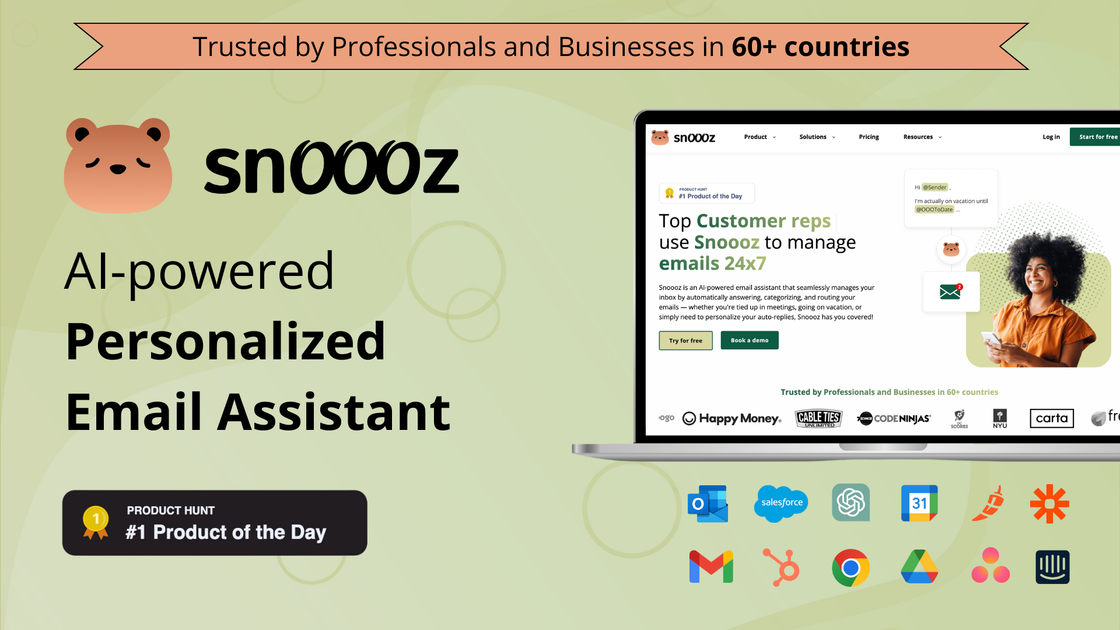
Snoooz is an AI email assistant that helps individuals and teams manage inbox work by drafting replies, sending auto-responses, categorizing messages, routing conversations, and scheduling follow-ups according to rules. It is positioned for Gmail, Outlook, and other mailboxes that support SMTP or IMAP, with native support called out for Gmail and Outlook.
The product is designed around email workflows that need context, not just speed. Snoooz can use sender details, sentiment, language, calendar state, CRM data, and message content to decide whether to reply, draft, ignore, or route a message, which makes it useful for out-of-office handling, lead response, support routing, and other recurring inbox tasks.
Create rules that react to sender, urgency, sentiment, language, subject, body content, attachments, time of day, calendar status, or CRM data. Snoooz can then reply, draft, ignore, or route the message accordingly.
Generate personalized replies from templates or AI, with support for sender context, sentiment, language, and account data. The pricing page also notes draft-first workflows so teams can review replies before auto-send.
Route conversations to the right person or backup using role-based routing, shared inbox logic, CC/BCC automation, and coverage plans. The site also mentions backup queues and escalation for urgent messages.
Automatically assign labels in Gmail or Outlook and filter spam, newsletters, cold outreach, and other low-value mail so important messages are easier to find.
Use native and workspace-oriented integrations such as Google Calendar, Gmail signature updates, Google Drive, Intercom, Asana, Chili Piper, plus webhooks, BYOK AI models, and CRM-driven decisions on higher plans.
Track who sent which autoresponder, which template was used, what rule fired, and related activity through analytics and reporting tools.
Sales teams can respond to high-value leads faster by drafting or sending replies based on account data, lead context, and routing rules. The product also supports lead qualification and follow-up workflows for shared inboxes.
Support teams can route billing issues, enterprise requests, or sensitive cases to the right backup or role, while using sentiment and urgency to decide how quickly and how personally to respond.
Operators can keep inboxes organized by auto-labeling, filtering newsletters and spam, and assigning messages to the right person so important work reaches the right inbox without manual sorting.
When someone is away, Snoooz can send personalized auto-replies, manage coverage, and help reschedule meetings or redirect conversations so customers are not left waiting.
Teams using calendar and workflow tools can connect email handling with Google Calendar, Intercom, Asana, Chili Piper, Google Drive, or CRM data so email actions reflect the rest of their operating context.
Snoooz is an AI-powered email assistant that drafts replies, sends auto-replies, categorizes emails, routes conversations, applies labels, forwards messages, and can schedule follow-ups based on your rules and data.
The source says Snoooz supports Gmail / Google Workspace and Microsoft Outlook / Office 365 natively, and also works with IMAP/SMTP mailboxes such as Apple Mail, Yahoo, Zoho, and other providers that expose IMAP/SMTP access.
Yes. Snoooz supports both draft-only and auto-send workflows, so you can review AI replies before they go out or let the system send them automatically when you are ready.
The pricing page shows plans for individuals, teams, and enterprise customers. It also lists a free trial and indicates enterprise options for larger teams that need onboarding, contracts, security, and custom integrations.
The source describes use cases such as customer support, sales, lead response, e-commerce inquiries, internal routing, and out-of-office automation. It is meant for people and teams that want email handled according to rules, context, and workflow.
Traffic data is for reference only.

revo.ai
Revo is a proactive AI assistant for work that connects to email, calendars, meetings, Slack, and other tools to draft replies and prepare actions for approval—ideal for context-aware inbox and workflow support.

autogmail.com
A Gmail-based AI assistant that drafts replies with ChatGPT and manages email

writemail.ai
AI email writer for drafting emails and replies with tone controls, multilingual support, Gmail integration, and a free plan

sparrowdesk.com
SparrowDesk is AI customer support software that automates routine tickets and assists agents across email, live chat, WhatsApp, Slack, and more, with a 14-day free trial.