
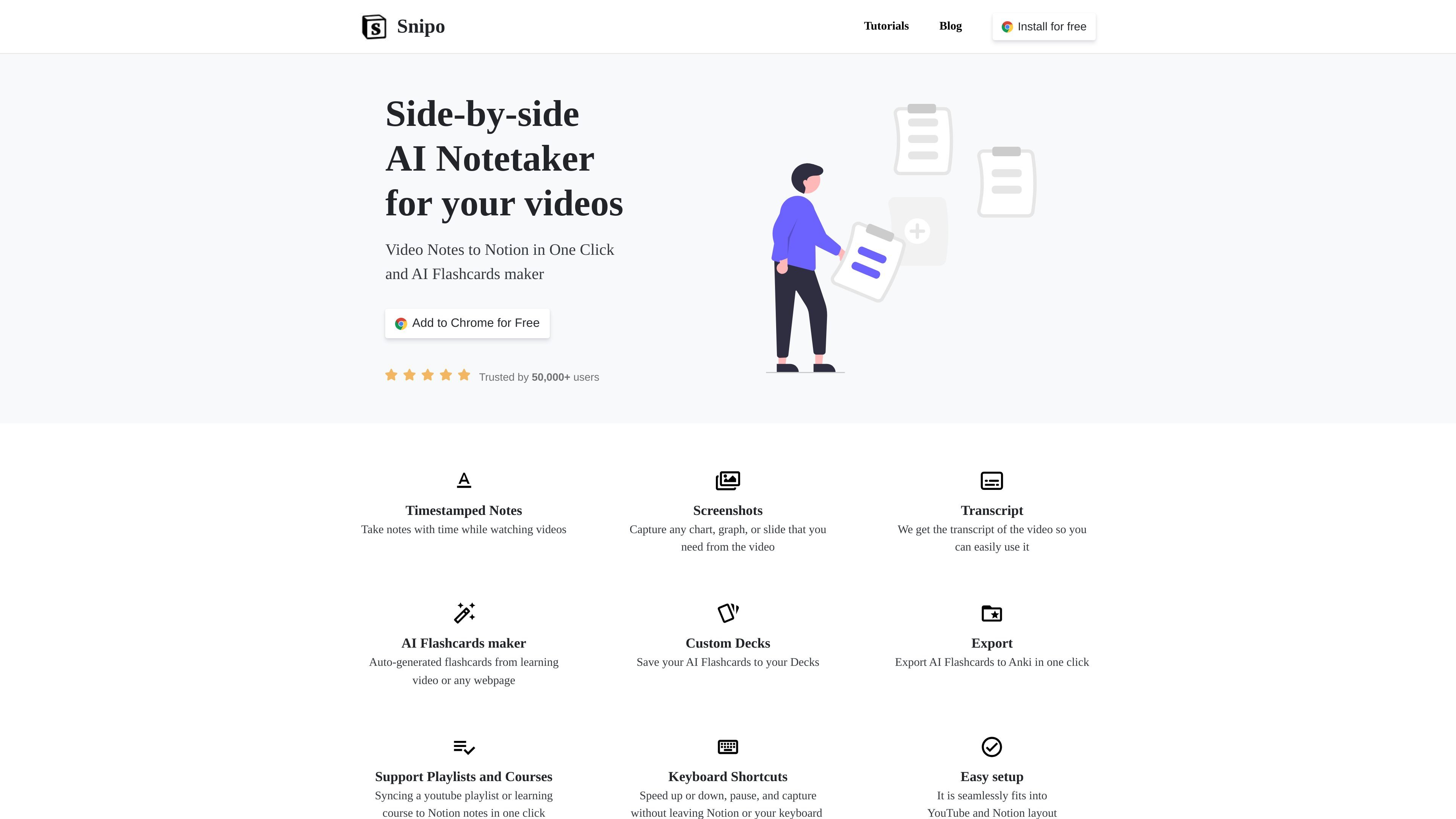
Timestamped notes
Add notes tied to video times to keep observations connected to the relevant point in a lesson.

A Chrome extension for taking video notes in Notion and creating AI flashcards.
Snipo is a Chrome extension that connects video learning with note-taking in Notion. It opens a video and a Notion note page side by side, so learners can document a lesson while watching it. Its dedicated workflows cover YouTube, Udemy, and Coursera.
Alongside video notes, Snipo offers an AI flashcard maker that generates cards from learning videos or webpages. It combines lesson capture, course organization, and review materials in a workflow for people who study from online content.
Add notes tied to video times to keep observations connected to the relevant point in a lesson.
Capture charts, graphs, and slides from videos. The YouTube, Udemy, and Coursera workflows also support recording clips.
Access video transcripts for use while writing notes, alongside video controls.
Sync YouTube playlists and learning courses to Notion. The Udemy and Coursera integrations support automatically syncing all videos from a course.
Use shortcuts to pause playback, adjust video speed, and capture content without leaving Notion or switching away from the keyboard.
Generate flashcards from learning videos or webpages, save them to custom decks, and export them to Anki.
Use Snipo with Udemy or Coursera to organize lessons in Notion and write notes as you progress through a course.
Combine explanations with captured diagrams or slides when studying a YouTube tutorial, preserving visual material alongside your written observations.
Turn a learning video or webpage into flashcards, collect cards in decks, and export them to Anki for later study.
Install the Chrome extension, open a video, and click the Make Notes button on YouTube or the Snipo Notes button on Udemy or Coursera. Snipo opens the video beside a Notion note page.
Snipo provides dedicated note-taking workflows for YouTube, Udemy, and Coursera, including video capture tools and syncing to Notion.
Yes. The AI flashcard maker supports webpages as well as learning videos.
Traffic data is for reference only.

keepmind.ai
AI study tool for creating flashcards, taking quizzes, and improving retention with spaced repetition.
mindgrasp.ai
Mindgrasp turns lectures, files, videos, and links into AI notes, flashcards, quizzes, summaries, and tutoring help.

quizgecko.com
AI learning platform that turns study materials into quizzes, flashcards, notes, and podcasts

studyx.ai
AI study platform for homework help, notes, flashcards, quizzes, and writing support.

algoreducation.com
AI learning platform that turns study materials into mind maps, flashcards, quizzes, summaries, and notes.

raena.ai
AI study app turning notes, PDFs, and videos into quizzes, summaries, flashcards, podcasts, games, and tutoring tools.