
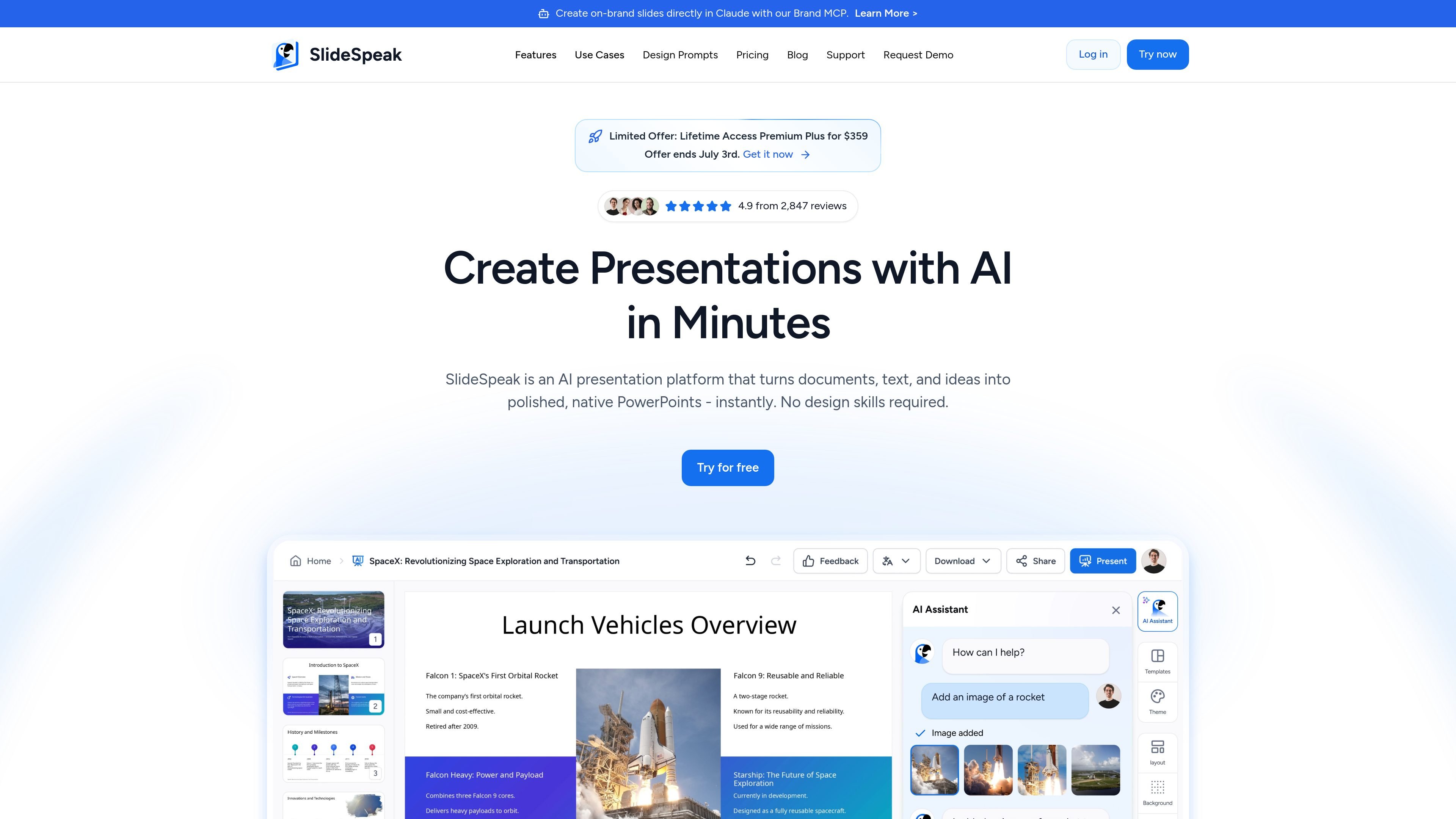
AI Presentation Generation
Generate a presentation from a prompt, idea, website, PDF, Word document, Excel spreadsheet, or pasted text, then download the result as a structured deck.

AI presentation maker that turns prompts and files into editable PowerPoint decks
SlideSpeak is an AI presentation platform for creating, editing, summarizing, and translating slide decks. It turns prompts and source files such as Word documents, PDFs, Excel spreadsheets, websites, and PowerPoint files into editable presentations, with native .pptx export called out on the home page.
The product also supports redesigning existing decks, applying brand kits and custom templates, and generating presentation assets such as images, infographics, charts, and video presentations. Pricing is available across free, paid, enterprise, and API options, so it is positioned for both individual use and team workflows.
Generate a presentation from a prompt, idea, website, PDF, Word document, Excel spreadsheet, or pasted text, then download the result as a structured deck.
Upload an existing PowerPoint and let AI fix spacing, alignment, layout, images, icons, and branding across the deck.
Ask Charles to generate content, refine wording, summarize data, adjust tone, or make a slide shorter, longer, or rewritten while keeping the presentation editable.
Create presentation videos with voiceovers, pacing, and flow for sharing beyond the slideshow format.
Translate entire presentations while keeping layout, formatting, and structure intact, with language support noted at 150+ languages on the pricing page.
Apply a brand kit or custom template so fonts, colors, logos, and layouts stay consistent across slides.
Turn briefs, notes, or a rough idea into a structured presentation without building slides manually.
Convert Word documents, PDFs, Excel spreadsheets, or web pages into slides for meetings, classes, or client work.
Upload an existing PowerPoint and use AI to improve spacing, alignment, branding, icons, and image choices.
Translate presentations into another language while keeping the layout and formatting intact for global teams or students.
Summarize long presentations and documents into shorter slide-friendly takeaways or answer questions from the source material using the document chat tool.
SlideSpeak can create presentations from prompts, Word documents, PDFs, Excel spreadsheets, websites, and PowerPoint files, and it also supports summarizing PowerPoint, Word, and PDF content. The site also describes an AI presentation editor for redesigning existing decks.
The source says SlideSpeak is built for teams, educators, consultants, creators, students, startups, and enterprises. Feature pages also call out consultants, agencies, sales teams, and product or strategy teams as common fits.
The pricing page shows a Free plan, paid plans for professional and power users, an Enterprise option with custom pricing, and an API pricing option for developers and teams integrating the generation engine into their own products.
The site states that SlideSpeak exports native, editable .pptx files and also mentions export to PDF and other formats on paid plans. The AI editor page also says you can upload an existing PowerPoint and have AI redesign it.
Yes. The features pages state that SlideSpeak can translate presentations while preserving layout, formatting, and structure, and that it supports 150+ languages on the pricing page.
Traffic data is for reference only.

twistly.ai
Twistly is an AI presentation maker for PowerPoint, helping students, educators, and teams create, edit, and export slides from prompts or uploaded files.

presentations.ai
Presentations.AI turns topics, documents, and URLs into editable slide decks, applies your brand, exports to PowerPoint, and refreshes recurring presentations with current data.

chatslide.ai
AI presentation maker that turns documents, URLs, videos, and research into editable slides

autoppt.com
Web-based AI presentation generator for creating PowerPoint-style decks from prompts, text, and documents.

drlambda.ai
AI presentation maker that turns source material into editable slides, videos, avatars, posters, and charts.

www.motionly.site
Motionly is an open-source, AI-native motion graphics editor that turns prompts and assets into editable animation projects. Work locally with canvas and timeline editing, readable .motion source files, and local MP4 export.