
Playlist sorting and saved shuffle
Sort tracks by name, artist, BPM, key, popularity, and other properties. Randomize a playlist and save the shuffled order.

A browser-based tool for Spotify listeners to organize playlists and discover music.
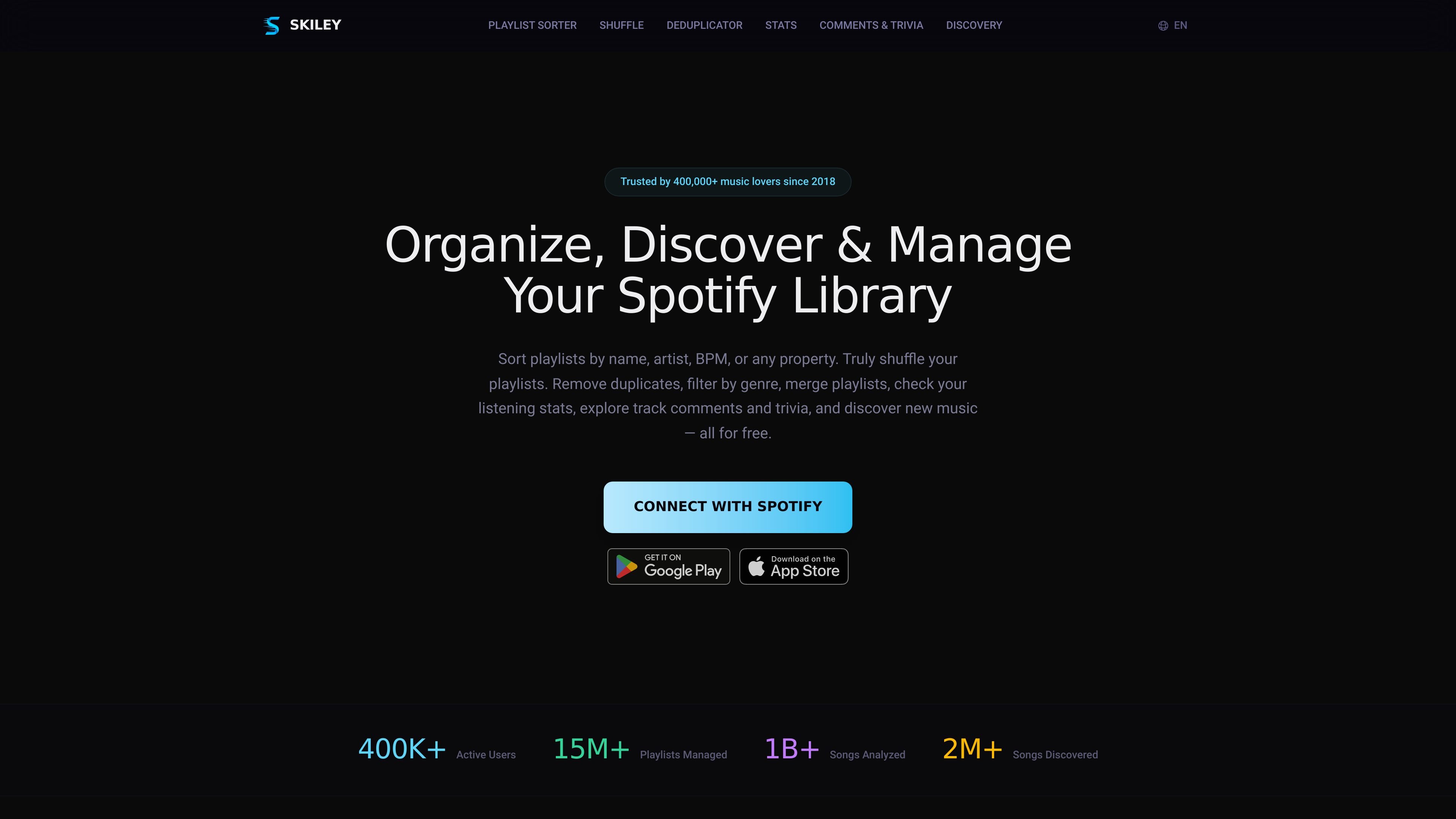
Skiley is a browser-based Spotify companion for managing playlists, exploring listening habits, and finding music. It connects to your Spotify account and brings library organization, listening statistics, and recommendations into one interface.
Its core purpose is to help listeners maintain and explore their music collections, from cleaning up existing playlists to building new ones around musical characteristics. Playlist changes sync back to Spotify, so you can use the results in your usual listening workflow.
Sort tracks by name, artist, BPM, key, popularity, and other properties. Randomize a playlist and save the shuffled order.
Find and remove duplicate songs, including remastered versions. Merge or copy playlists to consolidate collections or create separate selections.
Filter playlists by genre, BPM, energy, and other audio features to narrow a collection to tracks with particular musical characteristics.
Receive personalized daily recommendations, explore similar tracks, and generate playlists from a song, artist, or existing playlist.
View your top songs, artists, and genres at any time to explore your listening preferences.
Explore track comments, curated trivia, and music videos for additional context about the music you hear.
Use BPM and key to arrange a candidate track list for tempo transitions and harmonic mixing before a set.
Select tracks by tempo and energy for a running pace or training session, then arrange them in a suitable order.
Clean duplicates from overlapping collections and combine related playlists into a more manageable selection.
Start with a favorite song or artist to generate a new playlist, then use daily recommendations to expand your listening choices.
Open Skiley in your browser and connect your Spotify account using OAuth2 sign-in. No download is required.
Skiley syncs playlist changes back to your Spotify account, including sorted playlists and saved shuffled orders.
Skiley offers its core organization, statistics, and discovery tools for free, with no credit card needed. Playlist automation and mood-based playlist creation are marked as PRO features.
PRO includes playlist automation such as Auto Discover Daily and saving Release Radar. It also offers playlist creation based on a mood you describe.
Traffic data is for reference only.
| Jun | 215538 |
|---|---|
| Jul | 265843 |
| Aug | 250602 |
Traffic analytics are not available yet.

audioaidynamics.com
Browser-based music analysis and audio tools for musicians, producers, DJs, and researchers.

yudaotor.github.io
Lyrimuse is an open-source macOS desktop lyrics app that synchronizes lyrics word by word for supported music players and browser-based web players. It provides multiple display modes, translation and romanization, plus optional Last.fm listening history and scrobbling.