
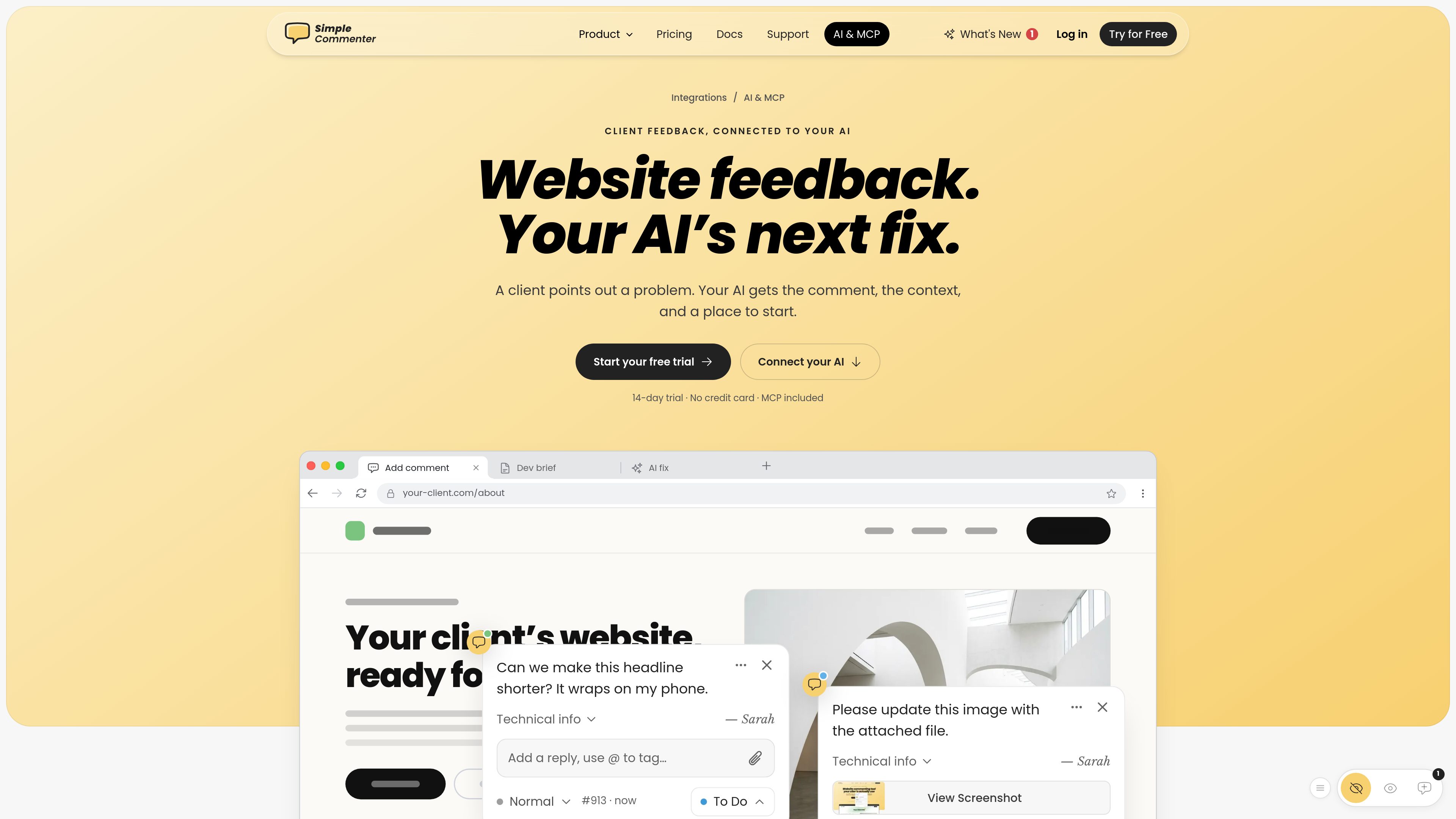
MCP server for website feedback
Connects Simple Commenter comments and website context to compatible AI clients so an assistant can retrieve feedback and use it as input for review or fixes.

Simple Commenter is a website feedback platform with an MCP server that connects comments and page context to AI tools such as ChatGPT, Claude, Cursor, and Codex. It helps web teams turn review comments into clearer next steps and fixes.
Simple Commenter is a website feedback platform with an MCP server for connecting visual website comments to AI clients. It gives an AI assistant access to feedback, page context, and a starting point for work such as reviewing a comment or drafting a change. Supported AI clients named by the product include ChatGPT, Claude, Cursor, and Codex.
Feedback is collected through Simple Commenter’s website widget or Chrome extension and managed in a project workspace. Comments can carry context such as the page URL, status, priority, and available browser or operating-system information. Teams can also connect the same project to task managers, chat tools, email, or webhooks alongside the AI connection.
The product is intended for agencies, freelancers, and product or development teams handling website reviews. Setup is performed from the integrations area using the connection instructions for the selected AI client. A 14-day trial is available without a credit card, and the pricing page lists the AI Agent/MCP service as an included integration on paid plans.
Connects Simple Commenter comments and website context to compatible AI clients so an assistant can retrieve feedback and use it as input for review or fixes.
The AI integration page presents connection options for ChatGPT, Claude, Cursor, and Codex, with setup commands or instructions to copy for the selected client.
Feedback is organized around the relevant page and may include a page URL, status, priority, browser, operating system, and comment discussion, giving teams more than a standalone message.
Feedback submitted through the embedded widget or Chrome extension can enter the same project workflow, so the capture method does not require a separate review process.
A project can use several integrations at once, including Asana, ClickUp, GitHub, Jira, Linear, Monday.com, Slack, Trello, email, and webhooks, alongside the AI connection.
An agency can expose a client’s page-specific feedback to an AI assistant, then ask for a concise interpretation, proposed copy, or implementation starting point without manually copying the comment into a separate chat.
A product or development team can use comment details such as the affected URL, status, and priority when deciding which review items need investigation or follow-up.
Teams can use the MCP connection for analysis while sending feedback to Jira, GitHub, Linear, Asana, or another supported work-management tool for assignment and delivery.
Client feedback captured through the website widget or Chrome extension can be managed in the same project, helping agencies and freelancers maintain a shared review record.
The AI integration page names ChatGPT, Claude, Cursor, and Codex. Simple Commenter provides connection instructions or setup commands for the supported clients.
It connects website feedback with relevant context, such as the comment and its page, so the assistant has a starting point for reviewing the issue or proposing a fix.
Open the Integrations area in the Simple Commenter dashboard, select the AI connection, and follow the setup instructions for the chosen client. The integration page is designed to let users copy the required commands.
Yes. Simple Commenter says multiple integrations can be connected to the same project. Teams can combine the AI workflow with tools such as Slack, Jira, Asana, GitHub, or webhooks.
The product offers a 14-day free trial with no credit card, and its integrations page says integrations are available during the trial. The pricing page lists AI Agent and the MCP service among the integrations included with paid plans.
Traffic data is for reference only.

atlas.nanonets.ai
Atlas turns your company’s documents, website, and source materials into shared rules that Claude, Cursor, and ChatGPT can follow using the same company context.

tablo-cat.netlify.app
tablo is a desktop cat widget that monitors Claude Code and OpenAI Codex sessions from the corner of your screen. See live context usage, permission requests, notifications, and per-session activity previews.

skillsmp.com
SkillsMP is a free marketplace for discovering open-source agent skills from public GitHub repositories, with search, browsing, REST API, and MCP access for Claude Code, Codex CLI, and ChatGPT.

omlx.ai
oMLX is a native macOS LLM inference server built on MLX for running compatible language, vision-language, embedding, and reranker models locally on Apple Silicon. Designed for coding-agent workflows, it works with Claude Code, OpenClaw, Cursor, and OpenAI-compatible clients.

air.dev
JetBrains Air runs coding agents in parallel, keeps tasks isolated, and lets you review changes in one workspace. Supports Codex, Claude Agent, Gemini CLI, and Junie on macOS and Linux; Windows coming soon.

moxiedocs.com
Moxie Docs connects to GitHub and turns private repositories into searchable documentation, gap reports, MCP context for AI agents, and cleanup PRs ready for review. It also supports public help centers and Slack notifications about documentation updates.