
Query across connected sources
Connect a database, warehouse, spreadsheet, SaaS tool, or MCP server and ask questions across all of them from one place. Sequel figures out where the data lives and how to retrieve it.

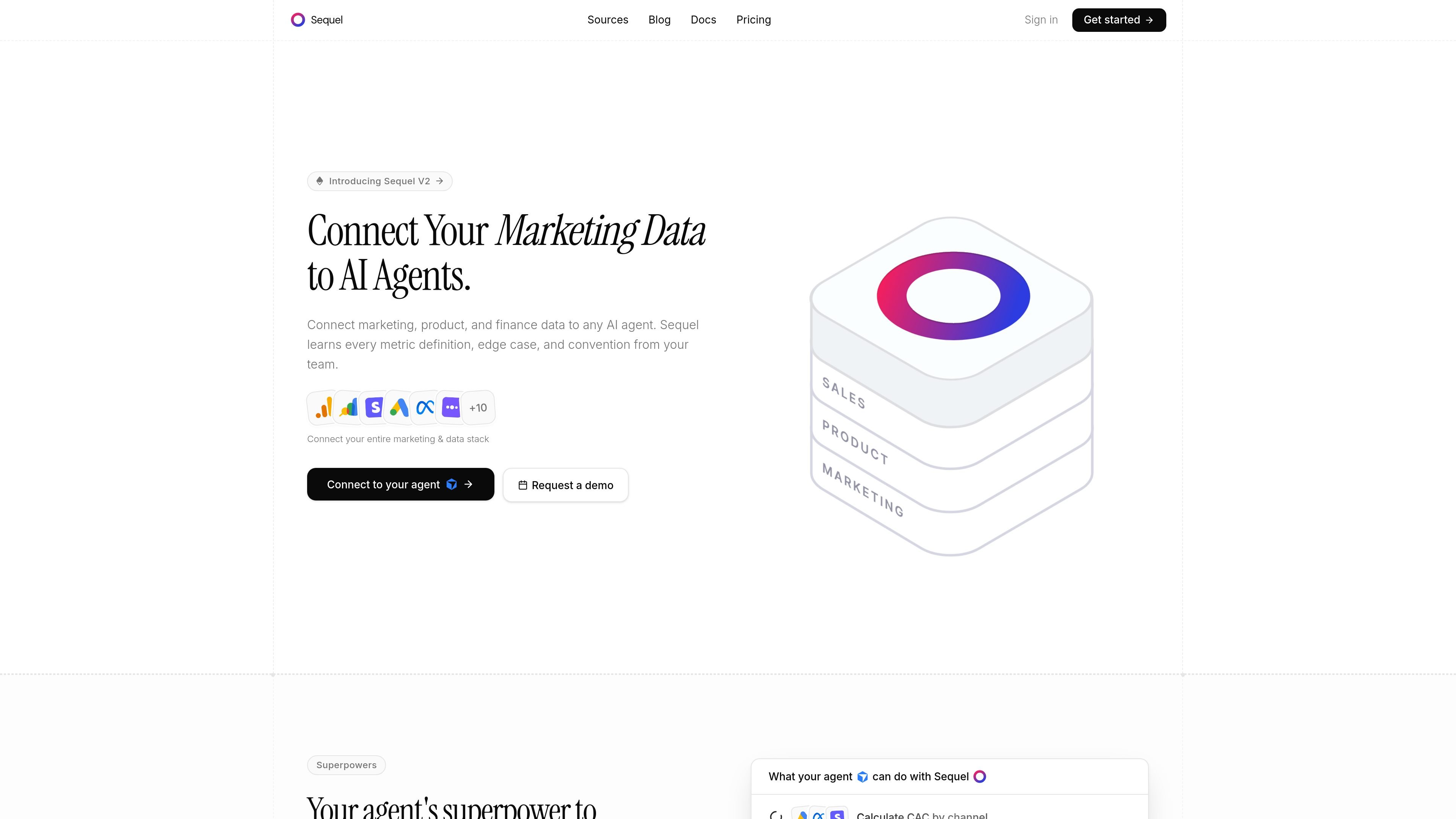
Sequel connects marketing, product, and finance data for AI agents.
Sequel is a data layer for AI agents that connects marketing, product, and finance data so tools like Claude, Cursor, and ChatGPT can answer questions in plain English. It sits between the agent and your sources, handling authentication, credentials, execution, and joins across systems.
The product is designed for teams that want agent-driven analysis without sharing database passwords or API keys with every tool. Sequel can join data across Postgres, Google Analytics, Stripe, warehouses, spreadsheets, and other connected sources, then return answers, charts, and exported results through a controlled workflow.
Connect a database, warehouse, spreadsheet, SaaS tool, or MCP server and ask questions across all of them from one place. Sequel figures out where the data lives and how to retrieve it.
Sequel learns your schema, metric definitions, terminology, and team conventions so answers can follow the way your organization already measures performance.
A governed data layer sits between your agents and your data, handling auth, encrypted credentials, and controlled execution so agents never need direct access to secrets.
Generate charts and inspect results in sortable, filterable data tables. The docs also note a built-in Python sandbox for computation, charting, and exporting.
Use shared workspaces and Slack access to collaborate on questions, connections, and query history with teammates.
The integrations page and pricing page both indicate support for MCP-capable workflows, so the same connections can be used through supported AI tools and the CLI.
Ask one question that spans multiple systems, such as revenue in Postgres, sessions in Google Analytics, and payments in Stripe, without manually stitching exports together.
Let the product or growth team ask for metrics like CAC, blended ROAS, signups, or top landing pages and get back a governed answer based on the team’s definitions.
Use the built-in analysis workflow to generate charts, inspect result sets, and export findings directly from the agent conversation.
Share access in a team workspace or through Slack so multiple people can ask questions and reuse the same connections and query history.
Connect Sequel once and then use the same data layer in supported AI tools and the CLI, instead of reconfiguring credentials for each agent separately.
Sequel connects once to cloud databases, warehouses, SaaS tools, and other MCP-compatible sources. After that, AI tools such as Claude, Cursor, and ChatGPT can ask questions through Sequel without being given the underlying credentials.
The source material shows support for cloud-hosted Postgres and MySQL, warehouses such as BigQuery and ClickHouse, and SaaS tools including Stripe, Google Analytics, HubSpot, and Google Sheets. The integrations page also lists other sources such as PostHog, Mixpanel, Amplitude, Search Console, and Apollo.io.
Yes. The pricing page offers a Free plan, Pro, Team, and Enterprise. The Free plan is limited to one data source and one user, while paid plans add more capacity and collaboration features.
Sequel says its built-in Python sandbox can compute, chart, and export results, and the features page also highlights automatic charts and data tables. This suggests it is designed to return both answers and analysis outputs rather than plain text only.
The source does not provide a full setup walkthrough in the collected text, but it says you connect your sources once, authorize access through Sequel, and then use the same connections across supported AI tools and the CLI.
Traffic data is for reference only.

datawyse.app
Datawyse is an agentic financial analysis tool for mid-market finance teams. It connects to business data to answer questions about variances, cash flow, scenarios, budgets, and other FP&A topics with traceable calculations.

databricks.com
A unified data and AI platform for enterprise analytics, pipelines, apps and agents.

databox.com
Databox connects 130+ data sources for AI-powered dashboards, reports, and performance insights.

flur.ee
Fluree is a hosted enterprise AI data platform that turns raw data into trusted, queryable knowledge graphs for AI, analytics, dashboards, apps, and agents. It supports connected, permissioned data workflows instead of scattered context.

www.useclick.ai
Click MCP gives AI agents specialized external context beyond web search, including people, company, social, travel, financial, and marketplace data. Built for chat-based workflows, it helps agents gather and organize the information needed to complete tasks end to end.

betteranalyst.com
Better Analyst is an all-in-one analytics application for individuals, small businesses, and growing teams. It connects data sources, supports analysis and enrichment, creates dashboards and reports, and automates recurring workflows.