
Browser-accessible desktop
Open the same ruOS session in a web browser on a Mac, iPad, Chromebook, Linux laptop, or other screen. The interface reshapes to the available window, with nothing to install locally.

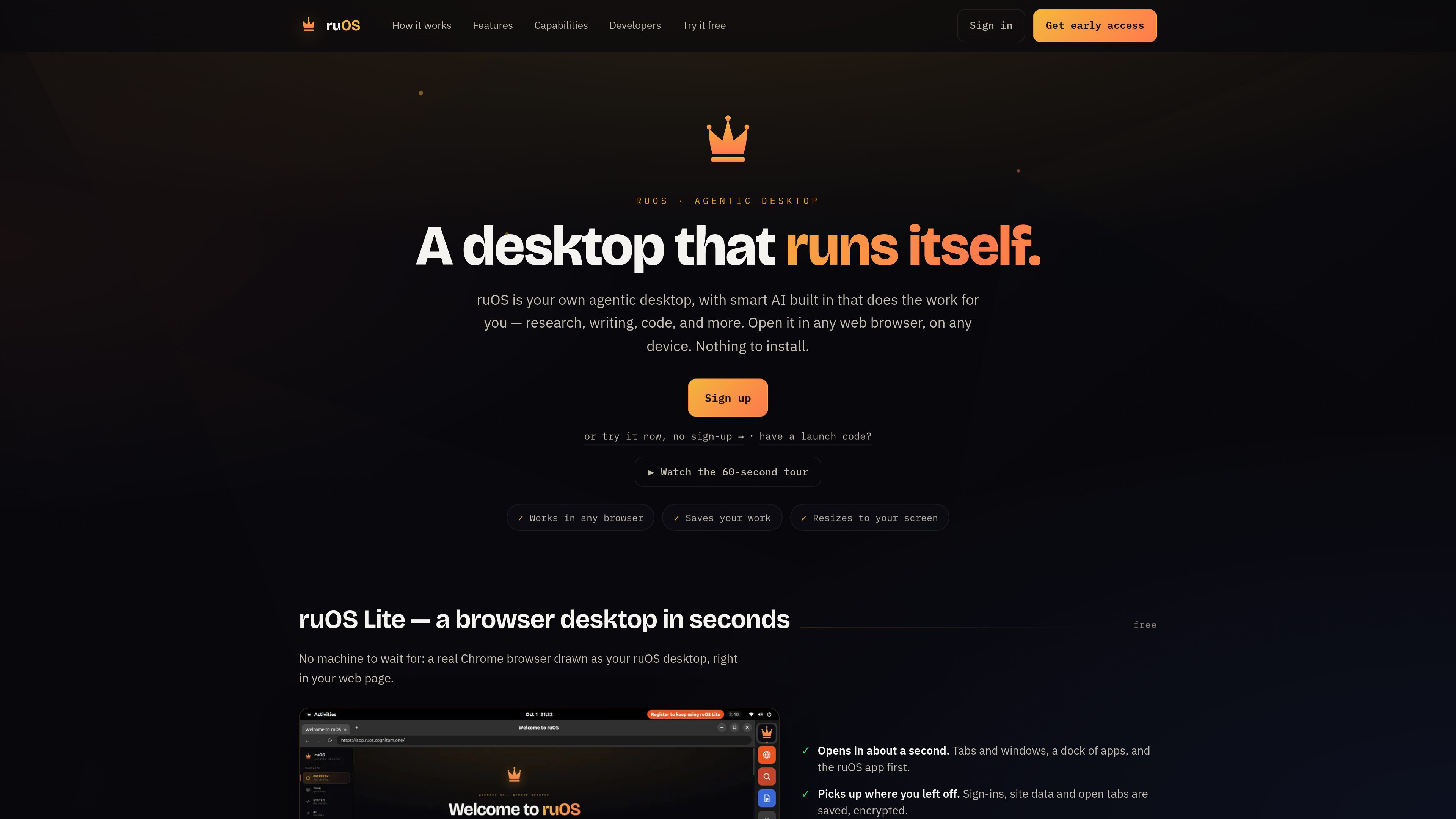
A browser-based agentic desktop for AI-powered research, writing, and coding across devices.
ruOS is a browser-based agentic desktop: a private, cloud-hosted computer environment that an AI assistant can see, click, type in, and operate. It is designed for research, writing, software development, and other tasks that benefit from a persistent desktop rather than a chat-only interface. Users open the desktop in a web browser on devices such as a Mac, iPad, Chromebook, or Linux laptop, without installing a local application.
The environment includes a real Chrome browser, tabs and windows, a dock of applications, VS Code, and an AI stack that includes Claude Code, Codex, ruflo, ruvector, and ruview. The system can browse the web, edit and run code, coordinate multiple helpers, retain project context, and interpret what is visible on screen. Files, open tabs, site data, sign-ins, and learned project context are described as being saved so users can return to the same work from another device.
For automation, ruOS provides the ruos-computeruse-mcp MCP server. An MCP client such as Claude can use it to view the screen, move the mouse, type, run shell commands, trigger system actions, and change desktop resolution. The documented connection uses stdio over SSH; a hosted MCP endpoint is identified as being on the roadmap. The ruvnet command-line stack is also preinstalled for workflows involving agent orchestration, runtime execution, and persistent memory.
Open the same ruOS session in a web browser on a Mac, iPad, Chromebook, Linux laptop, or other screen. The interface reshapes to the available window, with nothing to install locally.
The ruos-computeruse-mcp server lets an MCP client see the desktop, move the mouse, click, type, run shell commands, trigger system actions, and change the display resolution.
VS Code and vscode.dev are available in the desktop, while Claude Code and Codex provide coding assistance. AI helpers can edit files, run code, and run tests.
The preinstalled ruflo stack supports agent orchestration, including initializing a team of agents and configuring a hierarchical swarm topology.
ruvector provides memory for project work, while ruOS saves files, open tabs, site data, sign-ins, and the AI's learned project context so users can resume later.
AI helpers can browse the web and read sources for research. ruview is described as understanding what is on screen, supporting tasks that depend on the visible desktop state.
Ask the AI to browse the web, read sources, and bring back an answer while keeping the browser session and project context available for later work.
Describe a code change and let the AI edit files in VS Code, run the relevant code or tests, and report when the task is complete.
Use ruflo to split work across multiple AI helpers, allowing separate agents to handle parts of an orchestration, research, or coding workflow.
Start a task on a laptop and reopen the same desktop on an iPad or another browser, rather than transferring files or recreating the session.
Point Claude, ChatGPT, or another supported API workflow at the desktop so an assistant can interact with a browser-based computer through the documented connector or MCP setup.
No. The product is opened in a web browser and is described as requiring nothing to install or configure locally.
The site lists Mac, iPad, Chromebook, and Linux laptop access, and says the desktop works in any web browser and fits the available screen.
ruOS provides the ruos-computeruse-mcp server. Through an MCP client, an AI can see the screen, move and click the mouse, type, run shell commands, trigger system actions, and change resolution.
The launch page lists one desktop, control from Claude, ChatGPT, or the API, short sessions, and a daily allowance. It says no card is needed. Paid plans and additional limits are not specified in the available evidence.
The site says files, open tabs, site data, sign-ins, and the AI's learned project context are saved, allowing users to return to their work from another device.
Traffic data is for reference only.

github.com
An open-source desktop and mobile interface for running coding-agent conversations across local and remote hosts.

www.hyperbrowser.ai
Hyperbrowser provides on-demand cloud browsers and sandboxes for AI agents, web automation, scraping, testing, and agentic code execution. It connects browser workflows through an API, Playwright, Puppeteer, Python, or Node.js.

www.simular.ai
Simular is an autonomous computer platform that uses AI agents to operate real computers and automate digital workflows. It serves individuals, builders, operators, and businesses that need to automate tasks across desktop applications and websites, including workflows that do not expose traditional APIs.

steel.dev
Steel is open-source browser infrastructure for AI agents and web automation. It provides cloud browser sessions through an API, with support for common browser automation tools and workflows such as scraping, research, RPA, and agent-driven web tasks.

harden.run
Agentic Integrity Foundation is a local endpoint-security product for coding agents. It evaluates supported tool calls before execution and can allow, approve, make safe, block, or record actions on a developer’s machine.

offstage.viraat.dev
A macOS tool that gives coding agents a separate desktop for GUI work without taking over the user’s screen, keyboard, or mouse.