
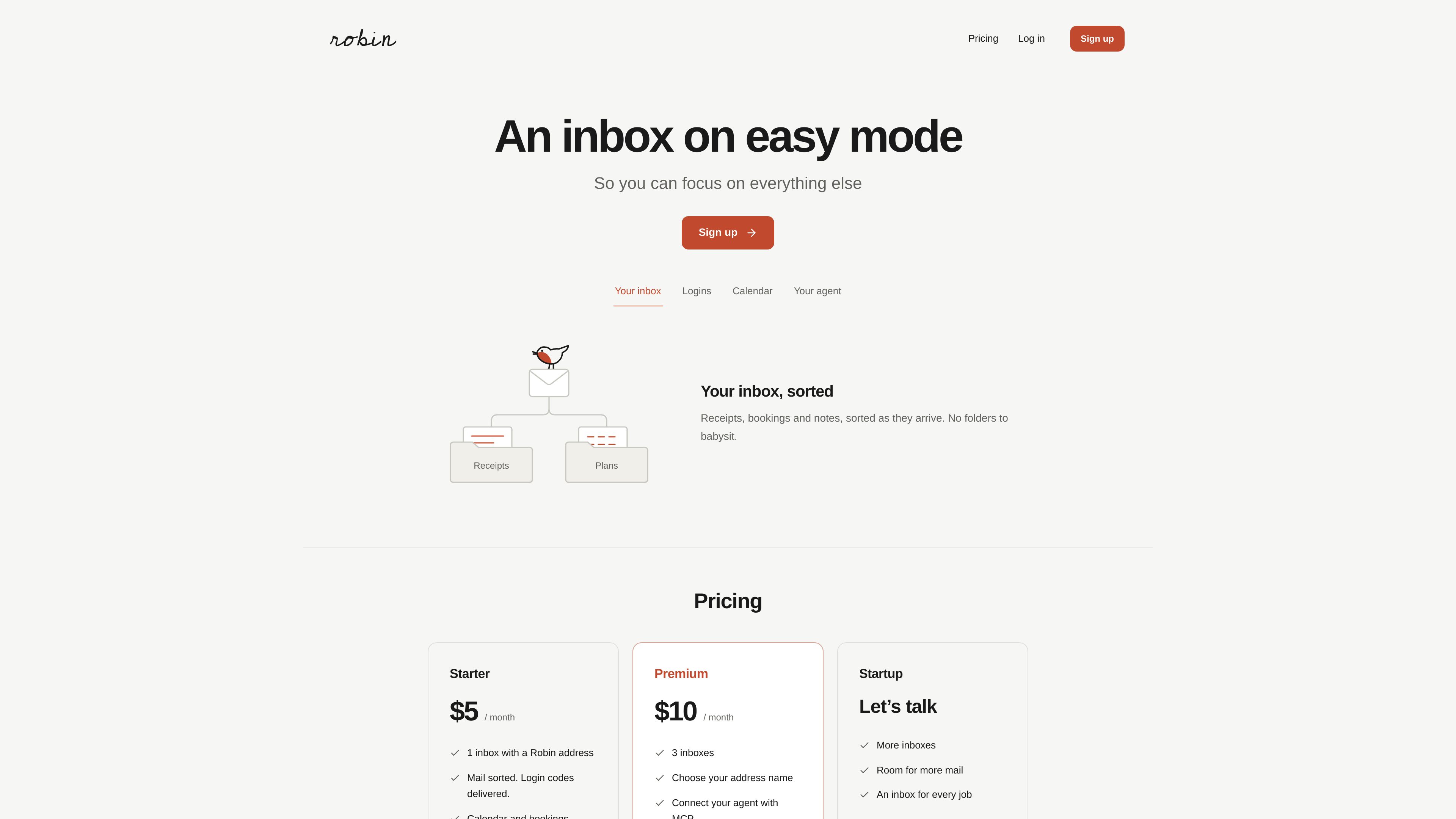
Automatic inbox views
Related mail is grouped into views including purchases, subscriptions and newsletters. Views can be hidden or restored in Settings, while the original messages remain in All mail.

Robin sorts receipts, bookings, notes, subscriptions, and newsletters into inbox views, with calendar and booking tools. Premium users can connect a trusted external agent through Robin MCP to read mail, access events, and draft or permitted replies.
Robin is an email service that organizes incoming mail into views for purchases, subscriptions, newsletters and other related messages. Original messages remain available in All mail, and users can send email from the inbox rather than managing folders manually.
The service also includes a Robin calendar, shared booking pages and a dedicated address for signups and login codes. Premium adds additional inboxes and Robin MCP, which lets a trusted external agent read scoped mail and calendar data and prepare or send replies under owner-controlled permissions.
Related mail is grouped into views including purchases, subscriptions and newsletters. Views can be hidden or restored in Settings, while the original messages remain in All mail.
Use a Robin address for signups and transactional messages. Login codes are delivered to the inbox, keeping them separate from the promotional mail that may follow.
Browse a Robin calendar, subscribe to it in a calendar app, share a booking link and edit availability. Calendar and booking features are available to all users.
Premium includes three inboxes and lets users choose an address name. Each inbox keeps its mail separate, while the account’s monthly allowance is shared across inboxes.
Premium users can connect an agent to one inbox with selected mail, reply-drafting or calendar permissions. The agent can list and search mail, read messages and attachments, resume with a saved cursor and read calendar events.
An agent can prepare a reply for review or send within an owner-created automatic-reply permission. Permissions can specify exact recipients, daily limits and expiry; connections can be disconnected and keys expire after 90 days.
Use a Robin address when registering for services so login codes and follow-up sales messages do not mix with a primary mailbox.
Let Robin group receipts, booking confirmations and related notes into views, then use the calendar and booking page to manage scheduled plans.
Premium users can create separate inboxes for different purposes or addresses while keeping each inbox’s mail distinct within one account.
Connect a trusted agent to one Robin inbox to find messages, inspect attachments or look up calendar events without granting access to Gmail, Outlook or an external calendar.
Use exact-draft approval for occasional responses, or grant temporary automatic-reply permission for specified recipients with a daily cap and expiry.
Robin groups related messages into views such as purchases, subscriptions and newsletters. Original messages remain accessible in All mail, and users can hide or restore views in Settings.
No. Robin sees mail sent to its Robin address and provides its own calendar. Its agent connection does not read an external Gmail, Outlook or calendar account.
Premium users open the Premium area, name the agent, choose permissions and create a connection for one inbox. They save the access key shown once, then add Robin’s server address and bearer token to a compatible client that supports Streamable HTTP.
Only under an owner-created automatic-reply permission with specified recipients, a daily limit and an expiry. Other replies require approval of the exact draft and recipient. The agent can reply to existing messages but cannot start new email threads in this release.
New receiving or sending pauses until the next monthly reset, which occurs in UTC. Robin does not add automatic overage charges or offer top-ups yet, and saved mail remains accessible.
Traffic data is for reference only.

fyxer.ai
Fyxer is an email assistant that organizes your inbox, drafts replies in your voice, and captures meeting notes. It supports Gmail and Outlook and offers a 7-day free trial.

sanebox.com
SaneBox is an AI email service that sorts low-priority messages out of your inbox, manages follow-ups, snoozes, and sender cleanup, and offers a 14-day free trial.

spikenow.com
Spike is an AI-powered email and workspace platform combining email, chat, calls, notes, tasks, and calendars in one inbox-centered workflow for individuals, teams, and businesses.

slashy.com
Slashy is an AI email client that drafts replies, organizes inboxes, and handles calendar and follow-up tasks in one workflow for individuals, teams, and enterprises.

billabex.com
AI debt collection agent for businesses managing overdue invoices and customer replies

serif.ai
Serif is an AI email assistant for Gmail and Outlook that drafts replies, triages incoming messages, and handles routine inbox work for teams and solo operators.