
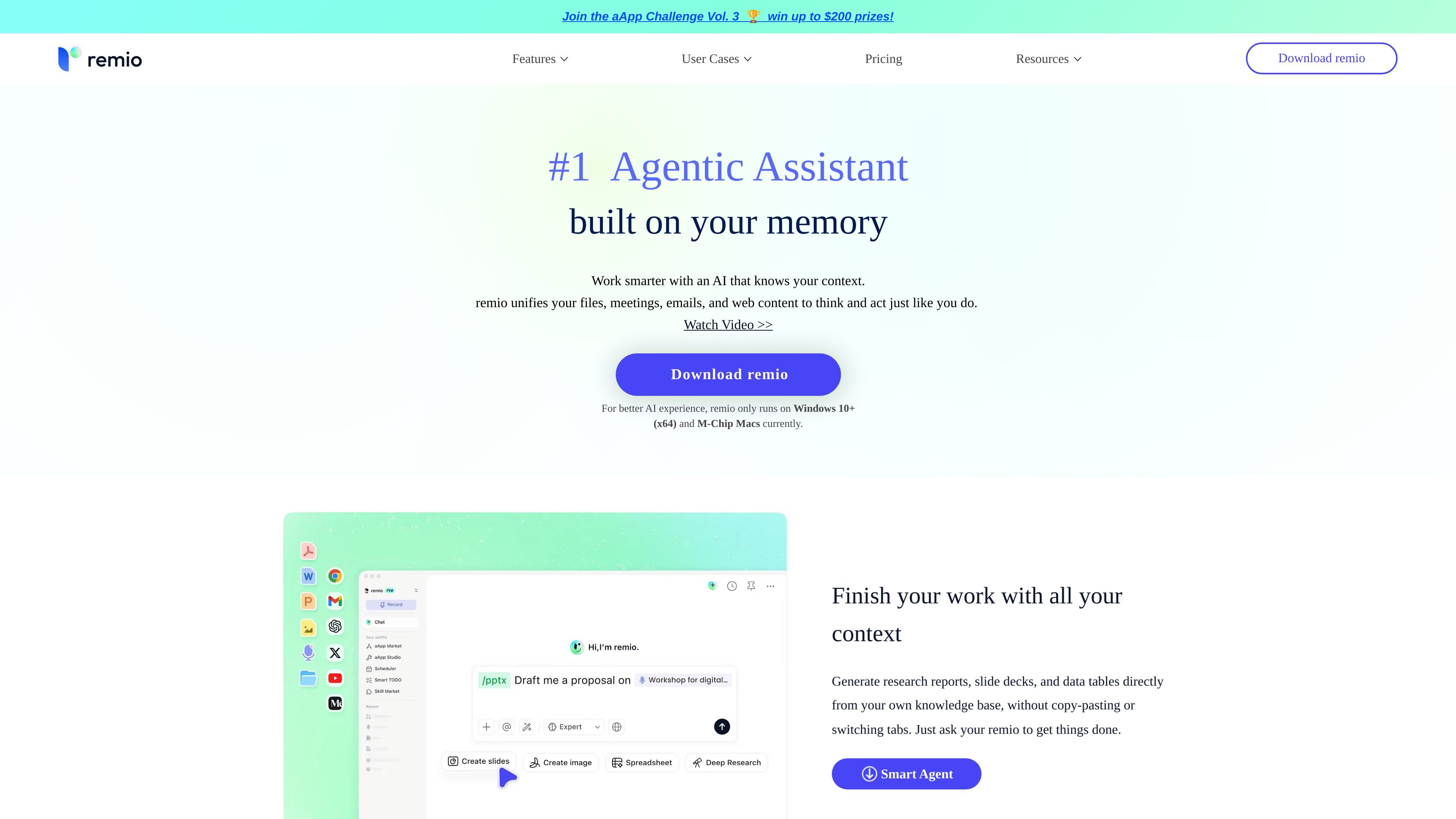
Webpage capture
Automatically saves webpages you browse, so you can search, recall, and ask questions later without manual clipping.

Local-first AI knowledge hub for searching and querying your context
remio is an AI knowledge hub and personal assistant that captures web pages, local files, messages, emails, and meeting recordings into a searchable knowledge base. It is positioned as a local-first system for people who want one place to store, organize, and retrieve information from daily work.
The product centers on Ask remio, which answers natural-language questions using your collected content and includes source citations. The site also describes browser capture, transcription, writing tools, and AI-assisted organization, with support for Windows 10+ (x64) and M-chip Macs and local storage or BYOK privacy options.
Automatically saves webpages you browse, so you can search, recall, and ask questions later without manual clipping.
Parses local files and supports unlimited local recording and transcription, turning meetings and lectures into searchable notes.
Lets you ask natural-language questions across your knowledge base and returns answers with source citations.
Organizes captured material into collections, with search, reference, pin/favorite/later, and markdown import tools for recall and reuse.
Supports note and journal writing, webpage highlighting and comments, and prompt library workflows for drafting and recap tasks.
Uses local storage and offers BYOK plans so AI requests can run through your own API key for added privacy control.
Capture webpages, files, email, and chat context in one place, then search it later instead of reconstructing information from scattered tools.
Record meetings or lectures, generate transcripts and AI summaries, and turn discussions into searchable material with speaker identification.
Ask questions over collected research and return answers with citations, which is useful for literature review, competitive analysis, and fact-checking.
Draft notes, journals, summaries, and email copy from stored context and use the prompt library to reuse repeatable workflows.
Save webpages and local files as you browse, then revisit and reference them later from the browser extension or app.
remio is a local-first AI knowledge hub and assistant. It automatically captures web pages, files, and meeting recordings, then lets you ask questions across that knowledge base with citations.
The source pages state that remio supports Windows 10+ (x64) and M-chip Macs. The homepage also points to mobile apps and says some device-sync features are upcoming.
Yes. The pricing page lists a Free plan and a 7-day free trial for Pro or BYOK subscriptions.
remio says it can capture webpages, local files, recordings, Slack, Gmail, Outlook, and WeChat Assistant content, and it also supports browser-based capture and highlighting.
Yes. remio says Ask remio returns answers with source citations, and you can hover citation markers to inspect evidence cards.
Traffic data is for reference only.

memmy.bot
Memmy is a local-first AI agent and memory layer for people who use multiple AI tools. It keeps authorized context on-device and can carry relevant memory between desktop apps, CLI workflows, and external agents.

affine.pro
AFFiNE is an open-source, local-first workspace for docs, whiteboards, databases, and AI.

luci.memories.ai
LUCI is a local desktop memory tool for Mac and Windows that captures computer activity and meetings, then makes that context available to search, chat, and connected AI coding agents. It is designed for people and teams that need persistent context across calls, screens, notes, and everyday workflows.

kolosal.ai
Kolosal Planout is an AI data translation layer that turns multimodal product context into structured input for AI, helping teams define application intent across documents, meetings, designs, and knowledge.