
Build interactive learning materials
Create assessments, practice tasks, lesson plans and chatbots with AI assistants. Edit the outline and content, then choose digital or printable worksheets.

Create interactive teaching materials, review AI-assisted feedback and plan follow-up activities from student results. Redmenta connects lesson preparation, digital or paper assessment and competency tracking in one teacher-controlled workspace.
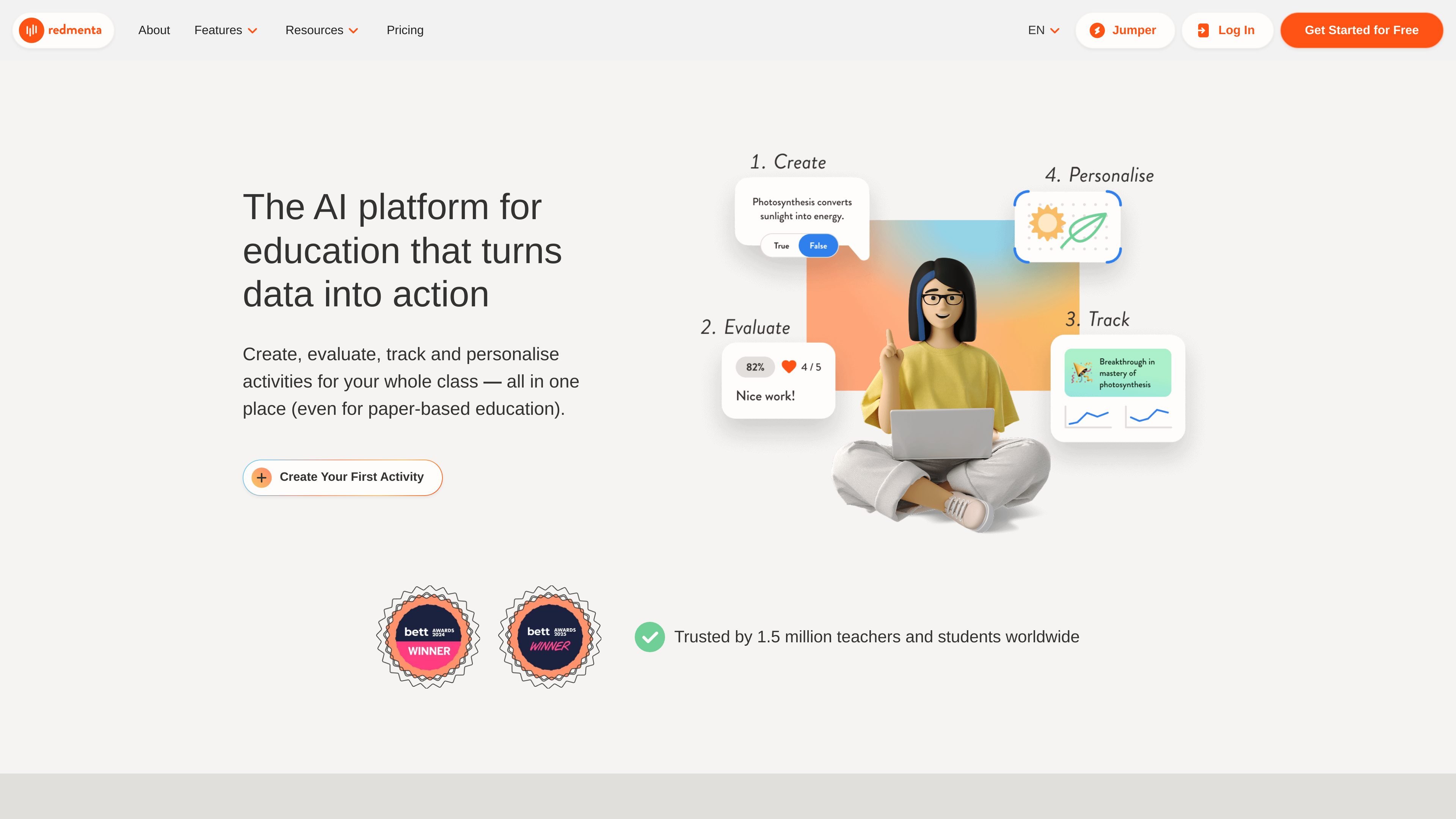
Redmenta is an AI teaching platform for preparing activities, evaluating student work and adapting the next lesson. Teachers provide a subject, grade level and optional resources, develop the material with AI, then edit it before sharing. Students can use digital worksheets or printable activities. Evaluation suggestions support competency tracking and follow-up tasks, while teachers retain final review authority. The website offers free AI content generation; evaluation, automation and administration features depend on the current plan.
Create assessments, practice tasks, lesson plans and chatbots with AI assistants. Edit the outline and content, then choose digital or printable worksheets.
Use AI assistance with essays, open-ended answers, videos and visuals. Adjust rubrics and feedback styles, and retain final review authority over suggested scores and comments.
Scan paper assignments for AI-assisted feedback. Approved results can be added to competency journals for tracking alongside digital work.
Use performance gaps and interest profiles to generate activities for individual students or groups. Teachers decide which suggested tasks are created and assigned.
Limit discussion topics, oversee conversations and choose access times for AI-led practice, roleplay or project research.
Start from the same curriculum objective and develop activities around students’ skill levels and interests, then revise them before classroom use.
Review handwritten assignments alongside digital responses and approve feedback before using the results for competency tracking.
Use evaluation results to identify skills that need attention and prepare the next activity for a learner or group.
The homepage advertises a free plan with unlimited AI content generation. Evaluation allowances, automation and other limits should be checked on the current plan comparison.
Paid and institutional plans provide additional capabilities. Compare the current evaluation, automation, administration, storage and reporting options for the intended deployment.
Teachers review and can adjust suggested scores and feedback. AI feedback is approved before students see it, and teachers decide which follow-up activities to assign.
The ongoing Free plan has its own creation and evaluation allowance. A Plus trial temporarily adds paid-plan access. Full Ambassador access requires acceptance into the program; applying does not automatically grant it.
Review the current subscription and license terms for professional, commercial, school or organizational use. Confirm the applicable agreement before deploying resources across an institution.
Traffic data is for reference only.

classpoint.io
PowerPoint-based teaching tool with interactive quizzes, Live Q&A, presentation tools, and gamification.

prepai.io
AI-assisted assessment platform for automated quiz creation, grading, analytics, and exports

opinionstage.com
Opinion Stage is a no-code quiz, poll, survey, and form builder that creates interactive content to capture responses, leads, and feedback—with templates, AI assistance, branding controls, and reporting for teams and brands.

testportal.net
Testportal is a web-based platform for creating online quizzes, exams, and skills assessments, with AI-assisted questions, live monitoring, and detailed results for business and education.

penseum.com
Penseum turns course materials into study guides, flashcards and practice questions. Its live AI tutor explains problems aloud and responds to work on an interactive canvas.