
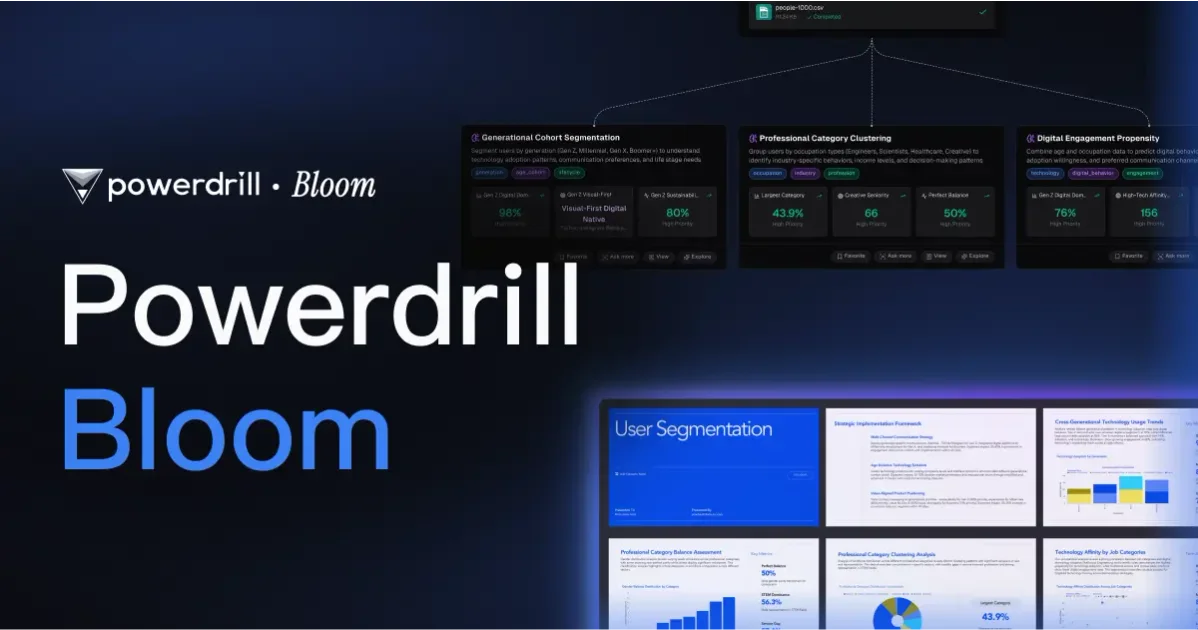
AI chatbot for documents and data
Ask questions about uploaded Excel, CSV, PDF, Word, Markdown, and other supported files using plain language instead of code.

Powerdrill Bloom is a web-based AI workspace for analyzing files, querying databases, and turning data into summaries, charts, slides, and reports.
Powerdrill Bloom is an AI workspace for data analysis, document understanding, and report generation. The site presents it as a system that learns from prior analysis and helps users ask questions about files, databases, and open data sources in natural language.
It supports workflows that move from raw inputs to practical outputs such as summaries, charts, slides, reports, and dashboards. The product is positioned for individual analysis as well as team-based use, with plans that include shared credits and higher-capacity agent tasks.
Ask questions about uploaded Excel, CSV, PDF, Word, Markdown, and other supported files using plain language instead of code.
Translate natural-language questions into SQL, execute queries, and review the resulting insights and visualizations in one flow.
Turn uploaded files or a topic into editable slides, reports, docs, spreadsheets, and images for presentation or analysis work.
Clean Excel, CSV, and TSV files with clickthrough workflows designed to handle repetitive spreadsheet cleanup tasks.
Summarize PDFs, Word documents, Markdown, websites, and long text into shorter outputs for faster review.
Create charts, infographics, and dashboards from data so users can inspect trends and keep visuals organized.
Upload spreadsheets, PDFs, or docs and ask questions in plain language to get summaries, insights, charts, or answers without writing code.
Connect a SQL database, ask business questions in natural language, and use the generated queries and charts to inspect results.
Turn raw material into presentation-ready slides, reports, or office documents when you need to communicate findings to others.
Use built-in and custom agent skills for research, automation, and execution tasks that require more than one-step analysis.
Share Team Credits and collaborate on analysis when multiple people need to work from the same workspace and credit pool.
Powerdrill Bloom can connect to a SQL database, let you ask questions in natural language, and return SQL, insights, and visualizations. The Text-to-SQL page says the workflow starts by connecting a database, then chatting with it, then reviewing the generated data and charts.
The features pages show support for Excel, CSV, PDF, Word, Markdown, PPT, TSV, URLs, text, images, and audio. The exact output depends on the workflow, but common outputs include insights, summaries, charts, slides, reports, docs, and spreadsheet analysis.
The site describes an AI workspace with memory and a team plan that supports collaborative, credit-sharing use. The pricing page also notes team members can share Team Credits in Team Pro.
The site positions Powerdrill Bloom for data exploration, research, reporting, slide creation, chart generation, and chat with documents or databases. The free plan includes daily refreshed credits, while paid plans add higher-capacity agent tasks and richer outputs.
The site states that users can upload spreadsheets with multiple tabs and reference tab names in prompts. It also notes that support questions and feedback can be submitted from the product interface.
Traffic data is for reference only.

energent.ai
A no-code AI data analysis tool that turns files, documents, and links into insights, extracted data, and exportable reports for business, finance, and document parsing.

askyourdatabase.com
AskYourDatabase is an AI data analyst and SQL chatbot for querying databases in natural language, with dashboards and access control.

rows.com
Rows is an AI data analyst in a spreadsheet, helping teams and individuals import, analyze, and share data from business tools, documents, and the web in one workspace—using plain language instead of code, SQL, or formulas.

getdot.ai
AI data analyst for natural-language questions, deeper analysis, and automated reports

syntermedia.ai
AI campaign operations that turn connected ad-account data and briefs into reviewable plans, audiences and reports.

tomat.ai
Desktop data analysis for CSV, Excel, and databases with visual workflows and AI