
Low-code mod builder
Build browser mods with a low-code editor and reusable bricks, then extend websites and web apps without starting from scratch each time.

Enterprise browser automation for AI workflows and connected tools
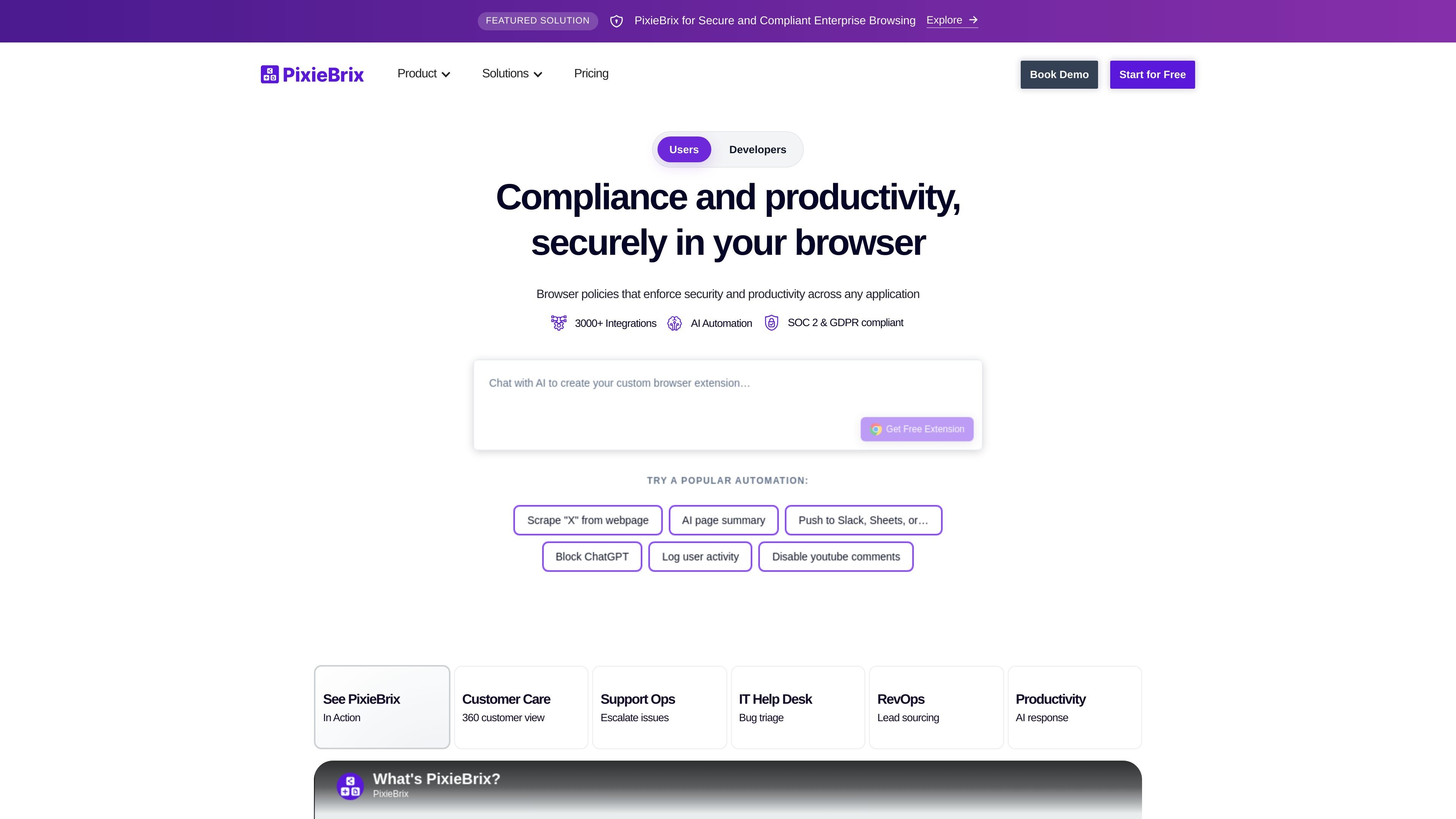
PixieBrix is an enterprise platform for extending apps and orchestrating AI-assisted work inside the browser. It combines a low-code editor, reusable bricks, and context-aware browser delivery so teams can build workflow enhancements on top of the tools they already use.
The product is positioned for secure, compliant enterprise browsing and for deploying browser-based automation at scale. Source pages describe use cases such as AI response, support workflows, bug triage, lead sourcing, process guidance, and team collaboration, with sharing options that range from the public Marketplace to private team distribution.
Build browser mods with a low-code editor and reusable bricks, then extend websites and web apps without starting from scratch each time.
Deploy as a context-aware browser extension that works inside the apps and websites your teams already use.
Use prebuilt templates and more than 1,000 integrations to connect common tools across support, operations, and enterprise workflows.
Share mods publicly through the Marketplace or privately with teams, with options for group-based access control.
Add automation, collaboration, guardrails, and interactive content to guide work directly in the browser.
Use enterprise options such as SAML 2.0 SSO, deployment groups, audit logs, and self-hosted deployment on higher tiers.
Support teams can surface customer context, add response guidance, and share updates across agents while working in existing help desk or chat tools.
Operations and admin teams can automate repetitive browser tasks, add checklists, and route work between tools without custom engineering.
Leaders can deploy guided workflows, guardrails, and audit-friendly controls for teams that need consistent process execution in the browser.
Product, engineering, and RevOps teams can connect apps such as Jira, GitHub, Slack, Google Sheets, and Salesforce to move information between systems.
Organizations evaluating AI assistance can combine leading models with company tools and data to create browser-based responses, summaries, and suggestions.
PixieBrix lets users enhance websites and web apps with a low-code editor and reusable components called bricks. Creators can add automation, collaboration, guardrails, and interactive content, then share mods publicly in the Marketplace or privately with a team.
Yes. The pricing page says all paid tiers include a 30-day free trial.
The FAQ says you can build your first mod in less than 10 minutes by following the Quick Start Guide. It also notes that users with some low-code experience typically need 1-2 hours for it to feel natural.
PixieBrix says browsing data is processed within the browser and is not transmitted outside the browser unless a mod makes a third-party API call or you choose platform add-ons such as the team database or API Gateway.
PixieBrix officially supports Google Chrome and says it is working to add official support for Microsoft Edge.
Traffic data is for reference only.

axiom.ai
Browser automation with no-code, code, or Claude-assisted workflows

bubblelab.ai
Bubble Lab is a work automation platform for building app-connected workflows from natural-language prompts, with Slack as a primary interface. Automate repetitive operations, routing, and data workflows across connected tools.

retool.com
Retool is a platform for building internal software, workflows, and AI-powered tools connected to your existing data and systems.

about.appsheet.com
Google AppSheet is a no-code platform for building business applications and automations from connected data sources. It supports desktop and mobile apps for workflows such as operations, field work, project management, human resources, sales, and marketing.

kissflow.com
Kissflow is an AI-powered low-code and no-code enterprise platform for building custom applications, automating workflows, and connecting business processes. It supports IT teams, transformation leaders, and business users working on operational applications.

app.vibeflow.ai
VibeFlow is an AI automation platform for building workflows, internal tools, and apps with real code, a real database, and an optional UI layer—helping teams consolidate automation and app development in one place.