
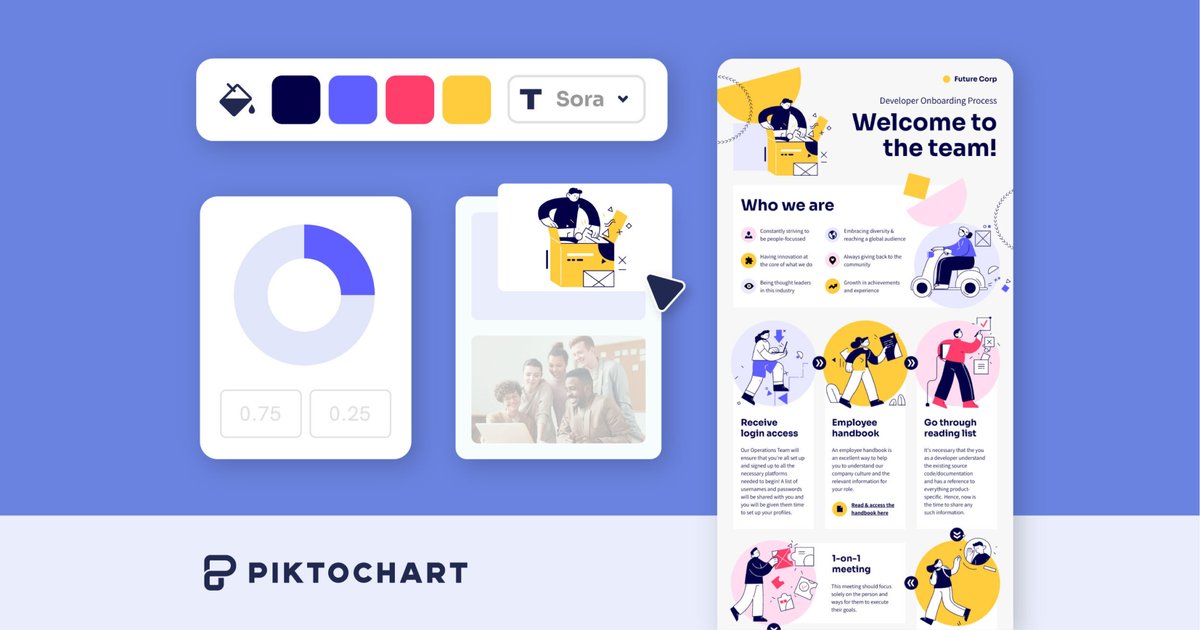
AI-assisted visual creation
Generate visuals from a prompt with Pikto AI, which the site says can turn simple words into visuals in under 10 seconds.

Piktochart is a web-based design tool for creating polished infographics, reports, presentations, and other visual content with templates and AI assistance.
Piktochart is a web-based visual creation tool focused on infographics, reports, presentations, and related data-driven graphics. The site positions it as a way to create polished visuals without design experience, using either templates or Piktochart AI.
The product pages show a broader workflow around turning prompts, source files, and structured data into visual content. Users can build charts, diagrams, flowcharts, maps, tables, and other presentation assets, then download, embed, or present them depending on plan features.
Generate visuals from a prompt with Pikto AI, which the site says can turn simple words into visuals in under 10 seconds.
Start from infographic templates or customize layouts, images, colors, and style with a few clicks. The infographic maker page says there are 230+ professionally designed infographic templates.
Create charts, graphs, diagrams, flowcharts, maps, and tables to explain data and processes in different formats.
Use brand assets such as logos, fonts, and colors to keep visuals consistent across projects and teams.
Work with collaboration features that include team sharing, comments and annotations, visual permissions, and workspace organization on paid plans.
Export and present visuals in multiple ways, including PNG downloads on the free plan and PDF or PowerPoint downloads on paid plans, plus website embedding and presentation mode.
Create a data story, explainer, or report by starting from a template, then replacing content and visuals to match the message.
Build classroom-ready infographics, presentations, and visual explanations without needing advanced design software.
Turn a prompt or brief into a first draft of a visual, then refine it with charts, icons, brand assets, and layout changes.
Produce team visuals with shared brand colors, fonts, logos, comments, and permissions so multiple people can review and reuse work.
Create charts, maps, flowcharts, and tables when the main goal is to simplify structured information for an audience.
Piktochart is a web-based design tool for creating infographics and other visual assets, and the source also references AI-assisted creation for infographics, reports, presentations, videos, charts, diagrams, maps, tables, and flowcharts.
The product pages describe starting from templates or using Piktochart AI to generate visuals from a prompt. The infographic maker page also says you can begin with a free template and customize it in a few clicks.
The pricing page shows a free plan and paid plans for Pro, Business, Education, and Nonprofit. The free plan includes 2 PNG downloads, unlimited visual projects, 60 AI credits, and 1GB storage.
Yes. The pricing page includes collaboration features on paid plans, including team collaboration, visual permissions, comments and annotations, team sharing, and workspace management controls on higher tiers.
The pricing page shows export and publishing options that include PNG, PDF, and PowerPoint downloads on paid plans, plus website embedding, social media publishing, presentation mode, and recording studio in the feature comparison.
Traffic data is for reference only.

canva.cn
Canva is a web-based visual design tool for creating and sharing digital and print assets with drag-and-drop editing, templates, and AI-assisted features. It supports individual, team, and enterprise workflows for presentations, social posts, logos, posters, and more.

venngage.com
Use templates, drag-and-drop editing and plan-based AI tools to build infographics, reports and presentations with Venngage.

x-design.com
Zawa, formerly X-Design, is an AI brand kit generator and editor for creating logos, posters, mockups, social content, and other branded assets.

xinva.ai
An AI design generator for creating print-on-demand artwork and other visual concepts.

miricanvas.com
MiriCanvas is an online design tool for presentations, social posts, thumbnails, posters, and more with templates and AI features.

moda.app
Moda is a web-based AI design tool for creating editable visual assets, including slides, social posts, documents, PDFs, and diagrams. Teams can produce on-brand designs from source material while keeping every element editable.