
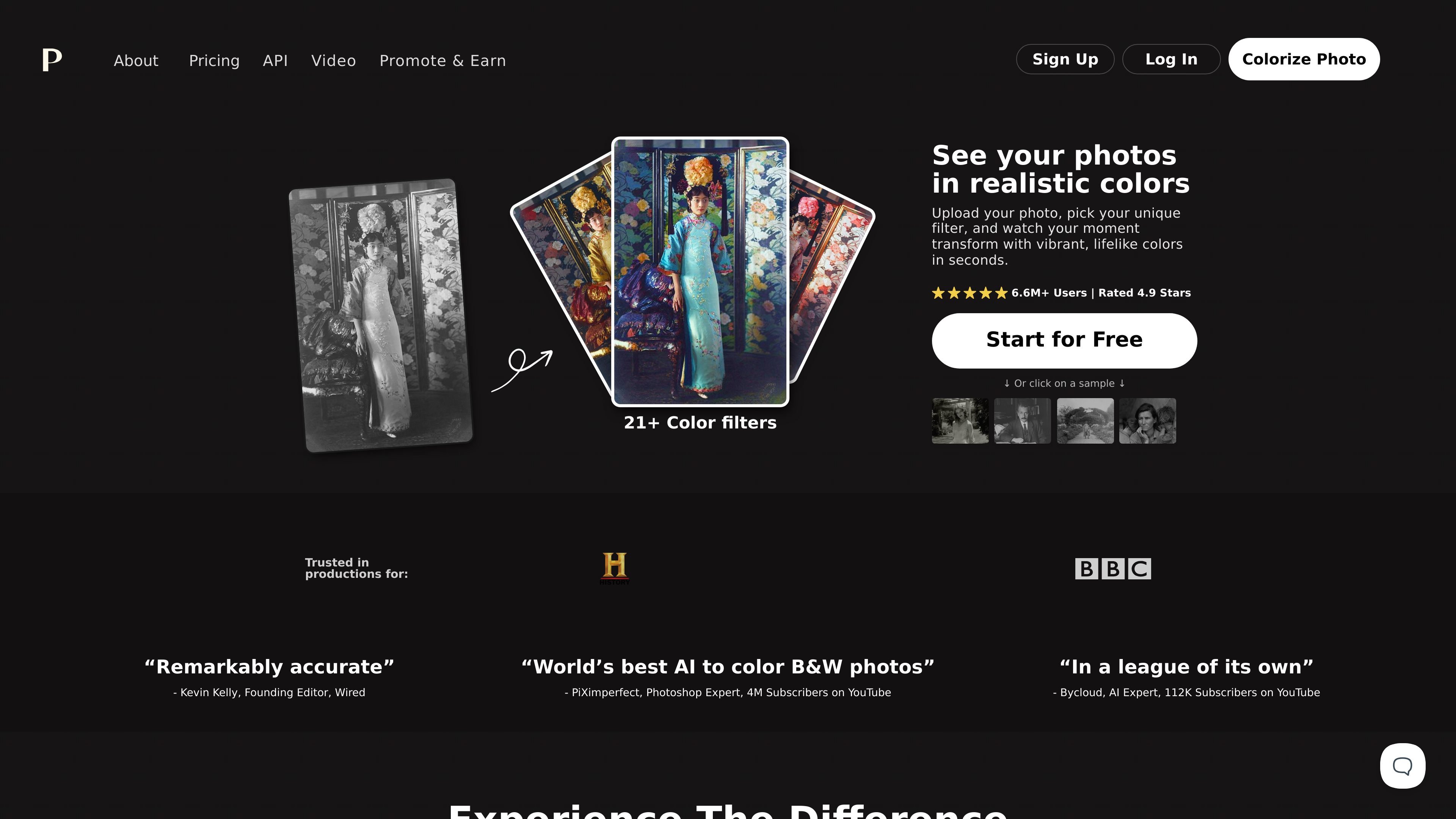
More than 21 color filters
Choose from different color treatments to explore how a photograph looks with different palettes.

An online AI photo colorizer for bringing black-and-white photos into color.
Palette is a browser-based AI tool that adds color to black-and-white photographs. Its core workflow is to upload an image, choose a color treatment, and download the result or refine it with descriptive keywords. It is suited to exploring color versions of family photographs, historical images, and other monochrome pictures.
Users can start for free without signing up. Free previews let them explore results before using credits for watermark-free, high-resolution output. Palette offers both subscriptions and one-time credit purchases.
Choose from different color treatments to explore how a photograph looks with different palettes.
Fine-tune a selected filter with clear descriptions and keywords, then run colorization again to adjust the result.
Drag and drop multiple images to upload a collection in one go.
Use one credit per photo to obtain a result without the Palette logo at resolutions up to 5000 × 5000 pixels.
Subscription features include automatically loading filters and tools to pin favorites, organize filters, and make copies for further editing.
Create color versions of old family photographs, choosing a treatment for each image before downloading the results.
Explore color interpretations of monochrome historical scenes. Palette’s examples include historical images, clothing, and interiors.
Compare treatments for photos of flowers, interiors, or clothing, then refine colors with keywords to suit the desired appearance.
You can start without signing up and create unlimited color previews. Free images carry the Palette logo and are limited to 500 × 500 pixels, preserving their proportions; smaller images remain unchanged. Signing up provides one trial credit for a watermark-free, full-resolution colorization.
The homepage lists an annual subscription at $72 for 480 credits, equivalent to $6 per month and $0.15 per credit. It also lists a one-time purchase of 75 credits for $49. One credit covers one watermark-free, high-resolution photo.
One-time purchase credits are available for two years. Subscription credits remain valid while the subscription is active, and unused credits roll over up to five times the monthly plan amount. Subscriptions can be canceled at any time.
Traffic data is for reference only.

pixlr.com
Pixlr is a browser-based AI photo editor and image generator for editing photos, creating images and videos, and handling everyday cleanup such as background removal, with free and paid plans.

pixelcut.ai
AI photo and video editor for product photos, ads, and visual content

cartoonize.net
Colorcinch is an online photo editor and cartoonizer that turns photos into cartoons, sketches, and stylized images, with free and paid plans.

beautyplus.com
BeautyPlus is an AI photo editor and online image tool for enhancing photos, removing backgrounds, deleting objects, and creating visual content.

pokecut.com
Browser-based AI photo editor for backgrounds, objects, enhancement, and ID photos

hey-photo.com
Free web-based AI photo editor for changing facial features in selfies and group photos, with browser uploads, common formats, and watermarked free-tier results.