
Agent-aware Markdown serving
The Serve SDK responds to recognized AI crawler requests, Markdown negotiation, or an `?onto` URL parameter with Markdown while leaving regular visitor responses unchanged.

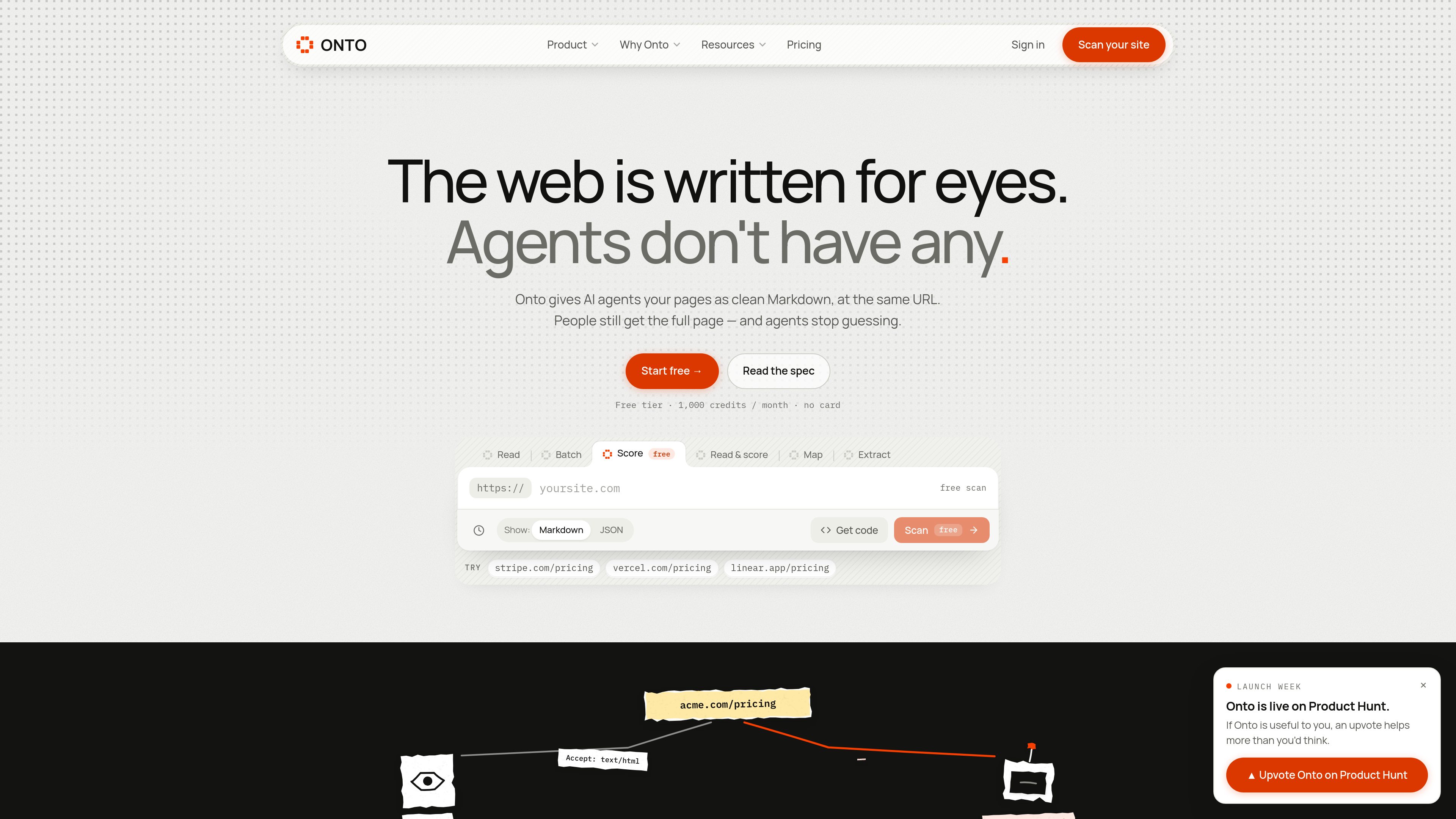
Onto helps website owners make pages easier for AI agents to read by serving clean Markdown at the same URL. It also provides agent-visit analytics and an AIO readability score. Developers can retrieve and process web content via its Read API or MCP server.
Onto is a web-to-Markdown service for making website content readable by AI agents. Its Serve SDK identifies supported agent requests and serves a cleaned Markdown version while continuing to return the normal page to people. The service also records agent visits and provides an AIO score that identifies structural issues affecting agent readability.
For developers building agent workflows, Onto provides a Read API and MCP server. The API can read public web pages, PDFs, JSON, CSV, and plain text, then return cleaned content or declared page metadata. It supports individual reads, batch requests, site mapping, extraction, and optional scoring.
The Serve SDK responds to recognized AI crawler requests, Markdown negotiation, or an `?onto` URL parameter with Markdown while leaving regular visitor responses unchanged.
A POST request to the Read API returns clean Markdown, metadata, and size statistics for a public URL. Reads use one credit per URL, and failed reads are refunded.
Onto scores agent readability from 0 to 100 and reports named structural faults, along with a low, medium, or high hallucination-risk label.
Agents such as Claude, ChatGPT, or Cursor can use Onto tools, including `read_url`, through the hosted connector or a local `npx` server authenticated with an Onto key.
The API can read up to 50 URLs in a batch, map up to 1,000 site URLs from a sitemap or linked pages, and extract JSON-LD, OpenGraph, and meta data.
The dashboard shows which recognized agents visited which pages, their source, and how much lighter the served response was. Serve Pro adds unknown-agent lists and CSV export.
Install the Serve SDK so supported agents receive a cleaner representation of documentation or marketing pages without changing the page shown to human visitors.
Use the Read API to fetch public pages as Markdown, preserve declared metadata, and optionally score the result before passing it into an application.
Run the free scanner or scoring route to find issues such as missing Markdown, blocked crawler access, absent JSON-LD, heading problems, or missing image alt text.
Add Onto’s MCP server so a compatible agent can call `read_url` and related tools when it needs to inspect a page.
Use Serve analytics to see which named or unknown agents access site routes and export the available data on higher Serve plans.
The regular full page. The Serve SDK changes the response for recognized AI-agent requests, Markdown requests, or requests using the `?onto` parameter.
It checks the API key, applies a credit, checks its one-hour cache unless a fresh read is requested, validates public hosts and redirects, checks robots.txt, fetches the page without running JavaScript, cleans it through Onto’s core engine, and returns the result as JSON or raw Markdown. Failed reads are refunded.
It can clean web pages, return text from PDFs up to 20 pages, pass through JSON, CSV, and plain text, extract declared JSON-LD, OpenGraph, and meta data, map site URLs, and process up to 50 URLs in a batch. Image-only PDFs fail because they contain no text to return.
One URL read costs one credit. Batch requests charge one credit per URL, while scoring is free. On the free Read tier, requests stop with a quota error after the monthly allowance; paid tiers can use purchased credit packs for overage.
No. The Read API fetches the publicly available response without running JavaScript. It also checks robots.txt and stops when the site blocks GPTBot or all crawlers.
Traffic data is for reference only.

t0md.com
t0md converts PDF, Word, PowerPoint, HTML, and JSON files into clean Markdown for people and AI agents. It also provides a remote MCP server for converting documents inside compatible agent tools.

www.cosmicjs.com
A marketplace for installing vendor plugins onto the Cosmic agent that owns a task. It is aimed at teams using Cosmic agents, MCP tools, and related content or operational workflows.

coldiq.com
ColdIQ is a unified GTM data API for Claude Code, AI agents, and developers. It lets teams search leads, enrich contacts, find emails, and access multiple data providers through an API, MCP server, or agent interface.

entire.io
Git hosting and agent session tracking for developers working with coding agents.

weaveos.com
Weave Router is an intelligent model router for coding agents. It evaluates coding tasks and routes requests across open and closed models, helping developers keep existing agent workflows while managing speed, quality, and model spend.

thecatenary.app
Catenary is a local-first desktop IDE for running and coordinating multiple AI coding agents on an infinite canvas. It helps developers keep terminals, editors, browsers, worktrees, and agent context visible in one workspace.