
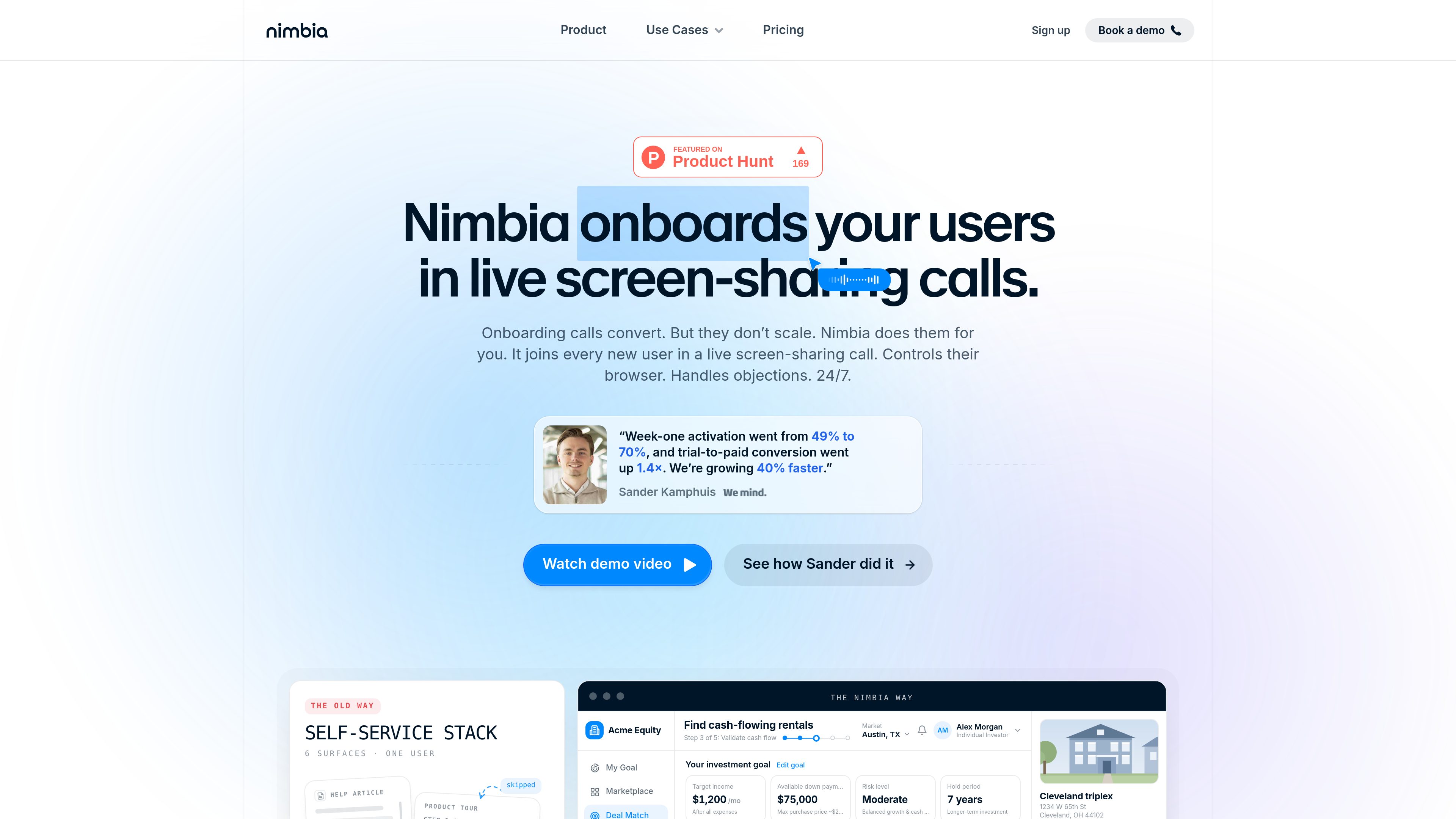
Live screen-sharing onboarding calls
Nimbia joins 1-on-1 sessions with users so onboarding happens in the product, not only through written instructions.

Nimbia is an AI onboarding agent that joins live screen-sharing calls with new users, views their screen, and controls the browser to guide them through setup and first use. Built for SaaS teams looking to scale live onboarding beyond founder-led calls and static self-serve help.
Nimbia is an AI onboarding agent for SaaS products that joins live screen-sharing calls with users and helps them complete early setup in real time. It watches the user’s screen, controls the browser, and guides the session with voice so the user can reach the product’s first useful outcome without relying only on help docs or product tours.
The product is positioned around onboarding calls that normally convert well but do not scale. Nimbia’s approach is to give every new user a live conversation, including signups that happen outside normal business hours or in different time zones. The source material also shows the product being used to move trial users to activation and to replace founder-led onboarding coverage with a repeatable workflow.
Nimbia joins 1-on-1 sessions with users so onboarding happens in the product, not only through written instructions.
The agent can click buttons, fill in fields, and navigate the app while explaining what it is doing.
Users can speak naturally, interrupt, and ask follow-up questions while the session is in progress.
Teams can point Nimbia at call recordings, docs, or a test account so it can learn the product flow.
The source describes Nimbia exploring the UI and building walkthroughs on its own from the provided knowledge.
The site shows a simple boot-style app integration example and describes the setup as one line and lightweight, without a heavy SDK.
Teams can use Nimbia to guide trial users to their first value moment during the trial period, instead of waiting for them to discover the workflow alone.
Founders who currently handle many onboarding calls themselves can extend that style of onboarding without spending all of their time on it.
Products that already have docs, checklists, and product tours can add live calls for users who still get stuck.
Teams serving global users can provide live help when signups happen late at night or outside the team’s working hours.
Because the onboarding is a real conversation, teams can hear user objections, language, and questions directly during the session.
Nimbia is an AI agent that joins live screen-sharing calls, sees the user’s screen, controls the browser, and guides onboarding with voice.
It is aimed at the gap between products that convert during live onboarding and products whose self-serve setup leaves users stuck before activation.
The source says teams can give it call recordings, documentation, or a test account, and it can explore the UI directly.
No. The pricing page says pricing depends on call volume, the products covered, and integrations, and asks teams to book a call for a quote.
No. The site positions it for founder-led onboarding, trial conversion, self-serve onboarding gaps, and 24/7 coverage.
Traffic data is for reference only.

parakeet-ai.com
ParakeetAI is an AI interview assistant that provides real-time answers during live interviews and coding calls, with browser, desktop, and mobile support.

tryassistly.com
Assistly is a live meeting assistant for macOS and Windows, offering real-time guidance during calls and writing a recap afterward. It works directly from your computer instead of joining as a bot, and makes call history available to connected apps through an MCP server.

shop.genspark.ai
Genspark SecondBrain Note is a card-sized AI voice recorder for capturing meetings, calls, consultations, and other conversations. It records offline, transfers audio through the Genspark App, and turns recordings into transcripts, summaries, key points, and action items.

miitel.com
Review business calls and meetings through speech analytics, transcripts, and conversation reports.

www.hemory.com
Hemory is an always-on listening and memory tool that transcribes real-world conversations, organizes them into searchable activities, and makes them available to built-in and external AI agents. Turn meetings, voice notes, and spoken experiences into summaries, answers, and documents.

shadow.do
Shadow is an AI interface for Mac that captures meetings and screen context, turning them into notes, replies, summaries, and more with custom Skills. Free plan available, plus a paid plan with unlimited AI features.