
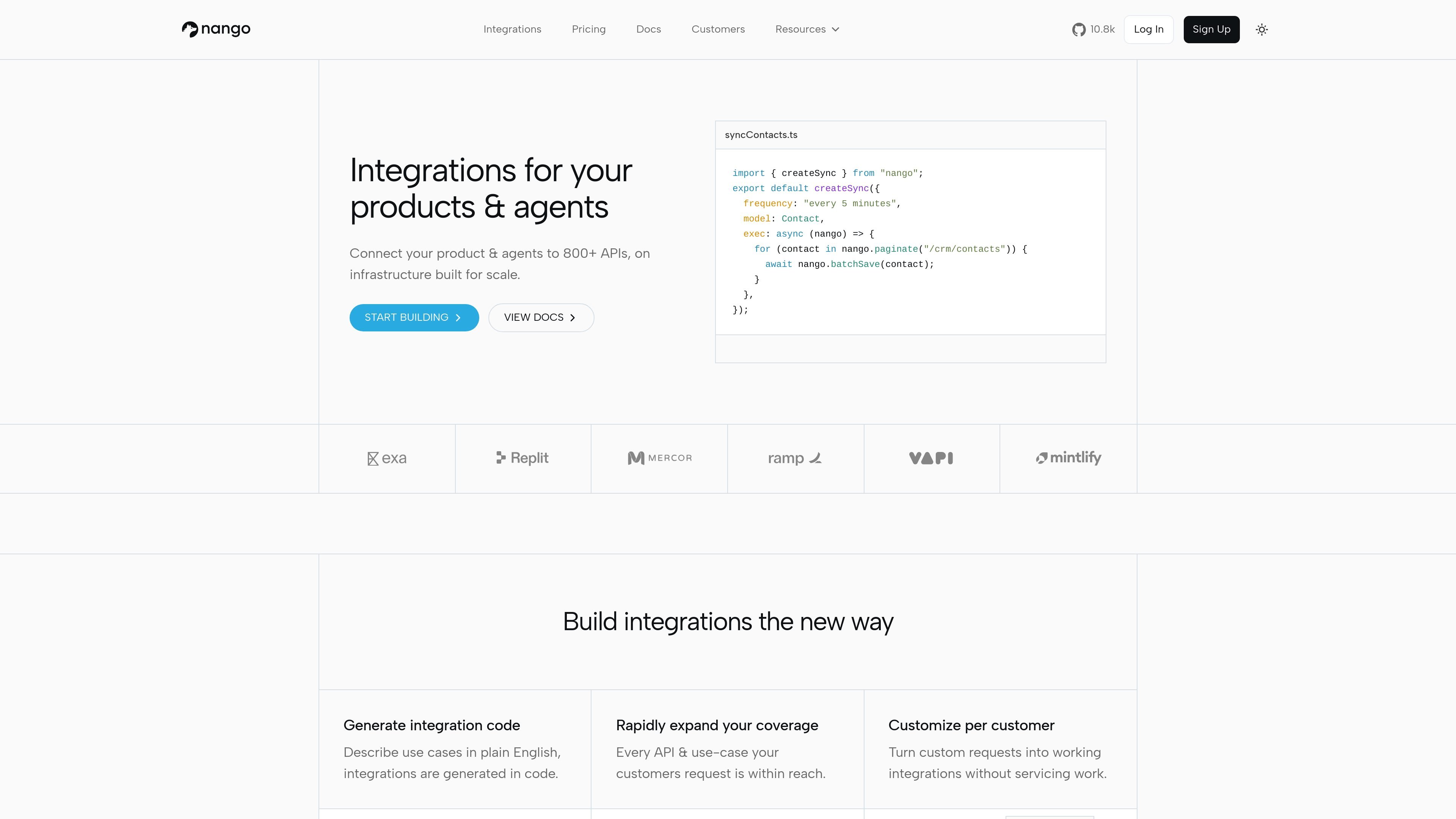
Integrations as code
Generate integration code from plain-English use cases, then customize the output in code. The homepage and quickstart both describe a code-first workflow rather than a no-code builder.

Nango is a code-first integration platform connecting products and AI agents to 800+ APIs.
Nango is an integration platform for products and AI agents. It helps teams connect their software to more than 800 APIs and run those integrations as code on infrastructure built for scale.
The site positions Nango around three main jobs: authorizing external accounts, generating and running integration logic, and keeping data fresh through syncs, triggers, and webhooks. The quickstart shows this flow end to end, from creating a test connection to triggering a function and inspecting logs.
Generate integration code from plain-English use cases, then customize the output in code. The homepage and quickstart both describe a code-first workflow rather than a no-code builder.
Use Nango to connect products and AI agents to external systems through MCP tools, action functions, and an API SDK. The product emphasizes making integrations callable from software and agents.
Handle OAuth, API keys, token refresh, authorization, rate limits, pagination, webhooks, and incremental syncs through the platform runtime.
Expose integration logic as syncs, actions, and webhook triggers. The quickstart shows enabling a function template and running it against a connected account.
Run integrations in isolated environments and monitor them with logs, metrics, and alerts. The homepage also mentions high concurrency execution, retry handling, and schedule-to-execution latency under 100 ms.
Use prebuilt UI components or build your own authorization flow with Nango APIs. The pricing page also lists branding customization, RBAC, SAML SSO, and OpenTelemetry log export as available capabilities.
Connect a SaaS product to third-party services so customers can authorize accounts, sync records, and keep data fresh without building each API integration from scratch.
Expose external APIs to agents as tools, so an AI workflow can call connected systems through MCP or action functions.
Build provider-specific syncs, triggers, and actions in code and run them against a connected account using the platform runtime.
Support teams that need authorization, retries, rate-limit handling, and visibility into execution through logs and metrics.
Start from templates for common APIs, then customize the integration code or contribute a new API integration when the catalog does not cover a needed system.
Nango provides a runtime for building and running integrations as code. The quickstart shows an end-to-end flow: sign up, authorize a test connection, enable a function template such as `get-repository`, and trigger it from your backend or via the HTTP API.
The source describes Nango as supporting 800+ APIs. The integrations catalog also says each API includes tooling for authorization, rate limits, pagination, webhooks, and more.
Nango exposes integrations for products and AI agents. The site highlights MCP tools, webhooks and triggers, auth and credentials, syncs and ingestion, and API SDK access.
The pricing page shows a free plan, Starter and Growth paid plans, and an Enterprise option with custom pricing. It also lists add-ons and usage-based billing for several resource types.
Traffic data is for reference only.

getknit.dev
Integration infrastructure for B2B SaaS, AI agents, and MCP clients with Unified APIs, MCP Servers, and LLM Tools.

airuncode.com
AIRUNCODE is a local-first agent runtime for running voice-driven code agents on your own machine. It’s designed for users who want local execution and access to AI providers at their original prices.

context7.com
Context7 brings current, version-specific library documentation and code examples into AI coding assistants through an MCP integration. It helps developers generate code against the APIs and package versions they are using.