
Shared visual canvas
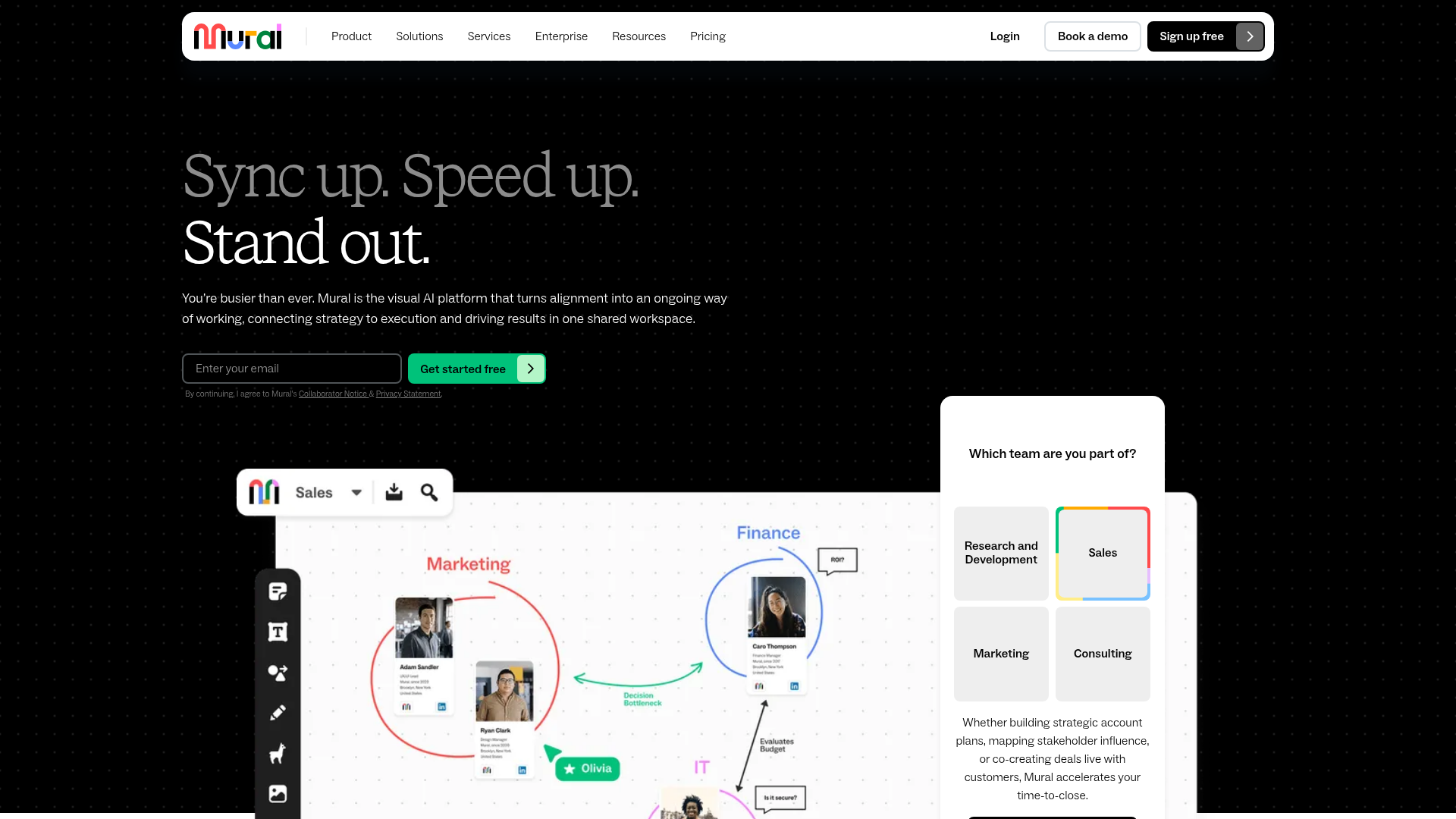
Shared canvases let teams work in a flexible visual space for brainstorming, planning, mapping, and presentations. The product page describes both infinite and resizable canvas options.

Mural is an AI-powered visual workspace that helps teams plan, brainstorm, facilitate workshops, and connect strategy to execution in one shared environment.
Mural is an AI-powered visual workspace that helps teams plan, brainstorm, facilitate workshops, make presentations interactive, and connect strategy to execution in one shared environment.
The product is positioned for cross-functional work across research and development, sales, marketing, and consulting, with features for visual thinking, session facilitation, AI-assisted synthesis, and integrations that fit into existing workflows. Pricing is organized into Free, Team+, Business, and Enterprise plans, with enterprise-level controls and support available on higher tiers.
Shared canvases let teams work in a flexible visual space for brainstorming, planning, mapping, and presentations. The product page describes both infinite and resizable canvas options.
Mural AI can cluster sticky notes, generate mind maps, classify note sentiment, and summarize sessions to speed up synthesis and next-step planning.
Facilitation tools such as timers, voting, summoning the group, private mode, and a laser pointer help leaders keep sessions on track and guide participation.
The platform includes templates, sticky notes, drawing, images, icons, tables, mind maps, diagrams, and a content library to structure workshop outputs.
Mural supports collaboration on web, iOS, Windows 10, Android, and macOS, and can be shared on interactive displays.
Integrations include Microsoft Teams, Zoom, Webex, Jira Cloud, Google Workspace, Slack, Adobe Creative Cloud Library, Butter, and Microsoft 365-related capabilities noted on the product page.
Use Mural to run ideation sessions with sticky notes, private mode, voting, and clustering so the group can generate and refine ideas without losing momentum.
Use the platform to map stakeholder relationships, define goals, and organize projects into a shared visual plan that connects strategy to execution.
Facilitate workshops, retrospectives, and status meetings with timers, summoning, outlines, and instructions to keep participants focused on the task at hand.
Create interactive presentations and collaborative customer sessions with outlines, visual canvases, and integrations such as Microsoft Teams or Zoom so discussion stays in one shared workspace.
Use templates, diagrams, mind maps, and AI summaries to turn workshop output into structured artifacts and next steps for follow-up work.
Mural is a visual work platform for collaborative planning, workshops, brainstorming, presentations, and project work. It combines shared canvases, templates, AI tools, and facilitation features to help teams organize work visually.
The source describes Mural as a visual AI platform and visual work platform for team collaboration. It is aimed at teams in research and development, sales, marketing, and consulting, as well as broader business teams.
Mural offers a Free plan, then Team+, Business, and Enterprise plans. The pricing page indicates Free starts at $0, while Team+ and Business are paid plans and Enterprise uses contact-for-pricing.
The product page highlights Mural AI for clustering, mind maps, classification, and summarization, plus templates, diagrams, tables, voting, timers, and other facilitation tools. It is positioned for collaborative visual work rather than a traditional document editor.
The source does not present Mural as limited to one team type. It is designed for collaboration across members, guests, and visitors, with room and workspace controls that vary by plan.
Traffic data is for reference only.

miro.com
Miro is an AI-powered visual workspace that helps teams move from ideation to launch in one shared canvas.

meridiona.com
Meridian is an engineering intelligence workspace that helps engineering leaders and teams understand delivery health, execution context, risks, and decisions. It connects project signals and team updates into a shared delivery view without replacing the project tracker.

spaces.ez-ai.io
Spaces is a desktop AI workspace for individuals and teams that organizes project chats, files, AI specialists, and scheduled routines in shared spaces. Connect to ChatGPT, Claude, Gemini, or a locally run model, while agents and connected accounts stay on each user’s computer.

itonics-innovation.com
An enterprise platform for R&D, strategy, and innovation teams to scout, plan, and manage portfolios.

offloop.org
Offloop is a shared workspace for small teams and AI agents to run recurring work with visible context, ownership, approvals, and handoffs. It turns agent results into reusable workflows inside team Channels.

cloudairy.com
An AI workspace for teams to plan, document, record, and share project work.