
Questions and follow-up discussion
Use Chat to ask about Catholic teaching and continue the discussion with follow-up questions.

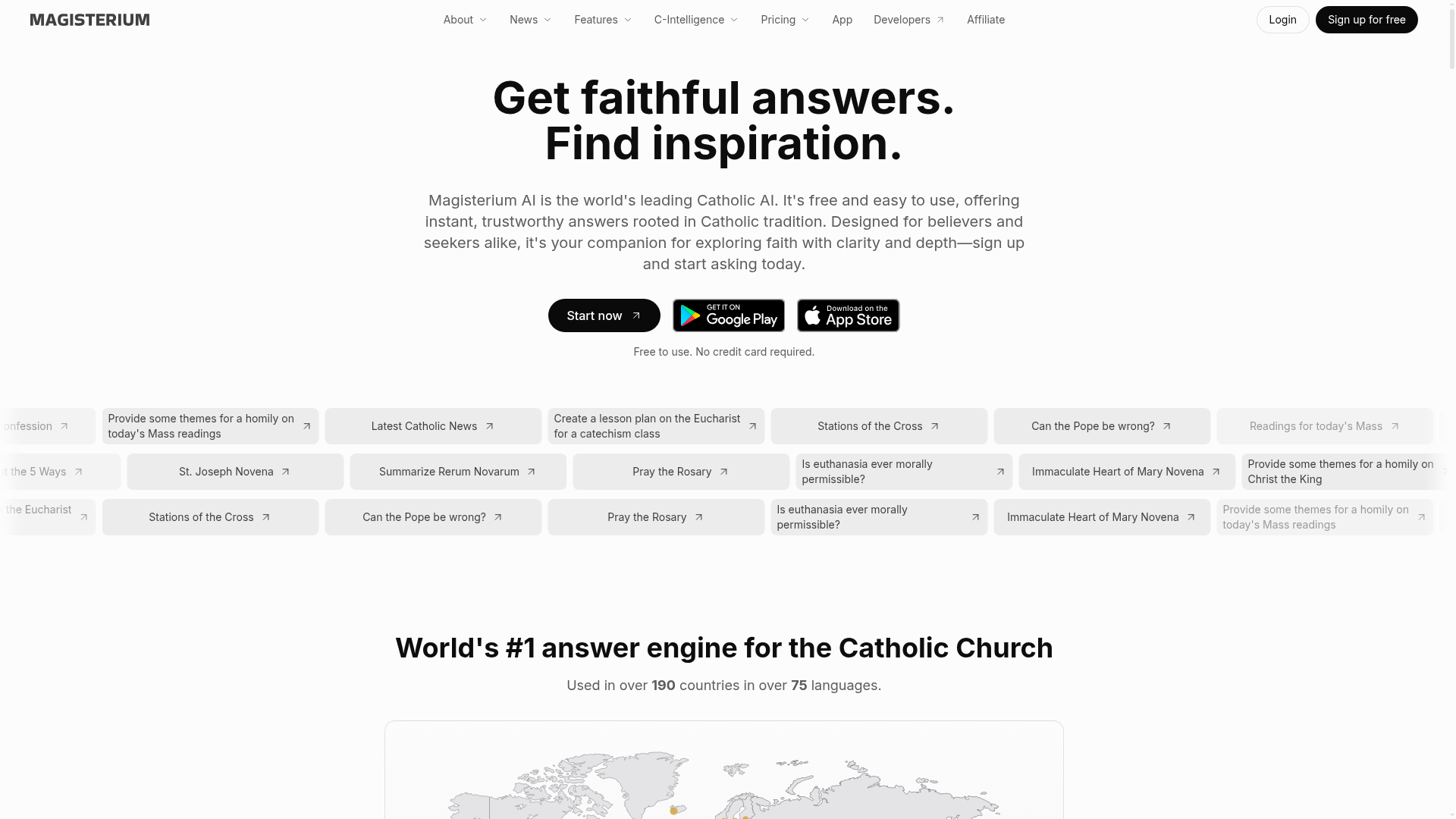
Ask questions about Catholic teaching, find relevant passages, and inspect the documents cited in AI answers.
Magisterium is a Catholic-focused AI research and study app. Ask a question in Chat for an explanation, use Search to find passages about a topic, or explore related passages on a source map. Numbered citations open the underlying documents for closer reading.
The Free plan supports recurring basic use, while Pro adds document uploads, Canvas editing, and quizzes or flashcards. These tools help with personal study, preparing lessons, and following a question back to the texts behind an answer.
Use Chat to ask about Catholic teaching and continue the discussion with follow-up questions.
Search a topic for relevant library passages, or use Explore’s interactive map to discover related material. Search and Explore are currently available in the English web interface.
Open an answer’s numbered citation or References panel to read the original document in context. Query the document and bookmark passages in My Library.
Pro includes document upload, Canvas Mode, and Learn Mode with quizzes and flashcards. Canvas exports carry source references as footnotes.
Start with an explanation in Chat, then open its references to examine the relevant source passages.
Find supporting Catholic texts for a topic and explore related passages when choosing material to discuss.
Use Pro’s document and Canvas tools for written study, or Learn Mode for quiz and flashcard practice.
Free includes 90 prompts per week, citations, web search, and personalization. The allowance resets every seven days. Search and Explore use the same query allowance as Chat; applying a search filter runs another search.
The mode controls appear after sign-in in the English web interface. Search also has a direct signed-out entry; Explore requires sign-in.
No. Open the cited passage and compare the answer with its surrounding context. Magisterium provides a feedback option for misquoted or misattributed sources.
Free and Pro conversations may be used for training and product improvement by default. Turning off Improve the model for everyone excludes new chats from that use. Chats created under Organization plans are excluded automatically; personal chats keep their own setting.
Traffic data is for reference only.

droracle.ai
Medical AI for cited, guideline-based clinical answers and research

notebooklm.google
Source-grounded research, cited answers and study aids, now called Gemini Notebook.

unriddle.ai
Anara is an AI research workspace for cited answers, document analysis, and web and library search.

byteask.ai
ByteAsk is a hosted MCP service for coding agents that returns page-cited technical answers from primary sources—or says "no confident match" when unverified.