
Text and topic generation
Paste notes, chapters, or articles to generate questions about key concepts, or enter a topic to create a quiz without supplying source material.

AI quiz generator for educators, trainers, and creators working with documents and media.
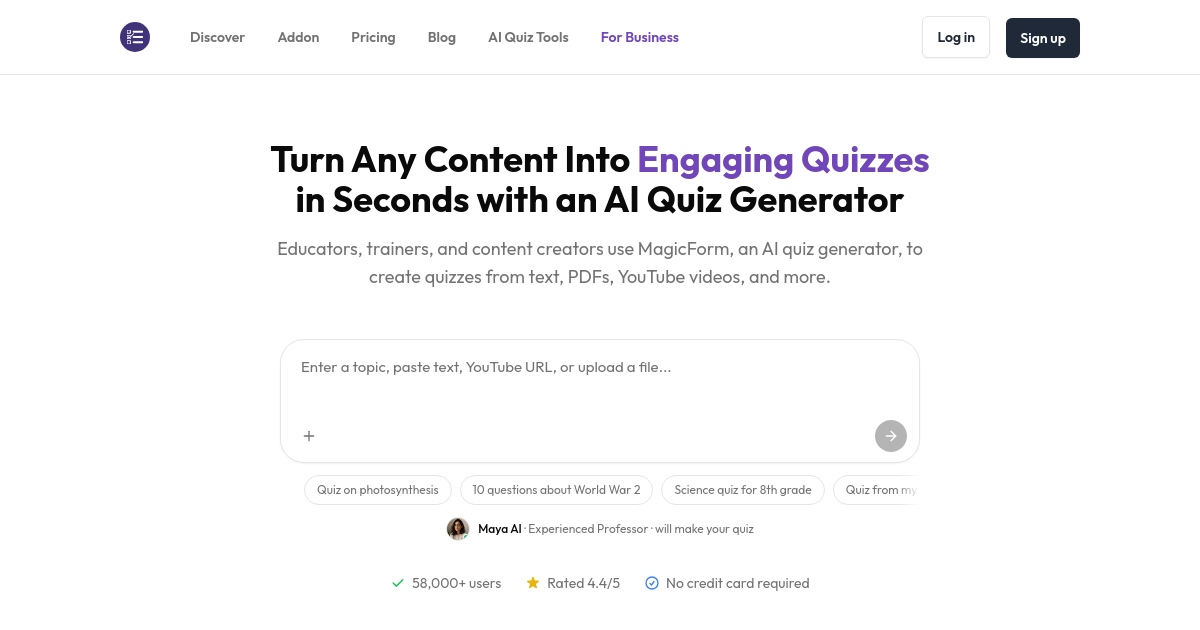
MagicForm is a web-based AI quiz generator that turns learning materials into questions for assessments and practice. It accepts text, topics, documents, videos, webpages, and images, helping educators, trainers, and content creators prepare quizzes from existing resources.
Users add their content, choose quiz settings, and review the generated questions before distributing them. The workflow supports classroom assessments, independent study, workplace screening, and quizzes that accompany published content.
Paste notes, chapters, or articles to generate questions about key concepts, or enter a topic to create a quiz without supplying source material.
Upload PDF or DOCX files, including multipage documents, to extract text and turn study materials into targeted questions.
Use a YouTube URL to generate questions from its transcript, or provide a webpage URL to build a quiz from the page’s content.
Upload diagrams, charts, infographics, or photos of textbook pages. AI vision analyzes the visual content to generate relevant questions.
Adjust difficulty and question count, choose question types, and edit generated questions before sharing the assessment.
Export quizzes to Google Forms or PDF, or distribute them through a shareable link.
Teachers can turn lesson notes and textbook chapters into assessments, then tailor the questions to their students and teaching approach.
Students can build practice quizzes from study documents or a subject topic and select a difficulty level for self-study.
HR teams can create role-specific assessments to evaluate candidates’ skills and knowledge using a consistent set of questions.
Publishers can create quizzes that accompany articles, blog posts, or educational materials and embed them in that content.
Create an account, add source content or enter a topic, and generate a quiz. MagicForm runs in the browser without a download, and free signup requires no credit card.
The Free plan includes 5 quizzes per month, a 12,000-character input limit, and up to 8 questions per quiz. It also includes access to past quizzes.
The displayed annual Pro plan costs $89 per year, equivalent to $7.42 per month. It includes unlimited quizzes, up to 40 questions per quiz, custom quiz branding, and a 12,000-character input limit.
Both Free and Pro list support for more than 100 languages.
Traffic data is for reference only.

hearify.org
AI quiz generator turning text, PDFs, and videos into quizzes, surveys, and assessments

quizwhiz.ai
AI quiz generator for studying from topics, text, PDFs, or URLs

flashcard-generator.io
AI flashcard maker that turns documents, media, and YouTube links into study cards