
Repository-aware coding agent
LucentraCode inspects an opened project before working on an objective, then can plan the work, edit code, execute commands, run tests, investigate failures, and continue toward the requested result.

LucentraCode is an open-source AI coding CLI that helps developers inspect repositories, plan and implement changes, run commands and tests, and verify results from a terminal. It supports interactive and automated workflows with selectable models and integrations for headless execution and MCP.
LucentraCode is an open-source AI coding CLI for terminal-based software development. It works inside a repository to inspect the project, plan requested changes, edit code, execute commands, run tests, investigate failures, and verify the resulting implementation.
The CLI can be used interactively or from automated workflows. Developers can select models, run tasks without interactive mode, produce JSON output, launch a headless server, and manage MCP integrations. This makes LucentraCode suitable for both hands-on repository work and scripted development processes, while model access remains subject to the account plan’s capped usage allowance.
LucentraCode inspects an opened project before working on an objective, then can plan the work, edit code, execute commands, run tests, investigate failures, and continue toward the requested result.
Use the standard terminal interface for guided work, or run a task directly with `lucentracode run`. The command also supports machine-readable JSON output for downstream automation.
The CLI includes agent modes for planning before edits and reviewing existing changes, including commands such as `lucentracode run --agent plan` and `lucentracode run --agent review`.
List available models with `lucentracode models` and select one for a task. Custom agents can define reusable roles with specific instructions, models, permissions, and responsibilities.
Launch a headless server with `lucentracode serve`, attach to a running instance, and manage Model Context Protocol servers through commands for listing, adding, authentication, and credential logout.
Open an existing project, describe a concrete objective such as adding API rate limiting, and let LucentraCode work through inspection, editing, command execution, testing, and verification.
Use the planning agent to explore how a change—such as adding caching to a service—could be implemented before making edits to the repository.
Run the review agent against the current working changes to obtain an agent-driven review workflow rather than starting a new implementation task.
Use non-interactive runs, JSON output, or a headless server when a script or external process needs to submit tasks to the LucentraCode runtime.
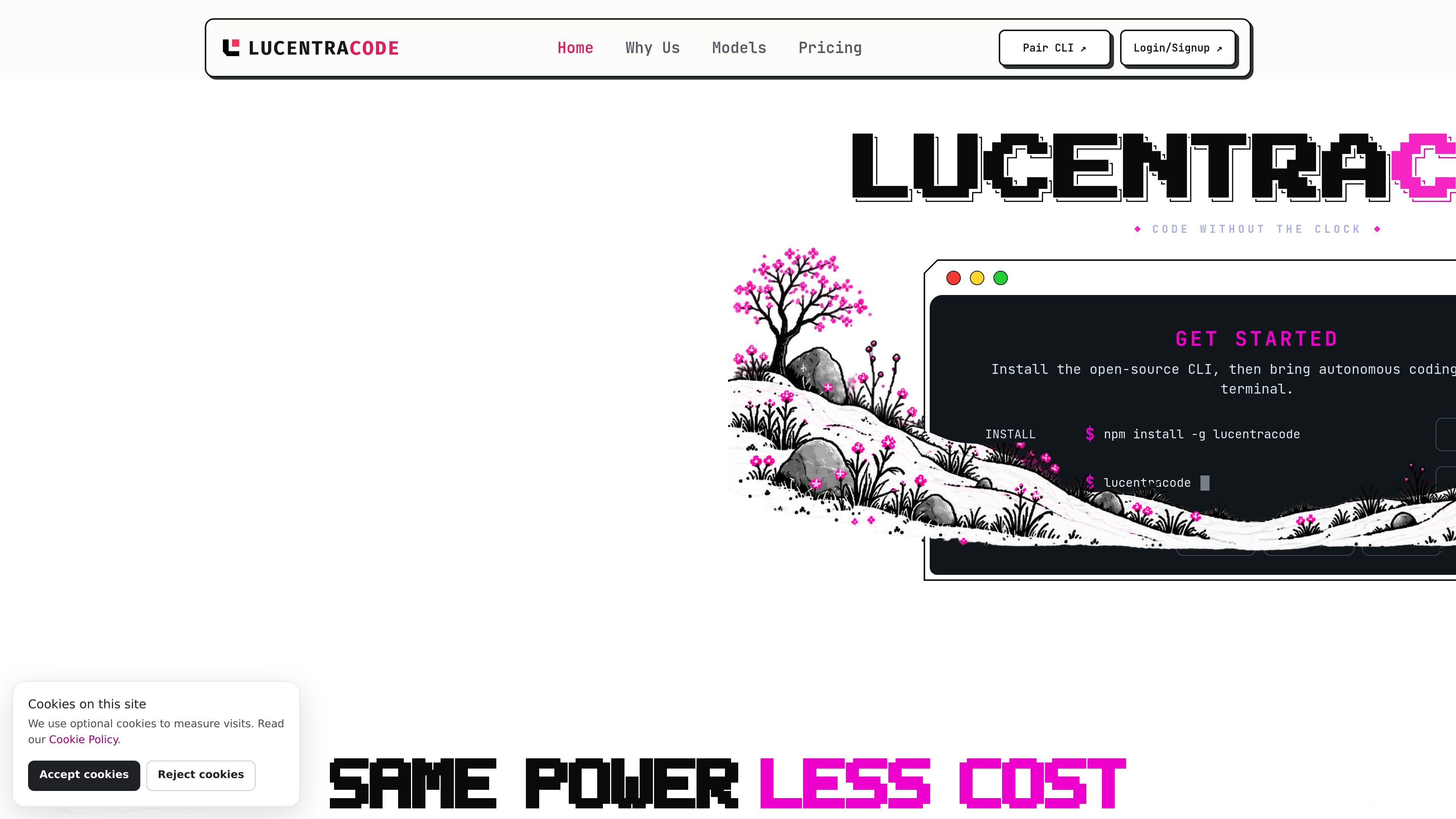
Install it globally with `npm install -g lucentracode`, verify the installation with `lucentracode --version`, sign in with `lucentracode login`, change into a repository, and launch `lucentracode`.
Yes. Use `lucentracode run "your task"` for a direct task, add `--format json` for machine-readable output, or launch `lucentracode serve` and attach with `lucentracode run --attach`.
Yes. Run `lucentracode models` to view available models and pass a selected identifier with `lucentracode run --model <model-id> "your task"`. Availability varies by provider, and all models share the capped usage allowance of the account plan.
It supports MCP integrations, language tooling, controlled external tools, and headless CLI workflows. The site cautions that third-party MCP servers operate outside Lucentra Labs’ direct security boundary.
The site lists Linux, Windows, and macOS as supported platforms.
Traffic data is for reference only.

opencode.ai
OpenCode is an open-source AI coding agent for terminal, IDE, and desktop, helping developers understand codebases, plan changes, and use multiple LLM providers.

openhands.dev
OpenHands is an open-source, model-agnostic platform for cloud coding agents that automates engineering workflows across local, cloud, and enterprise deployments via web, CLI, terminal UI, and SDK interfaces.

sparkco.ai
Sparkco: open-source AI agent infrastructure, terminal tooling, prediction-market workflows, and usage-based voice-agent plans with free credit, SMS, transcripts, and integrations.

manaflow.com
Manaflow is an open-source applied AI lab focused on terminal-based workflows for coding agents. Its public site describes parallel management of multiple AI coding agents in isolated VS Code instances.

voidleap.com
Voidleap Code is a desktop IDE for professional developers and AI engineers building software with AI agents. It runs locally on Mac and Windows, supports cloud provider accounts or local models, and lets you inspect and control prompts, tool calls, context, and file changes.

ampcode.com
Amp is a coding agent for terminal and editor workflows, with leading models, threads, subagents, CLI, editor integrations, and web sharing.