
Grammar and spelling checking
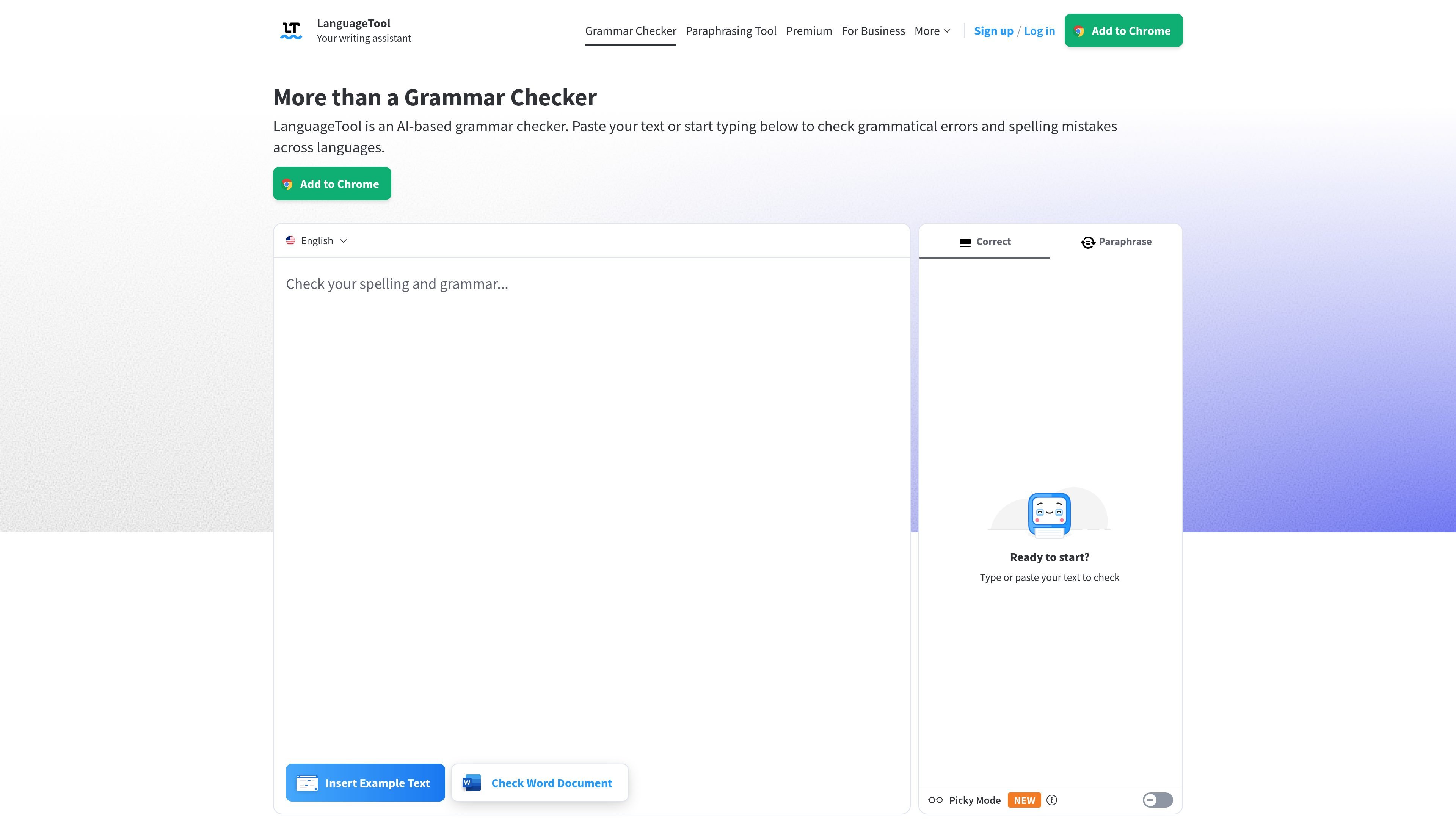
LanguageTool checks for grammar, spelling, punctuation, style, and casing issues, with examples on the site showing word order, tense, comma, and agreement corrections.

LanguageTool is an AI grammar checker and writing assistant for individuals and teams, checking spelling, grammar, punctuation, style, and word choice in 30+ languages.
LanguageTool is an AI-based grammar checker and writing assistant that helps users find and fix spelling, grammar, punctuation, style, and word-choice issues. It works across more than 30 languages and dialects, including major languages such as English, German, Spanish, French, Dutch, and Portuguese.
The product is available as a browser add-on, a dedicated editor, desktop support for Windows and macOS, and integrations for tools such as Microsoft Word, Google Docs, and LibreOffice. The site also highlights a paraphrasing tool and a statistics feature for tracking writing activity and suggestions applied.
LanguageTool checks for grammar, spelling, punctuation, style, and casing issues, with examples on the site showing word order, tense, comma, and agreement corrections.
The editor offers a distraction-free writing space, a personal dictionary, statistics, and a dark/light appearance option for users who want to write inside LanguageTool itself.
The browser add-on works while typing on the web, automatically detects the language of the text, and does not store text according to the site.
LanguageTool is available for Windows and macOS and is shown working in apps such as Outlook, WordPad, Notepad, Pages, Mail, Slack, Word, Notes, and Messages.
The service integrates with Google Docs, Microsoft Word, and LibreOffice, and the Word page says the add-in works with Windows, Mac, and the online version of Word.
The paraphrasing tool can rewrite sentences in different tones such as formal, concise, fluent, or simple, and the pricing page describes unlimited sentence paraphrasing for Premium.
Use the browser add-on to catch grammar and spelling issues while drafting emails, blog posts, or social media text directly in the web app you are already using.
Use the dedicated editor when you want a focused writing space with statistics, a personal dictionary, and configurable display options.
Use the Word, Google Docs, or LibreOffice integrations when you need proofreading inside office documents, essays, letters, or other document-based workflows.
Use the paraphrasing tool when you want to rephrase a sentence to sound more formal, fluent, simple, or concise.
Use the team features when an organization needs shared wording rules and a common dictionary for consistent text across multiple writers.
Yes. The free version corrects spelling, simple punctuation, and some style mistakes. Premium is described as showing all errors and providing the best possible text.
LanguageTool works in common internet browsers through extensions and add-ons, and the site also points to dedicated apps and integrations such as Word and LibreOffice.
LanguageTool supports more than 30 languages and dialects. The site highlights English, Spanish, German, French, Dutch, and Portuguese as main languages, and offers six English varieties in the English version.
Error cards appear automatically while you type. You can also double-click a word to see synonyms.
The product page says team accounts are available for companies, and the pricing page includes a Teams plan with shared style and dictionary features.
Traffic data is for reference only.

textadviser.com
TextAdviser is a web writing assistant for grammar, plagiarism, AI chat, rewriting, summaries, translation, and more.

mypitaya.com
火龙果 is a writing assistant for proofreading, rewriting, expanding, and translation, with web and Word, WPS, PowerPoint, and Chrome plugins.

gomoonbeam.com
AI writing assistant for turning notes and prompts into structured long-form drafts.

humbot.ai
Web-based AI assistant for studying, writing, and text work

thesify.ai
AI writing assistant for academic drafts, journals, and papers

zerogpt.cc
ZeroGPT is a web-based AI text detector and writing utility that checks whether text appears human-written or AI-generated. It also offers readability, word-count, and text-splitting tools for editors, students, teachers, publishers, and marketers.