
In-place text actions
Select text and apply translation, improvement, shortening, tone changes, rewriting, or a custom instruction. Results appear in a bubble and can be inserted, copied, or regenerated.

A macOS utility for translating, improving, rewriting, and dictating text right where you work.
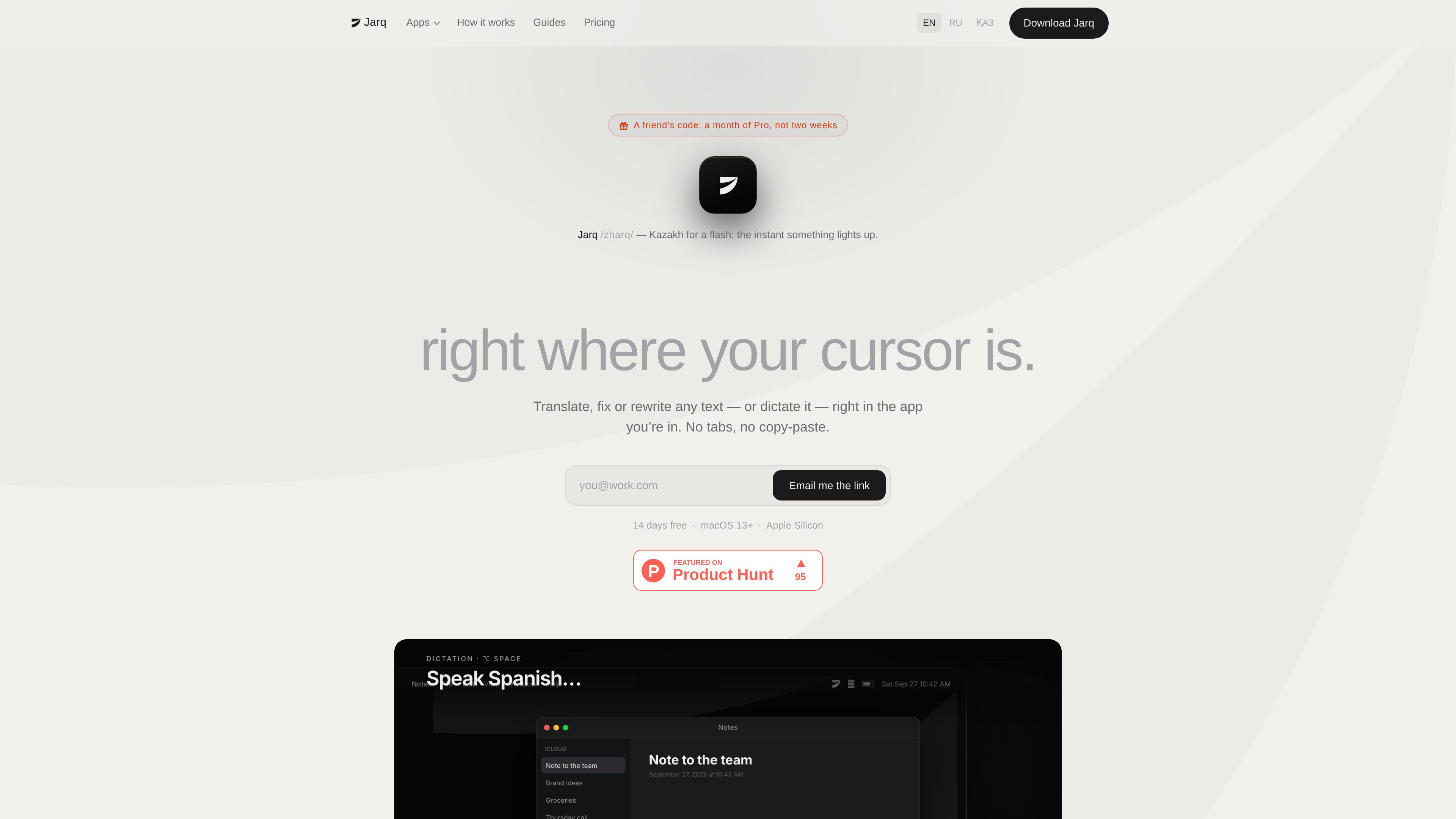
Jarq is a macOS utility for translating, improving, rewriting, and dictating text right where you work. It is intended to reduce the need to switch to a separate translator or writing tool: select text and choose an action, use a keyboard shortcut, or speak into the current text field.
Results can replace the selection, be copied for use elsewhere, or be regenerated. Available actions include translation, grammar and clarity improvements, shorter versions, tone changes, and custom instructions. With no text selected, Jarq opens Ask for an instruction-based text task.
Jarq supports workflows in apps including Mail, Slack, Telegram, Figma, terminals, Notion, Google Docs, and IDEs. It requires Accessibility permission to read selected text and type results, and microphone permission only for dictation. History stays on the Mac. An optional 632 MB on-device speech model provides offline, unlimited dictation; translation, text actions, Ask, and cloud dictation use the internet.
Select text and apply translation, improvement, shortening, tone changes, rewriting, or a custom instruction. Results appear in a bubble and can be inserted, copied, or regenerated.
Use ⌥T to open Jarq for a selection when the on-screen dot is unavailable, including in Figma, terminals, and Telegram. Hotkeys can be remapped.
Press ⌥` to start and stop dictation, or use push-to-talk. Punctuated text is placed in the active field, including in apps such as Slack, Mail, and an IDE.
Translate selected text or speak in one language and have Jarq type the result in another. The site states that 13 languages are supported for this workflow.
Turn a written instruction such as shortening text, fixing grammar, or making it formal into a reusable button. Selected text is treated as material, not as a command.
Download the 632 MB speech model to run dictation on the Mac without an internet connection. On-device dictation is free and unlimited on every plan.
Read a message in one language, translate it in place, and draft a reply that is typed in the other language without opening a separate translator.
Draft or select an email and use Jarq to fix errors, shorten the message, or adjust its tone before inserting the revised wording.
Dictate into a text field in Mail, Slack, an IDE, or another app when speaking is faster or more convenient than typing.
Use ⌥T for text selections in tools where Jarq’s selection dot does not appear, including Figma, terminals, and Telegram.
Create a personal one-click action for a recurring task, such as applying a preferred style or transforming selected text in a consistent way.
Jarq requires macOS 13 Ventura or later and a Mac with Apple silicon, such as an M1 or later chip. It does not run on Intel Macs.
Jarq needs Accessibility permission to read selected text and type results at the cursor. Microphone permission is needed only for dictation. It does not require screen recording or input monitoring.
On-device dictation can work offline after downloading the optional 632 MB speech model. Translation, text actions, Ask, and cloud dictation use Jarq’s servers and generally require an internet connection.
Jarq moves to a free plan with five cloud dictations or translations per day. On-device dictation remains unlimited and is not counted. The app, settings, and local history remain on the Mac.
A licence covers up to two Macs, provided they are yours. An old Mac can be unlinked in the app to free an activation slot.
Traffic data is for reference only.

shroompen.mycelsystem.com
ShroomPen is a local-first Chrome extension for drafting, rewriting, grammar fixes, and translation right on the page you’re using. It can draw on the current page, selected tabs or text, and recent session context, while sending requests directly to a provider endpoint you configure.