
Multiple import methods
Upload from drag and drop, paste, URL, or local storage to start OCR without a complicated setup.

Web-based OCR tool that converts images and PDFs into editable text
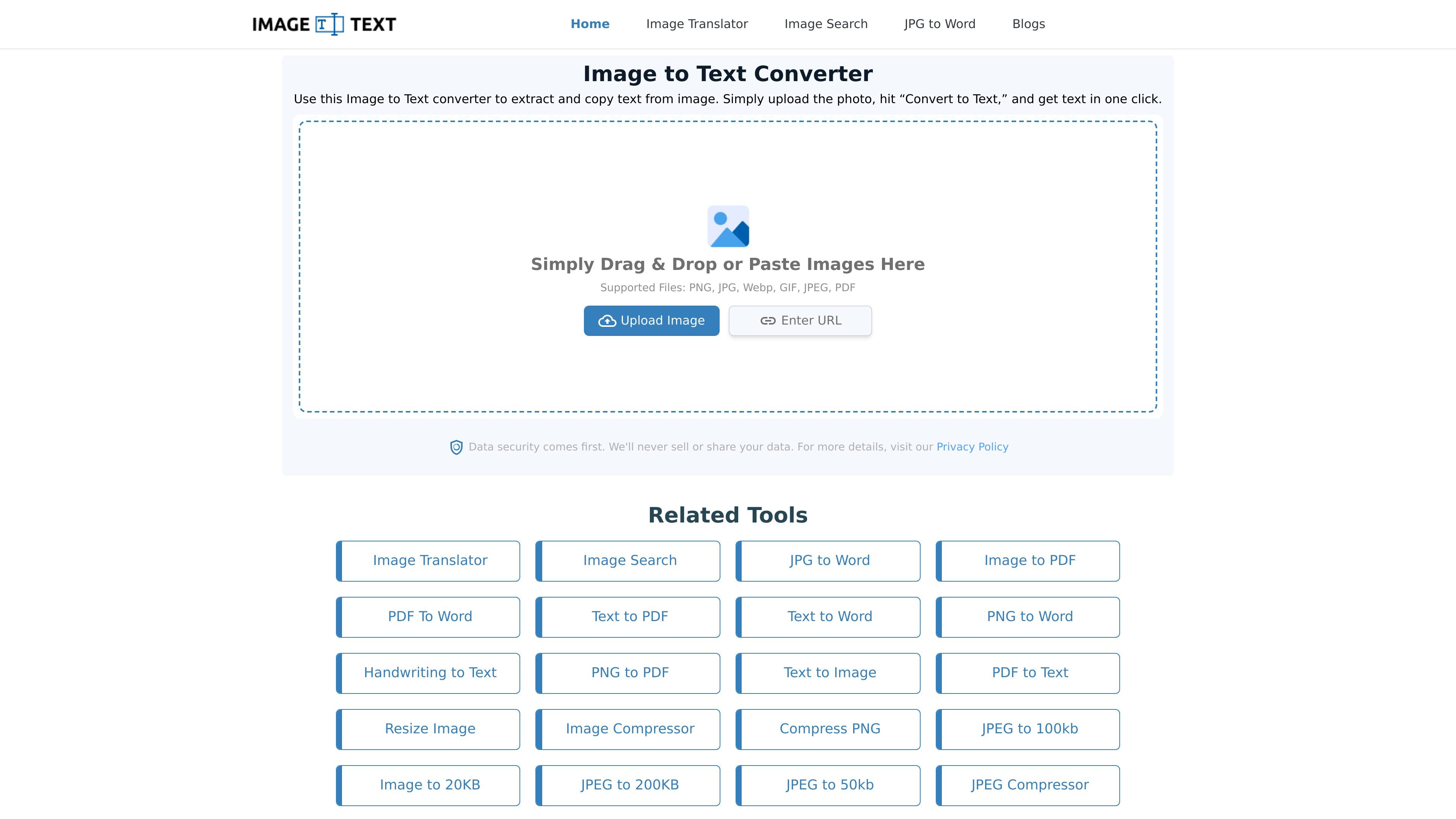
Image to Text Converter is an online OCR tool for extracting text from images and converting it into editable text. The homepage says it supports common inputs such as PNG, JPG, WebP, GIF, JPEG, and PDF, and that users can upload files by drag and drop, paste, URL, or direct upload.
The site positions the tool for turning scanned documents, handwritten notes, screenshots, posters, notebooks, whiteboards, and social media images into text that can be copied, edited, shared, or downloaded. It also offers related workflows such as JPG to Word, Image to PDF, and Image Translator, while the pricing page shows both free use and paid plans with higher limits and API access.
Upload from drag and drop, paste, URL, or local storage to start OCR without a complicated setup.
Convert images to editable text from scanned documents, screenshots, handwritten notes, printed materials, and social posts.
Handle more than one file at a time, with the homepage describing up to five images per session and the JPG to Word page allowing bulk conversion of five files.
Use the cropping controls before conversion to focus on the part of the image you want to process.
Export extracted text in TXT, PDF, or DOCX formats, and use the JPG to Word workflow when you want text captured inside a Word document.
Translate text in images with the separate Image Translator tool linked from the site’s related tools and pricing pages.
Convert photos of notes, whiteboards, or printed handouts into editable text for studying, editing, or sharing.
Extract text from screenshots or social media images so you can quote, copy, or reuse the content.
Turn document images into text for manual data entry work where copyable text is needed instead of an image file.
Use the JPG to Word workflow when you want the image and extracted text placed into a Word document.
Translate text embedded in an image with the Image Translator tool when the goal is translation rather than transcription.
Yes. The pricing page says there is a free trial version that lasts three days and includes premium features during that period.
The pricing page says credit usage depends on the tool and mode. For Image to Text, Simple OCR uses 1 credit per image and Formatted Text uses 10 credits per image; Image Translator uses a flat 15 credits per image; JPG to Excel uses a flat 20 credits per image.
The homepage says images can be uploaded by drag and drop, paste, URL, or local file upload. The JPG to Word page also mentions cropping, rotating, or flipping before conversion.
The homepage says the tool supports PNG, JPG, WebP, GIF, JPEG, and PDF uploads. It also says results can be downloaded in TXT, PDF, and DOCX formats.
The pricing page says data is stored securely on the servers, used for the History feature and for improving the tools, and not shared or sold to third parties. The homepage also says the service does not sell or share user data.
Traffic data is for reference only.

pen2txt.com
Pen2txt turns handwritten images into editable text in the cloud, with multilingual recognition and correction, summarization, and translation tools.

handwritingocr.com
Convert handwritten documents into editable text and structured data for work and archives.

olocr.com
Browser-based OCR for images, GIFs, PDFs, and WebP

bibimba.mamama.company
BiBimba is a Mac clipboard manager for searching clipboard history, screenshots, copied images, and snippets. It also provides screenshot OCR and keyboard-driven on-device text actions on compatible Apple silicon Macs.