
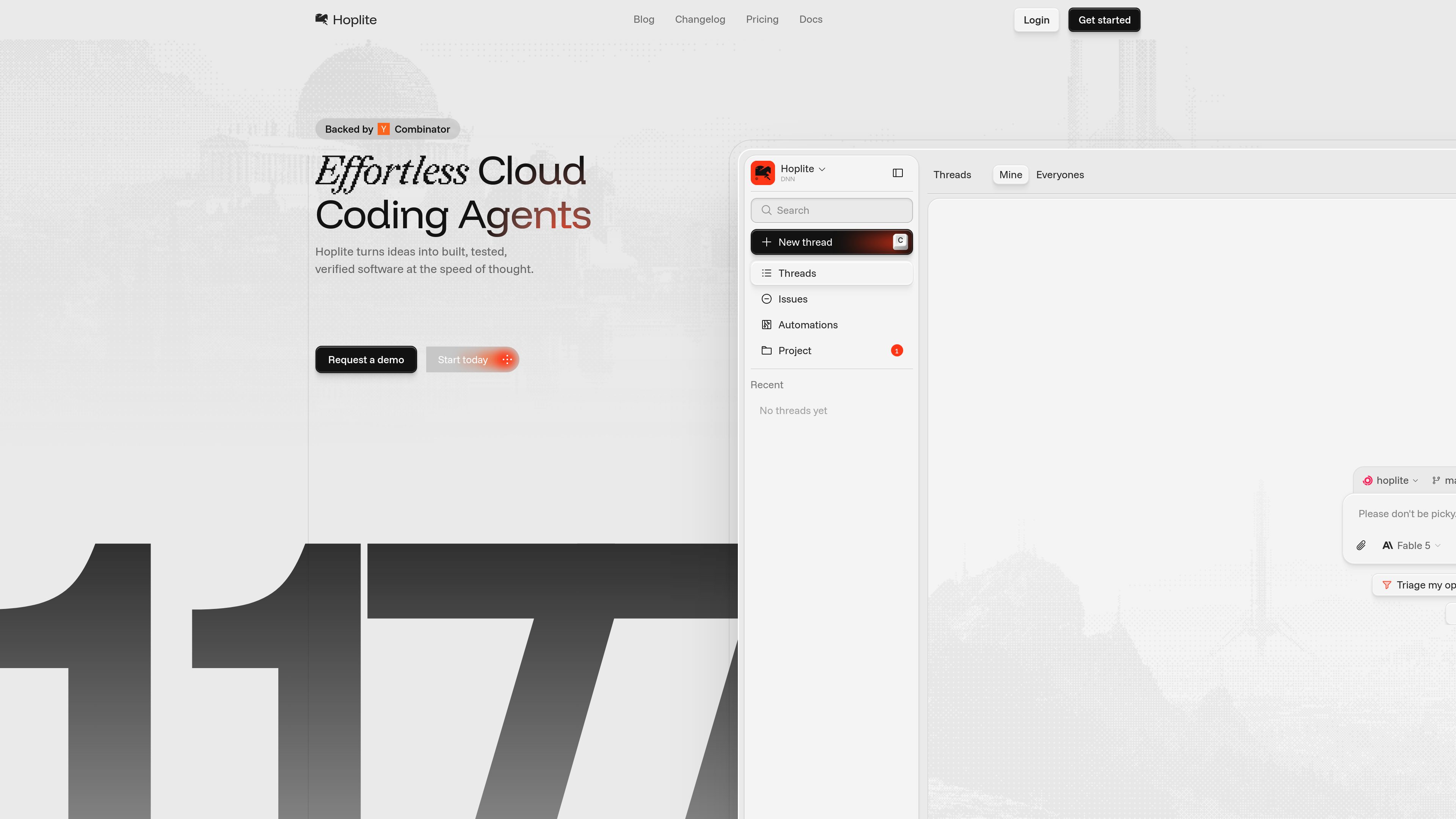
Repository-scoped agent threads
Users create a project from a GitHub repository and start a thread for a specific task. The thread keeps the conversation, agent runs, diffs, and pull requests together in one place.

Hoplite is a coding agent platform that runs work in isolated dev environments and can open pull requests when tasks are complete. It is designed for teams that want to delegate repository work to agents with live feedback and approvals.
Hoplite is a coding agent platform for delegating repository tasks to agents that run in isolated development environments. Users connect a GitHub repository, start a thread, and describe the work they want done.
The agent can read and edit code, run commands, start the dev server, check its work in a browser, and open a pull request when the task is finished. The workflow is designed to make agent execution visible and reviewable rather than hidden behind a static diff.
The product is organized around workspaces, projects, threads, runs, and sandboxes. That structure lets teams scope agent work to a repository, follow progress in context, and review changes before they land.
Users create a project from a GitHub repository and start a thread for a specific task. The thread keeps the conversation, agent runs, diffs, and pull requests together in one place.
Each thread runs in a sandboxed dev environment cloned from the repo, with setup scripts and environment variables applied. This gives the agent a full environment for installs, builds, and test runs.
Tool calls stream into the thread as they happen, and sensitive actions can pause for approval before executing. That makes it easier to see what the agent is doing and to control changes when needed.
The agent can start a live preview of the app and check its work in a built-in browser. The changelog also shows ongoing preview improvements, which suggests previews are a core part of the workflow.
When a task is complete, the agent can open a pull request and continue iterating as reviews come in. This makes the output suitable for standard GitHub review workflows.
The docs mention shared workspaces, member roles, Slack and Linear integrations, and automations that can run agents on webhooks and schedules.
A developer can connect a repo, describe a change in a thread, and let the agent work through the implementation in an isolated environment before it opens a pull request.
Teams that want the agent to do more than edit files can use the sandbox to run test suites, start the app, and confirm the result in a browser before review.
Because threads keep messages, diffs, approvals, and PRs together, Hoplite fits teams that want agent output to stay visible and easy to inspect during review cycles.
The docs mention automations that can launch agent runs from webhooks and schedules, which suits routine tasks such as scheduled checks or event-driven follow-up work.
Shared workspaces and member roles make the product suitable for teams that want multiple people to coordinate agent work around the same repositories and billing context.
Hoplite is a coding agent platform that lets you delegate repository work to agents in a real dev environment. The agent can edit code, run tests, start the app, verify changes, and open a pull request.
According to the docs, you sign in, connect GitHub, choose a repository, and send a message in a thread describing the task you want done.
Yes. The docs say each thread runs in an isolated sandbox cloned from the repository, with setup scripts and environment variables applied.
Yes. The platform is described as shipping pull requests when the work is done, and the thread keeps the PR linked to the agent run and discussion.
The pricing page shows paid per-seat plans with pooled sandboxes and prepaid credits, plus an enterprise option with custom pricing.
Traffic data is for reference only.
| May | 0 |
|---|---|
| Jun | 0 |
| Jul | 233 |
Traffic analytics are not available yet.

mastra.ai
Mastra Factory is an open-source, agent-powered software delivery environment for taking software work from issue intake through planning, implementation, and pull-request review. It provides persistent coding agents, repository workspaces, and configurable lifecycle stages in a web application you can deploy on the Mastra Platform or your own infrastructure.

superset.sh
Superset is a desktop tool for running multiple AI coding agents in parallel on your own machine. Separate work into isolated Git worktrees, review changes, and keep tasks moving without waiting for one agent at a time.

refact.ai
An open-source coding agent for developers that plans and performs repository-aware software tasks.

www.codewithbullet.com
Bullet is a coding agent that routes tasks, searches repository files, and runs independent tool calls in parallel. It works from the command line on macOS, Linux, and Windows, with free access and no key required to start.

e2b.dev
E2B runs AI agents in isolated sandboxes with Python and JavaScript SDKs for research, coding, and data workflows.

kilo.ai
Kilo Code is a multi-agent AI coding plugin for JetBrains IDEs. It helps developers run and manage AI coding agents, review changes in isolated worktrees, and choose from a large model catalog without leaving the IDE.