
Multi-source document intake
Heron Intake pulls documents from email inboxes, portals, APIs, Dropbox, Google Drive, and custom portals, then automatically organizes incoming files.

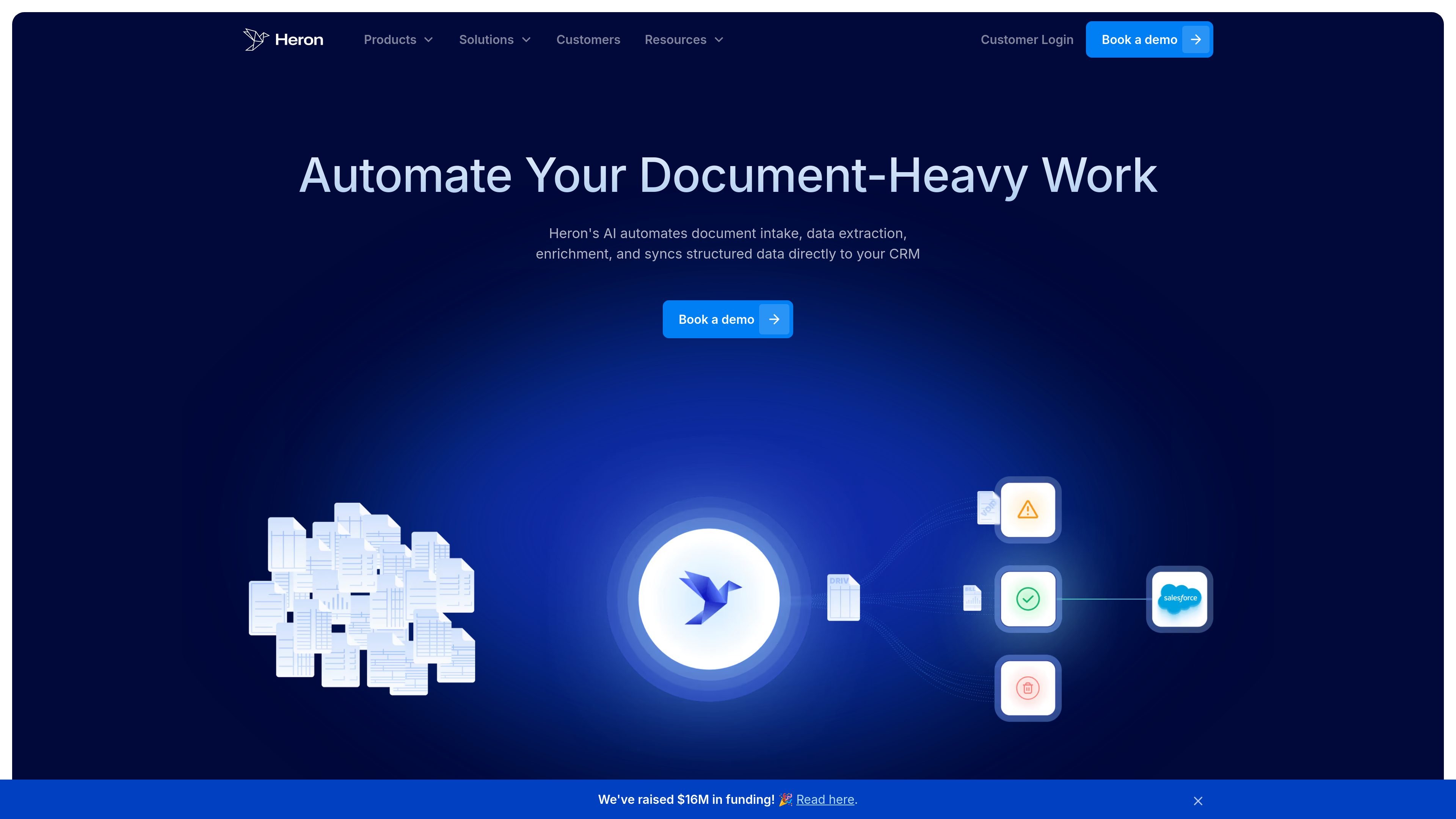
Heron is a document automation platform that captures, classifies, extracts, enriches, validates, and syncs data from documents for lending, insurance, and other paperwork-heavy workflows.
Heron is a document automation platform for organizations that process large volumes of applications, submissions, forms, and other paperwork-heavy workflows. Its stated workflow covers intake, classification, parsing, enrichment, evaluation, and sync to a system of record.
The site positions Heron around reducing manual document handling in lending, insurance, and related financial and professional services workflows. Heron Intake captures documents from channels such as email, portals, APIs, Dropbox, and Google Drive; Heron Parsers extract structured data from complex documents; and Relay sends validated outputs into downstream systems so teams do not need to rekey data by hand.
Heron Intake pulls documents from email inboxes, portals, APIs, Dropbox, Google Drive, and custom portals, then automatically organizes incoming files.
Documents are classified by type and routed into the right processing workflow, reducing manual triage and file sorting.
Heron Parsers extract structured fields from complex financial and insurance documents, including handwritten, scanned, and noisy formats, and note built-in quality controls.
The platform can enrich parsed data with third-party or internal sources, such as vehicle data, NAICS codes, and licensing or financial metadata.
Checks apply business rules to flag inconsistencies, missing fields, or non-compliant entries before downstream work continues.
Relay sends structured outputs into a CRM, policy administration system, or database without CSV handoffs or rekeying.
Use Heron Intake to capture documents from inboxes, portals, and APIs, classify them automatically, and route them into the correct workflow without manual sorting.
Use Heron Parsers to turn scanned, handwritten, or complex forms into structured fields for lending or insurance review.
Use checks and enrichment to validate records, add context like NAICS codes or licensing data, and reduce rework before approval or handoff.
Use Relay to push validated outputs into a CRM, policy administration system, or database so teams can keep their system of record current.
Use the platform when teams need to reduce manual copy-paste work across applications, submissions, claims, or similar high-volume files.
Heron is a document automation platform for intake, parsing, enrichment, validation, analytics, and syncing structured outputs into downstream systems.
The site shows Heron Intake for document capture, Heron Parsers for extraction, and a broader platform that includes enrichers, checks, analytics, and Relay for sending outputs to a CRM, policy administration system, or database.
Heron can ingest documents from email, portals, APIs, Dropbox, Google Drive, and custom portals, then classify and route them into the right workflow.
The platform page says Relay syncs structured outputs to a CRM, policy admin system, or database, and the homepage says Heron can sync data to a system of record.
The pricing page is not available in the collected sources, so the site does not provide pricing details here. The available pages emphasize a demo-led sales motion.
Traffic data is for reference only.

furtherai.com
AI workspace automating document-heavy insurance workflows

v7labs.com
AI workflow automation for document-heavy finance and legal teams

bryter.com
BRYTER is an AI productivity suite for legal work, combining rule-based workflows with AI-assisted drafting, research, review, and document automation.

super.ai
Intelligent document processing for structured data workflows

caseway.ai
AI legal research and document automation for regulated workflows

gavel.io
Gavel is a legal software platform for AI contract review and document automation, helping teams review, redline, and draft in Microsoft Word while turning intake into completed documents.