GRASP.info logo

GRASP.info

Freemium
Visit

GRASP.info uses AI to summarize and extract insights from text, documents, images, audio, and video with multilingual support.

What is GRASP.info?

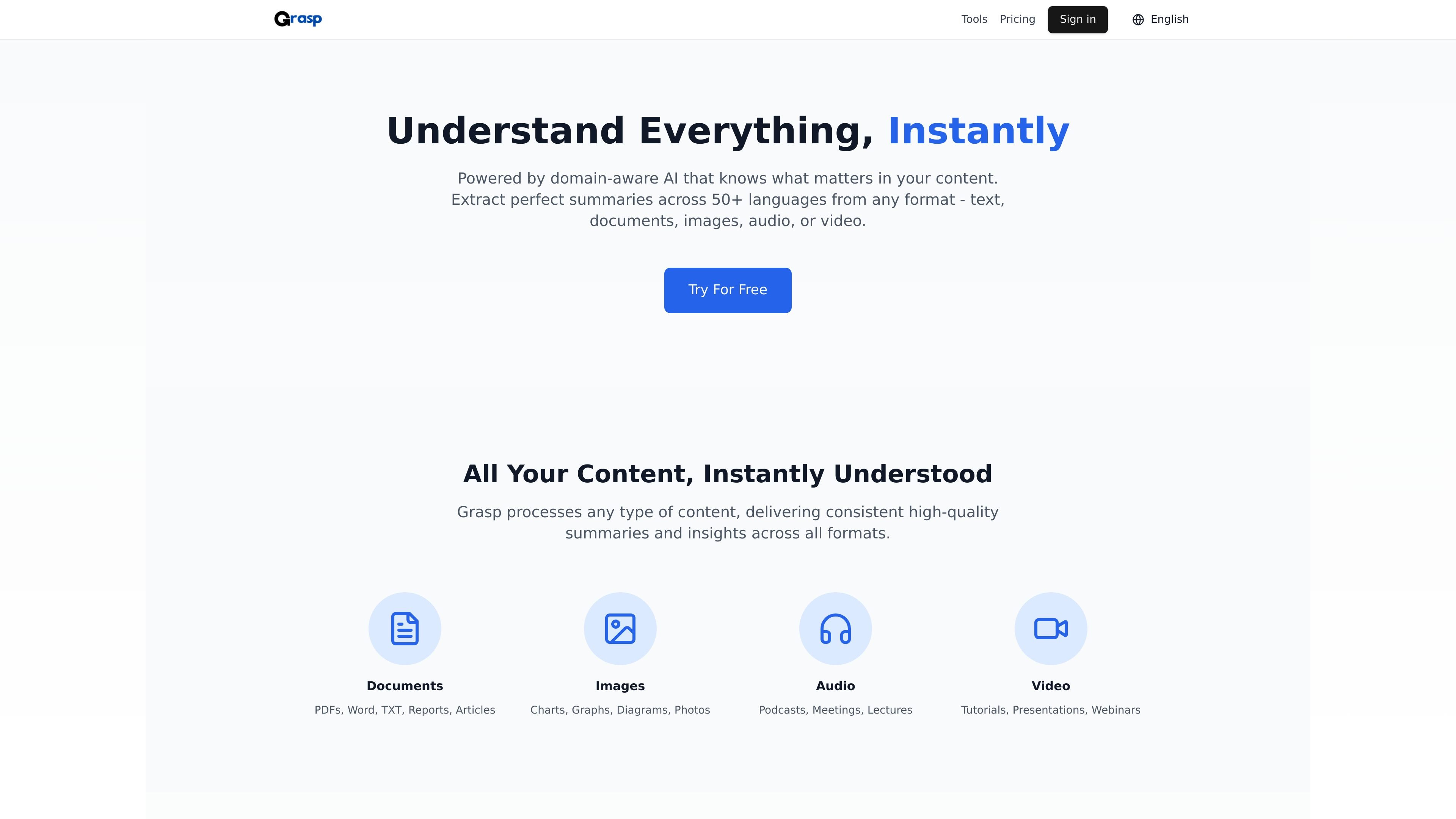
GRASP.info is an AI content summarization and extraction product that turns long or complex material into concise summaries and actionable insights. The site presents it as a single workflow for handling text, documents, images, audio, and video while keeping the original context intact.

The product is positioned around domain-aware analysis, multilingual support, and format flexibility. On the main site, it highlights processing across 50+ languages and a broad set of source types, while the tool pages add controls for summary style, length, focus areas, tone, and post-processing refinement.

Its separate tool pages also show specialized workflows for standard summarization, AI summarization, and OCR-based text extraction and translation from images. Pricing information indicates a free plan and a premium plan with broader usage and access to additional tools.


What can GRASP.info do?

Multiformat content support

Processes documents, images, audio, and video from a single product surface, with support for formats such as PDFs, Word, TXT, reports, articles, charts, diagrams, podcasts, meetings, lectures, tutorials, presentations, and webinars.

Domain-aware summarization

Uses domain-aware AI that is described as understanding context and industry-specific terminology across business, technical, and academic content.

Customizable output settings

Supports output controls such as summary length, style or purpose, tone, focus areas, key points, and custom requirements on the tool pages.

Multilingual processing

Supports more than 50 languages on the main site, and the image tool page also describes automatic language detection and translation across 100+ languages.

Output refinement

Includes refinement actions such as Enhance Summary and Enhance Translation for polishing clarity, coherence, or naturalness after the first result is generated.

OCR and layout preservation

Shows an OCR workflow for extracting text from images, including support for handwritten content, mathematical formulas, and layout preservation in the image translator tool.

Use Cases

“Reading and research compression”

Summarize long reports, articles, or research documents into shorter outputs that preserve the core message and supporting details.

“Audio and video review”

Process presentations, meetings, lectures, podcasts, or webinars to extract the main ideas without reviewing the full recording or slide deck.

“Image text extraction and translation”

Use the image OCR tool to pull text from photos, screenshots, forms, receipts, signs, or documents and translate it into another language.

“Audience-specific summaries”

Adjust summary length, tone, style, and focus areas when the same source needs to serve academic, business, technical, or casual readers.

“Multilingual content handling”

Work across multiple languages when content is not in the user’s preferred language, including cross-language extraction and translation workflows.

Frequently Asked Questions

What does GRASP.info do?

It is an AI summarization and extraction tool that processes text, documents, images, audio, and video, then returns concise summaries or key insights while preserving context.

What types of content can it handle?

The source pages show support for text input, PDFs, PowerPoint presentations, Word documents, images, charts, audio, and video, with language support across 50+ languages on the main site and OCR translation support on the image tool page.

Is there a free plan and a paid plan?

Yes. The pricing page offers a free plan with limited usage and a premium plan with unlimited quota under fair use, faster processing, custom options, and access to all tools.

Can I customize the output?

The tool pages show options for summary length, style or purpose, focus areas, tone, key points, and enhancement, so users can tailor outputs to their needs.

Does it integrate with other apps?

The source does not show any integrations or connected app destinations, so supported exports or third-party connections are not confirmed.

Quick Facts

Category
AI summarization and OCR
Primary use
Extracting summaries and key insights from content
Supported content
Text, PDFs, Word files, presentations, images, audio, and video
Languages
50+ languages on the main site; 100+ for image translation
Pricing
Free plan and premium plan available
Source domain
grasp.info

GRASP.info Traffic Analysis

Traffic data is for reference only.

Domain Rating
3

GRASP.info Alternatives

Dream Machine AI logo

Dream Machine AI

dream-machine-ai.com

Web-based AI video generator for creating short videos from text or images

Imgix logo

Imgix

imgix.com

Imgix helps teams optimize, edit, and deliver images and video at scale with real-time optimization, AI-assisted transformation, and global delivery.

Lanta AI logo

Lanta AI

lantaai.com

Lanta AI turns text, images, and media into cinematic videos with AI image generation.

FLUX.1 AI logo

FLUX.1 AI

flux1ai.com

FLUX.1 AI turns text prompts into images via web app and models for quality, speed, and local development.

Sound Effect Generator logo

Sound Effect Generator

soundeffectgenerator.org

AI tool for custom sound effects from text or video, with free daily access and paid plans for private, high-quality commercial use.

Flux Pro AI logo

Flux Pro AI

fluxproweb.com

Web-based platform for generating and editing images and short videos from text or images