
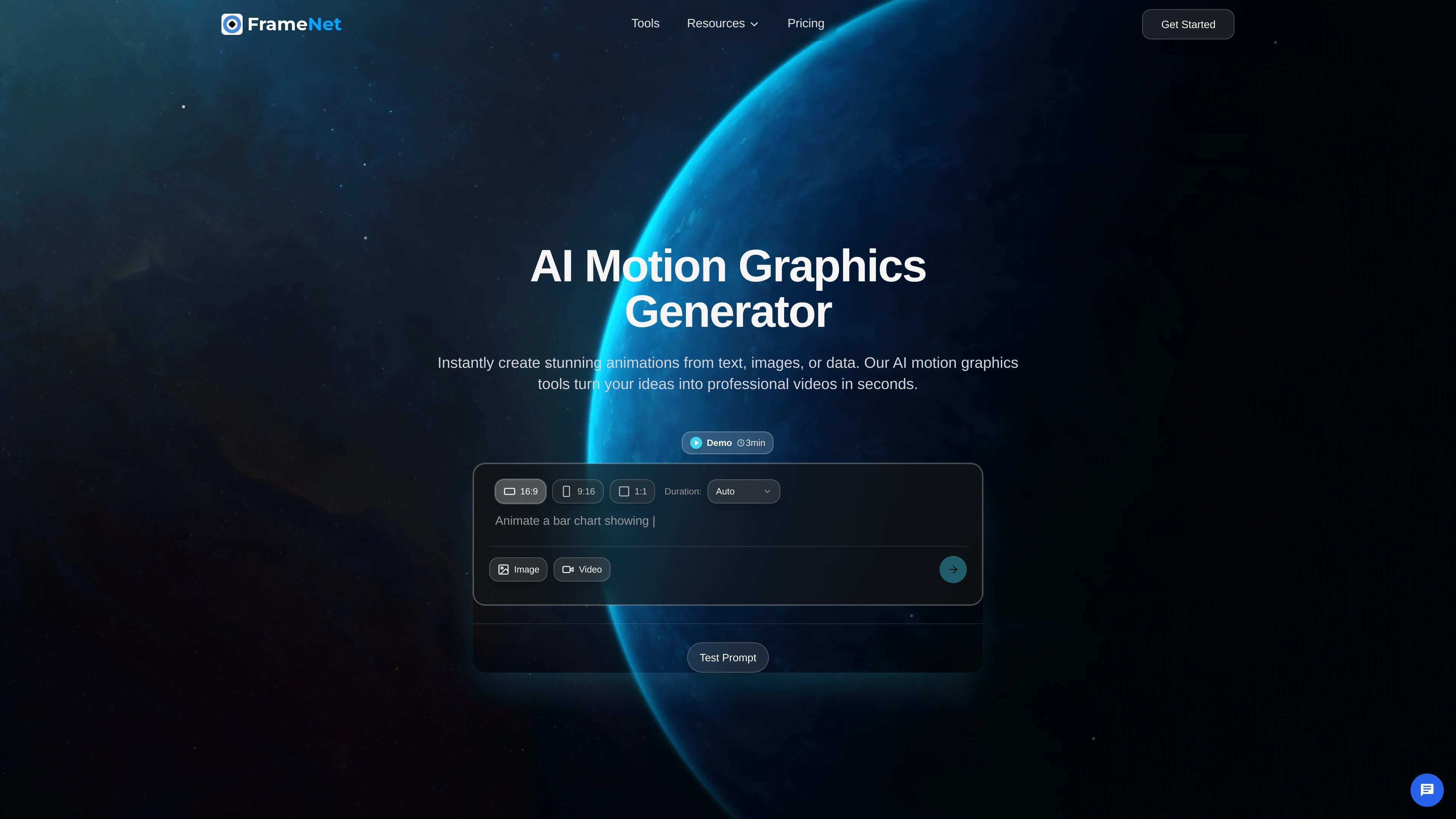
Prompt-to-animation generation
Create motion graphics from a written prompt, including examples such as animated bar charts and kinetic typography.

FrameNet is an AI motion graphics generator that turns prompts, images, or data into animations for designers, marketers, and creators.
FrameNet is an AI motion graphics generator that turns prompts, images, or data into animated content. The site positions it as a way to create professional motion graphics without traditional motion design software or specialist skills.
The product is centered on motion graphics rather than a generic video editor. Its examples include animated charts, infographics, kinetic typography, map animations, and data visualizations, with an editor for refinement and export after generation.
The homepage describes a three-step workflow: describe what you want, customize the initial result, and generate or export the final animation. The pricing page adds that FrameNet is offered on subscription plans, with monthly and yearly billing and a custom or business plan contact path.
FrameNet also states that output is intended for professional and commercial use, and that it does not generate deepfakes, human likenesses, or inappropriate content.
Create motion graphics from a written prompt, including examples such as animated bar charts and kinetic typography.
Start from an image or video reference instead of text alone, then use it as input for the animation workflow.
Refine the generated design by choosing animation styles, applying brand colors, and using motion graphics templates.
Export finished animations in high definition as MP4 files, with higher-tier plans noting up to 4K and 60fps.
FrameNet describes its tools as focused on professional motion graphics such as animated charts, infographics, kinetic typography, map animations, and data visualizations.
The tools page groups FrameNet with adjacent utilities such as subtitle generation, media conversion, and chart makers, suggesting a broader media workflow around the generator.
Turn a short brief into animated charts, infographics, or kinetic typography when you need motion graphics without building them manually.
Visualize revenue, performance, or survey data with animated charts and data visualizations for presentations or internal updates.
Use a prompt plus brand colors and templates to produce motion graphics that fit a company look for campaigns and brand communication.
Start from an uploaded image or video reference when you want the AI to adapt existing assets into an animated result.
Use the broader tools suite around FrameNet for adjacent tasks such as subtitle generation or media conversion alongside motion graphics creation.
FrameNet's homepage says you can start from a text prompt, and you can also upload an image or video as a reference. The generated result can then be refined before export.
The source describes animated charts, infographics, kinetic typography, map animations, and data visualizations as supported outputs. The homepage also mentions turning text, images, or data into animations.
The about page says FrameNet can export in high quality, and the pricing page notes higher-tier plans include export up to 4K at 60fps. The homepage specifically mentions MP4 export.
The pricing page shows a monthly and yearly billing toggle, and says yearly billing saves 20%. It also presents plan tiers and a custom or business plan contact path.
The about page says FrameNet focuses on professional motion graphics and does not generate deepfakes, human likenesses, or inappropriate content. It also states that generated content is cleared for commercial use.
Traffic data is for reference only.

www.adobe.com
Adobe Firefly is a generative AI creative workspace for producing and editing images, video, audio, and vector graphics from text prompts and other inputs. It supports creators, marketers, designers, and video editors with generation, refinement, and multi-model workflows.

vizgpt.ai
vizGPT turns plain-language prompts into editable Lottie, SVG, GIF, and data graphics for product, design, marketing, and frontend teams.

www.motionly.site
Motionly is an open-source, AI-native motion graphics editor that turns prompts and assets into editable animation projects. Work locally with canvas and timeline editing, readable .motion source files, and local MP4 export.

hera.video
Hera is an AI motion design tool for graphics, templates, prompts, and programmatic generation via API and MCP Server.

sleek.design
Sleek is an AI mobile app designer that turns prompts or reference images into iOS and Android screens, helping teams create, edit, and export designs to Figma or code.

mew.design
Mew Design is a web-based AI design generator that creates editable graphics from plain-English prompts, with trial credits, paid plans, and specialist agents.