
Natural-language analysis
Ask questions in plain English or another language and receive charts, tables, and answers from your data.

AI data analytics for questions, charts, spreadsheets, and reports
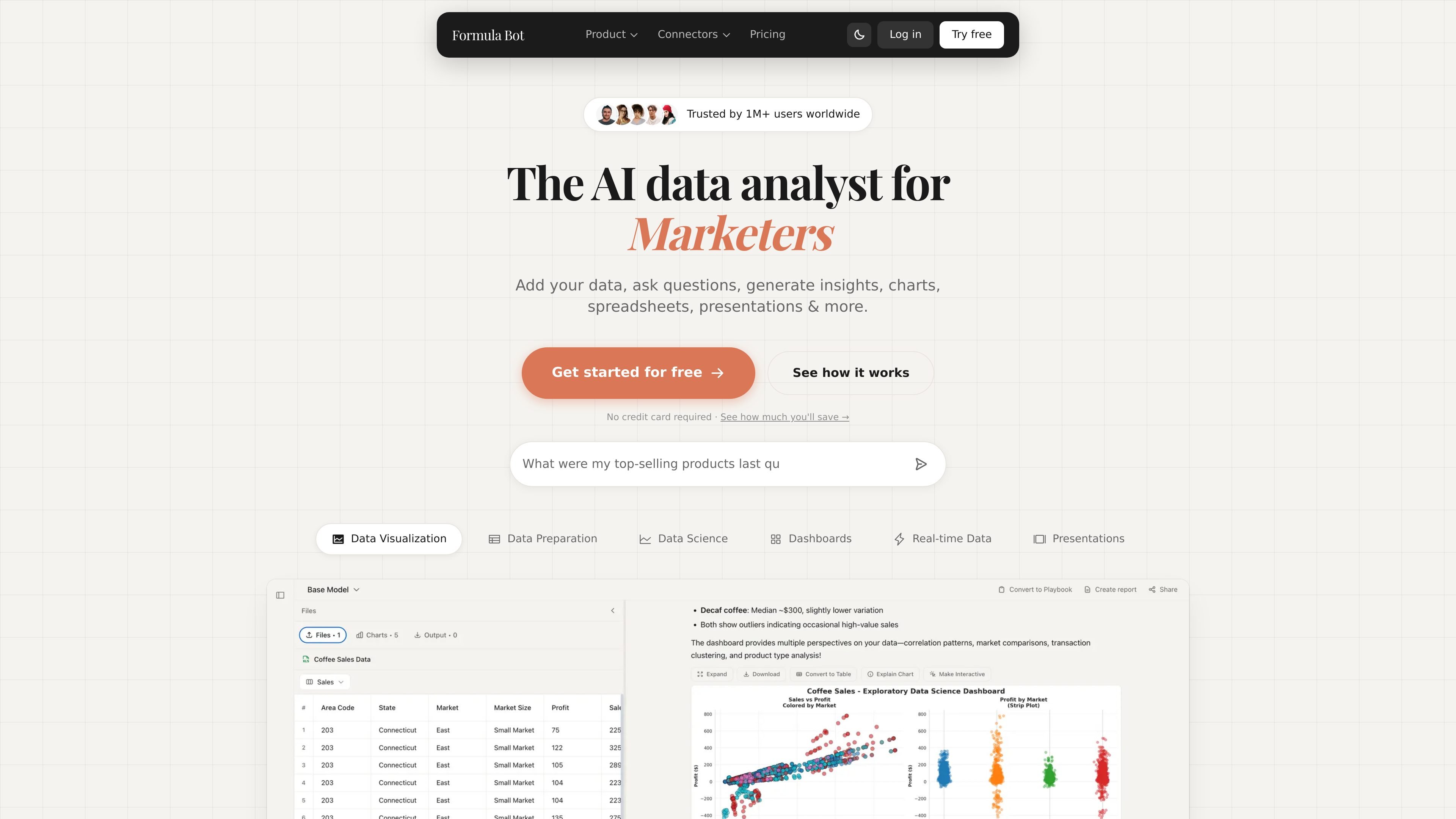
Formula Bot is an AI data analytics platform for asking questions about data, generating formulas, creating charts, and producing reports from spreadsheets and other connected sources. The homepage positions it as a tool for business owners and data teams that want faster analysis without manual spreadsheet work.
Across the site, Formula Bot presents a workflow that starts with uploading or connecting data, then asking questions in natural language, and then turning the result into charts, dashboards, spreadsheets, presentations, or scheduled reports. It also includes text analysis, data preparation, knowledge-base-assisted SQL queries, and web scraping for broader analysis tasks.
Ask questions in plain English or another language and receive charts, tables, and answers from your data.
Turn raw data into clear visualizations, including charts, graphs, bars, lines, KPIs, and sparklines.
Clean, standardize, merge, reshape, filter, and reformat data from multiple sources before analysis.
Build interactive dashboards from templates, customize chart and layout details, and schedule automatic refreshes.
Connect spreadsheets, databases, PDFs, and martech sources, and add knowledge base files to improve SQL accuracy.
Generate spreadsheets, formatted reports, and code in Python, SQL, or R, with code transparency for each request.
Upload or connect a dataset, ask a question in plain English, and use the returned charts or tables to answer ad hoc business questions.
Generate dashboards from a template, edit the layout and labels, and schedule the dashboard to refresh on a daily, weekly, or monthly cadence.
Clean and reshape messy files by merging sources, filtering rows, reformatting columns, and preparing data for analysis.
Analyze customer feedback or other text with sentiment detection, keyword extraction, or translation.
Create spreadsheets, formatted reports, or code outputs when you need a shareable artifact instead of only an on-screen answer.
Formula Bot is an AI data analytics platform that lets you ask questions about your data in plain English, generate charts, create spreadsheets and reports, and automate recurring analysis.
The site shows support for spreadsheets, databases, PDFs, martech data, and web scraping, with dashboards, scheduled reporting, text analysis, and knowledge bases for SQL queries.
The pricing page shows a Starter plan at $18 per month with monthly and yearly billing options, and the site also offers a free starting point and a custom plan inquiry form.
Yes. The site says dashboards can be scheduled to refresh daily, weekly, or monthly, and customizations persist across refreshes.
The site says data is stored and executed in an isolated sandbox, encrypted in transit and at rest, and not used to train AI models.
Traffic data is for reference only.

pandada.ai
Pandada AI is a browser-based data analysis tool for cleaning files, asking questions, and creating charts or reports. It supports common document and spreadsheet formats, with a free Basic plan and paid Plus tier.

graphy.app
Graphy is a web-based charting tool that turns data from spreadsheets, files, APIs, or AI search into shareable graphs and dashboards for branded visuals, quick reports, and embeddable experiences.

stepsize.com
Stepsize AI turns Jira or Linear activity into reports, charts, and commentary for engineering teams, with technical-debt workflows and privacy controls.

gptexcel.uk
GPTExcel is an AI spreadsheet assistant for formulas, SQL queries, automation scripts, regex, table templates, file chat, image-to-table conversion, charts, and data analysis.

thebricks.com
Bricks is an AI data analyst that turns CSV, Excel, PDF, and PNG files into polished, editable dashboards and reports you can easily share.

minusx.ai
Open-source agentic BI for questions, dashboards, alerts, and data stories