
Calendar-first agent runtime
Uses the calendar as the trigger for work instead of waiting for a chat prompt. Events become the runtime for prep, execution, and follow-up.

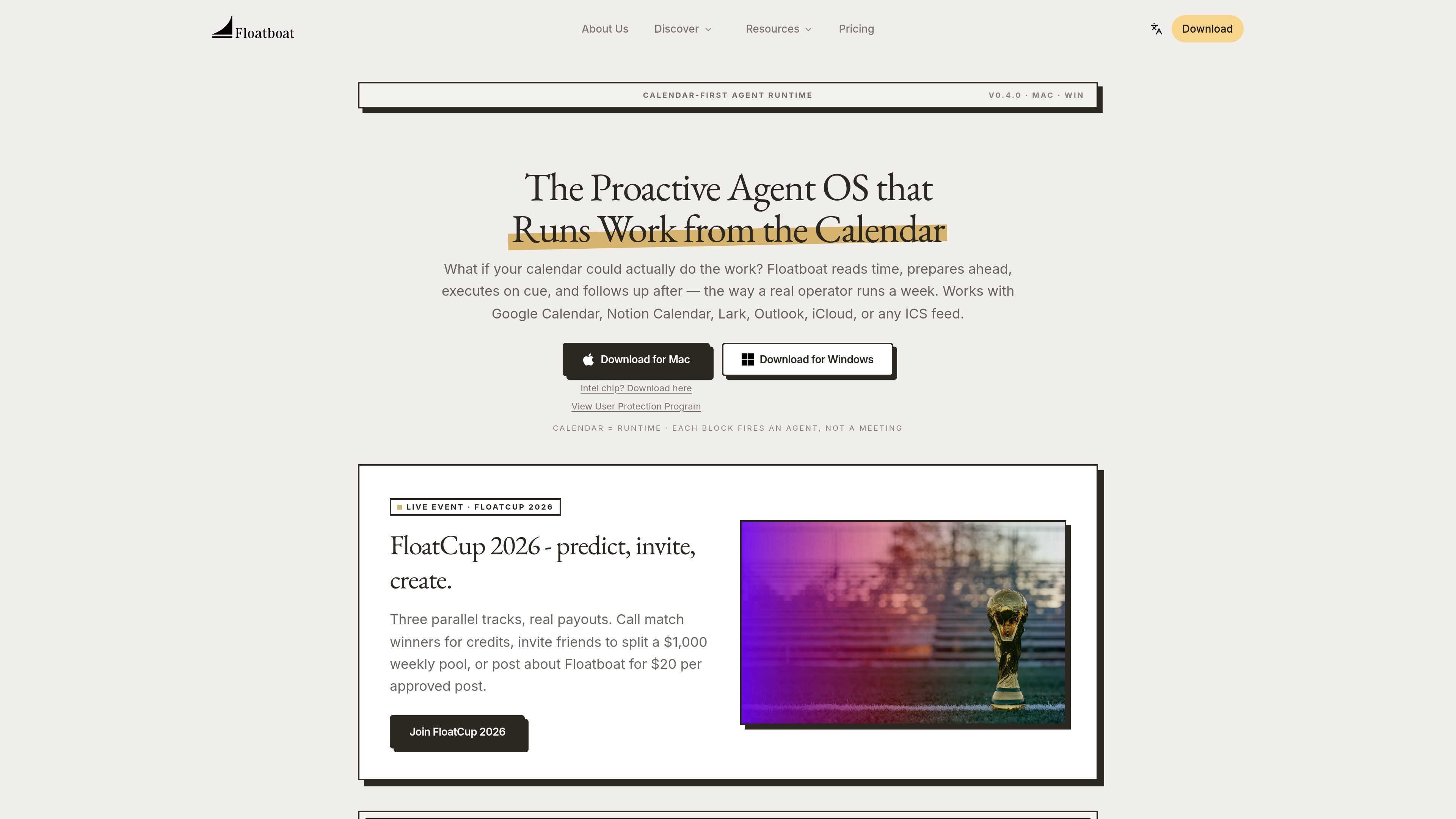
Floatboat is a Mac and Windows desktop AI workspace that turns calendar events into agent workflows for preparing, executing, and following up across your existing tools.
Floatboat is a desktop AI workspace for calendar-driven work. It treats your calendar as the trigger for agent workflows, so prep, execution, and follow-up happen around scheduled events rather than waiting for a chat prompt.
The product is designed to help people who run their work from a schedule — including solopreneurs, creators, small business owners, and small studios — keep work moving across tools, files, and meetings. The site describes it as a proactive agent OS for Mac and Windows, with persistent event workspaces, multi-model support, and integrations that reach into existing apps and local files.
Floatboat also offers pre-built Combo Skills and FloatIM, a local group chat format for agent collaboration. Together, those pieces are meant to turn scheduled blocks into finished deliverables, while keeping context attached to the event that started the work.
Uses the calendar as the trigger for work instead of waiting for a chat prompt. Events become the runtime for prep, execution, and follow-up.
Attaches a persistent workspace to each event so you can review files, run history, model choice, and decisions later.
Connects to a broad set of tools, files, and protocols, including Notion, Slack, GitHub, Linear, Google Drive, Gmail, local Office files, and MCP-based systems.
Supports built-in frontier models and routes tasks with provider-agnostic fallbacks, including text, image, and video models.
Ships pre-built Combo Skills that can turn common inputs into finished outputs such as decks, follow-up emails, and PR drafts.
Includes FloatIM, a local group chat environment where AI agents can coordinate and return finished artifacts.
Turn sales calls, content blocks, and operations tasks into scheduled work that starts before the block, not after you open a chat window.
Keep a publishing rhythm by scheduling research, drafting, and posting tasks so content moves forward on cue and in your voice.
Use one desktop workspace to keep sales, ops, finance, and customer communication moving without switching between disconnected tools.
Plan the week once and let briefs, drafts, and client updates move through agents on schedule for a small studio or agency.
Use pre-built Combo Skills to convert common inputs such as voice notes, sales calls, or tickets into finished artifacts like decks, emails, or PR drafts.
Floatboat is a desktop agent workspace that uses your calendar as the trigger for work. It reads upcoming events, prepares before them, runs tasks on cue, and follows up afterward.
The source shows support for Google Calendar, Notion Calendar, Lark, Outlook, iCloud, and any ICS feed.
Floatboat is positioned around proactive, calendar-driven work rather than a chat-only interface. It keeps a persistent Agent Workspace for each event, with files, run history, model choice, and decisions.
An Agent Workspace is the persistent workspace attached to each calendar event. It includes files, run history, model choice, and decisions, and can be revisited, tweaked, or rerun.
Yes. Floatboat says it plugs into tools such as Notion, Slack, GitHub, Linear, Google Drive, Gmail, Figma, Microsoft Word, PDF, PowerPoint, and any MCP server, so it can work across your existing stack.
Traffic data is for reference only.

buzz.xyz
Buzz is an open-source desktop workspace where people and AI agents collaborate in communities and channels. It brings team chat, agent participation, and project work together on macOS, Windows, and Linux.

agendahero.com
AI calendar automation that turns text, images, and PDFs into events and shareable schedules.

dessix.io
Dessix is an AI workspace for capturing, organizing, and expanding ideas with notes, context, and AI assistance across desktop and browser.