
Train on multiple source types
Train a chatbot on uploaded files, website content, and YouTube content to answer questions about the source material.

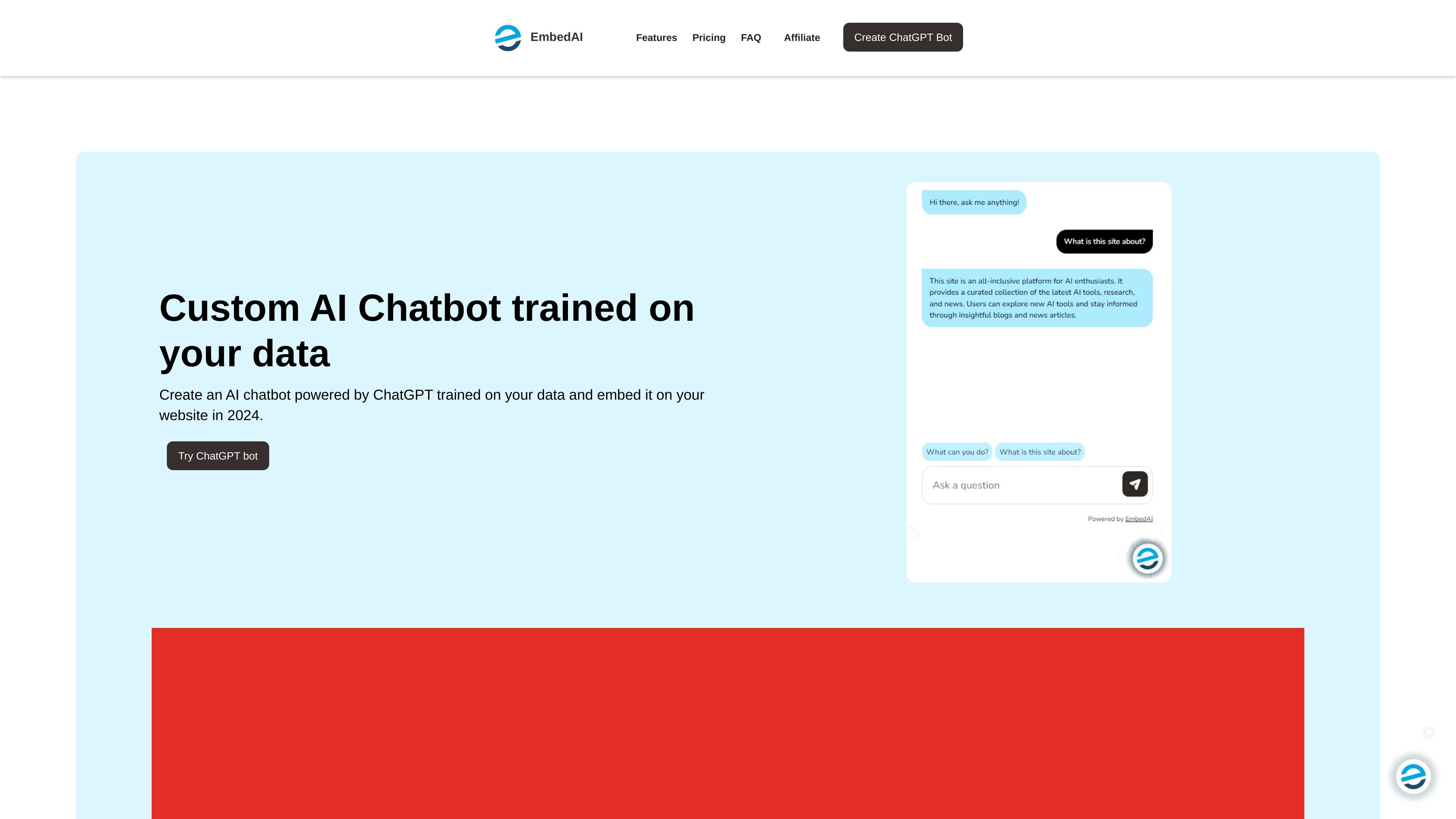
Create custom ChatGPT-style chatbots from your data and embed them on websites.
EmbedAI is a website chatbot builder that lets users create a custom AI chatbot powered by ChatGPT and trained on their own data. The site presents it as a tool for embedding an AI assistant on a website, sharing it through a link, or connecting it through an API.
The product supports data sources such as files, websites, and YouTube content. Pricing pages describe tiered plans with message credits, chatbot limits, file upload support, website embedding, and API access, while the homepage also mentions Zapier and multilingual support.
Train a chatbot on uploaded files, website content, and YouTube content to answer questions about the source material.
Embed the chatbot as an iframe, chat bubble, or shareable link, with code-based website embedding mentioned in the setup guides.
Adjust the chatbot’s appearance with custom logos, colors, and styling to match a site’s design.
Connect the chatbot with external tools through API access, and the homepage also mentions Zapier integration.
Use the product in multilingual workflows, with the homepage stating support for 100+ languages and the FAQ stating about 200 languages.
Choose from paid plans that scale message credits, chatbot count, and content capacity, with add-ons for extra credits, extra chatbots, branding removal, and custom domains.
Add a trained chatbot to a marketing or support website so visitors can ask questions about product details, help content, or documentation without searching through pages manually.
Embed a chatbot on a Shopify or WordPress site using the copy-paste workflow described in the site’s setup guides.
Create a chatbot trained on internal files or knowledge sources so a small team can answer repetitive questions from a single interface.
Share a chatbot as a link or public embed when you want outside users to interact with a specific dataset without giving them full account access.
Use API access to connect the chatbot into another product or workflow instead of only embedding it on a web page.
EmbedAI lets you create a chatbot from uploaded files or a website link, then share it through an iframe, a chat bubble, or an API. The homepage also says you can connect with apps via API or Zapier.
Yes. The pricing page says you can upload multiple files on paid plans, and the FAQ says a chatbot can be trained on multiple documents.
Yes. The homepage says EmbedAI supports queries and responses in 100+ languages, and the FAQ says it supports about 200 languages.
Yes. The pricing page says the free plan includes 30 message credits and 1 chatbot for testing.
Message credits are renewed at the start of each calendar month, regardless of when you subscribed.
Traffic data is for reference only.
| May | 22922 |
|---|---|
| Jun | 27680 |
| Jul | 22742 |
Traffic analytics are not available yet.