
Project workspaces
Maintain a separate board, terminal, panes and cost records for each repository without placing devpit metadata in the repository itself.

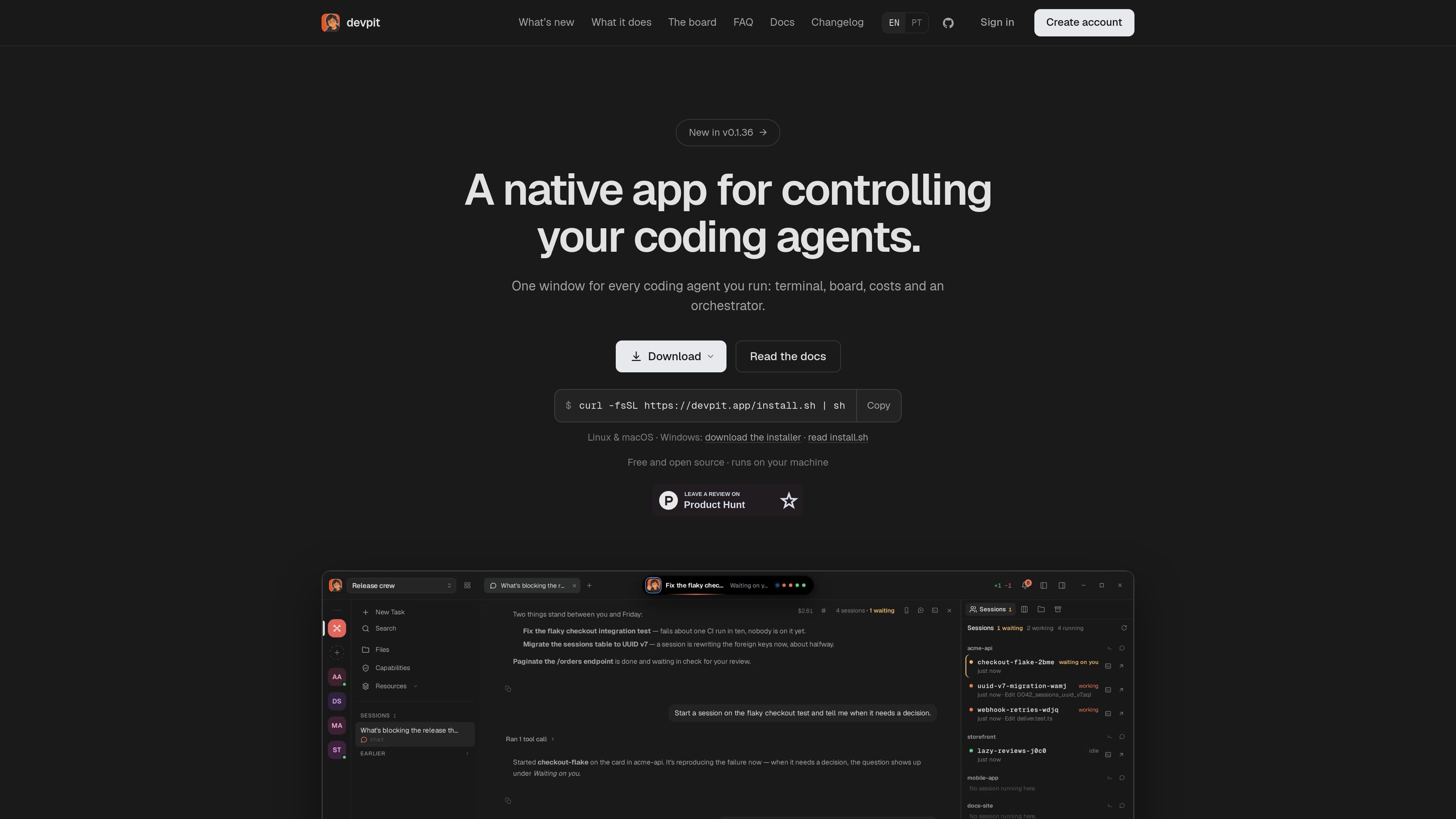
devpit is a native desktop workspace for coding agents, combining project terminals, boards, session costs, worktrees, and cross-project orchestration on your own machine.
devpit is a native desktop application for controlling coding agents across software projects. It brings a project terminal, work board, agent chat, session costs, files and diffs into one window, while an orchestrator can work across linked project boards.\n\nThe application keeps its boards, panes and cost records in ~/.devpit, separate from the repository. Terminals run in persistent tmux sessions, so work can continue after the window closes. The board records each step's output, exit code and actual cost, and can require a deliberate move before the next step runs.\n\ndevpit currently drives Claude Code through the claude CLI, while other agents can report status through devpit-agent hooks; Gemini CLI has built-in reporting support. It runs on Linux, macOS and Windows, is open source under Apache 2.0, and does not require a devpit account for normal use.
Maintain a separate board, terminal, panes and cost records for each repository without placing devpit metadata in the repository itself.
Use a real pty backed by tmux, with sessions that continue after the app closes and worktrees created for lines of work when a checkout is needed.
Organize work in columns and cards. A step records its output, exit code and real cost, while moving a card controls when work proceeds.
Use a chat that can read linked project boards, start a session from a card and report back across projects.
Inspect files, changes, diffs and a project's served browser page alongside the terminal, with Notes and Excalidraw available as project capabilities.
See the cost of each chat turn and set a spending ceiling for calls through the board's column and card workflow.
Link project boards to the orchestrator, hand it a card and follow the resulting session and report without switching between separate project windows.
Close the desktop app while a task continues in tmux, then reopen the relevant project and reattach to the running terminal.
Use the file tree, change list, diffs and browser pane beside the terminal to inspect repository edits and the page a project serves.
Use board columns to define steps and spending ceilings, then manually move cards or allow a configured lane to advance while retaining the recorded output and cost.
Claude Code is driven through the Claude CLI. Other agents can report status through the devpit-agent hook, and Gemini CLI supports reporting without additional setup. The documentation also lists other agent CLIs as terminal-based integrations.
No. Boards, panes and costs are stored in `~/.devpit`, leaving the repository and its Git diff separate from devpit's workspace data.
Yes. Windows uses a per-user installer with psmux, while the Linux build also runs in WSL 2. Linux and macOS have an install script.
Yes. The project is free and licensed under Apache 2.0. When using Claude Code, it uses the existing Claude Code plan rather than requiring a new API key.
Yes. A phone or another computer can connect over Tailscale after pairing with a one-time code and selecting the permitted actions; the service does not listen beyond the tailnet.
Traffic data is for reference only.

www.orgcomputers.com
A shared workspace that gives AI coding agents common project context, memory, and tools.

offstage.viraat.dev
A macOS tool that gives coding agents a separate desktop for GUI work without taking over the user’s screen, keyboard, or mouse.

getbb.app
bb is a local-first, open-source IDE for running coding agents in parallel, organizing their work in threads, and extending the workspace with plugins. It is designed for developers and teams that want to coordinate provider-based agents and customize their software workflow.

harden.run
Agentic Integrity Foundation is a local endpoint-security product for coding agents. It evaluates supported tool calls before execution and can allow, approve, make safe, block, or record actions on a developer’s machine.

anyaifornotion.com
Any AI for Notion connects ChatGPT, Claude, Gemini, and other AI agents to a Notion workspace. It lets users search, read, create, and update Notion pages and databases from mobile or desktop using their own AI credentials.

heyzoku.com
Zoku is a native macOS app for running and coordinating multiple coding-agent CLIs on one canvas. It lets developers spawn, redirect, monitor, and interrupt named agents by voice while using the subscriptions and command-line tools already installed on their Mac.