
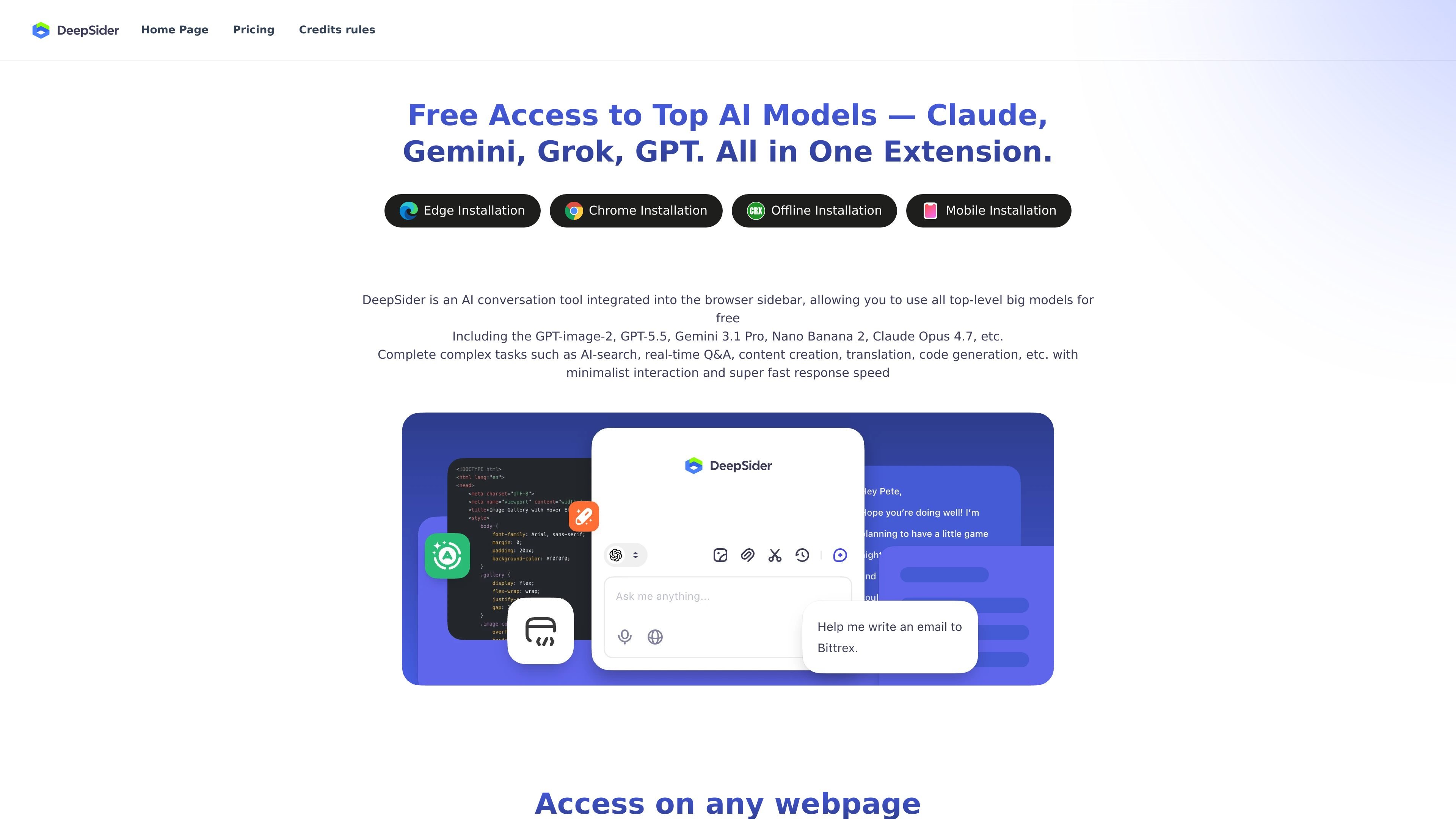
Browser-sidebar interaction
Runs as a browser sidebar AI conversation tool, so you can talk with the model without leaving the current webpage.

Browser-sidebar AI assistant for chatting, coding, document Q&A, and more, with Edge, Chrome, offline, and mobile access.
DeepSider is an AI conversation tool designed for use in the browser sidebar. The site presents it as a way to work with leading AI models while staying on the current webpage, instead of switching between separate tabs or apps.
The product is positioned for tasks such as AI search, real-time question answering, content creation, translation, code generation, and document-based Q&A. It also highlights access to multiple models and installation paths for Edge, Chrome, offline use, and mobile access.
Runs as a browser sidebar AI conversation tool, so you can talk with the model without leaving the current webpage.
Supports access on any webpage and is positioned for side-by-side comparison while you continue browsing.
Offers free access to top AI models, with the site listing models such as GPT-image-2, GPT-5.5, Gemini 3.1 Pro, Nano Banana 2, and Claude Opus 4.7.
Handles AI search, real-time Q&A, content creation, translation, and code generation in a single interface.
Accepts uploaded PDF, DOC, PPT, and TXT files for document Q&A and key-point extraction.
Provides installation options referenced on the site for Edge, Chrome, offline use, and mobile access.
Keep an AI assistant open beside a webpage while researching, comparing information, or asking follow-up questions without switching tabs.
Draft or refine text, translate passages, or generate code from the same sidebar interface during day-to-day work.
Upload PDFs, DOCs, PPTs, or TXT files and ask the model to summarize or extract key points from the content.
Use the multi-model access to route different prompts to different model families when you want a single interface for various AI tasks.
Install the product through the browser and access it across the browsing environment, including the site’s referenced mobile and offline options.
DeepSider is presented as a browser-sidebar AI conversation tool that can be used to ask questions, generate code, and upload documents for Q&A. The source says its responses are based on DeepSeek R1 and DeepSeek V3 models.
The source lists browser extension installation for Edge and Chrome, plus offline installation and mobile access. It is described as working in the browser sidebar and on any webpage.
The source says you can upload PDF, DOC, PPT, and TXT files and discuss them with AI to extract key information.
The FAQ says DeepSider can help write code; it gives Python as an example and says it can provide a complete code example when you specify the language.
The FAQ states that DeepSider will strictly protect your privacy.
Traffic data is for reference only.

xinghuo.xfyun.cn
讯飞星火 is an AI assistant and large-model platform for chat, writing, coding, voice, and document processing, with API and MaaS access.

www.kimi.com
An AI assistant for agent coding, presentations, and professional document work.

stepfun.com
阶跃AI is a personal productivity assistant for knowledge queries, writing, coding, and everyday automation, with desktop and mobile apps plus voice-triggered actions for webpages, files, and reminders.

marscode.com
MarsCode is an AI IDE and plugin platform with an assistant for coding, plus a browser-based cloud environment for templates, Git import, testing, and deployment.

opencodesuper.app
OpenCode Superapp is a native Mac workspace for using local, self-hosted, or cloud AI models alongside coding, browser automation, voice, extensions, widgets, and secure remote access. It’s for users seeking a local-first OpenCode environment without an account.

chatboxai.app
Cross-platform AI client and assistant for files, web search, images, coding, and local storage.