
Background removal and cleanup
Remove image backgrounds or unwanted objects, retouch photos, and apply background blur or replacement effects.

Edit, enhance, and generate visual media with web tools and APIs for images, videos, and product assets.
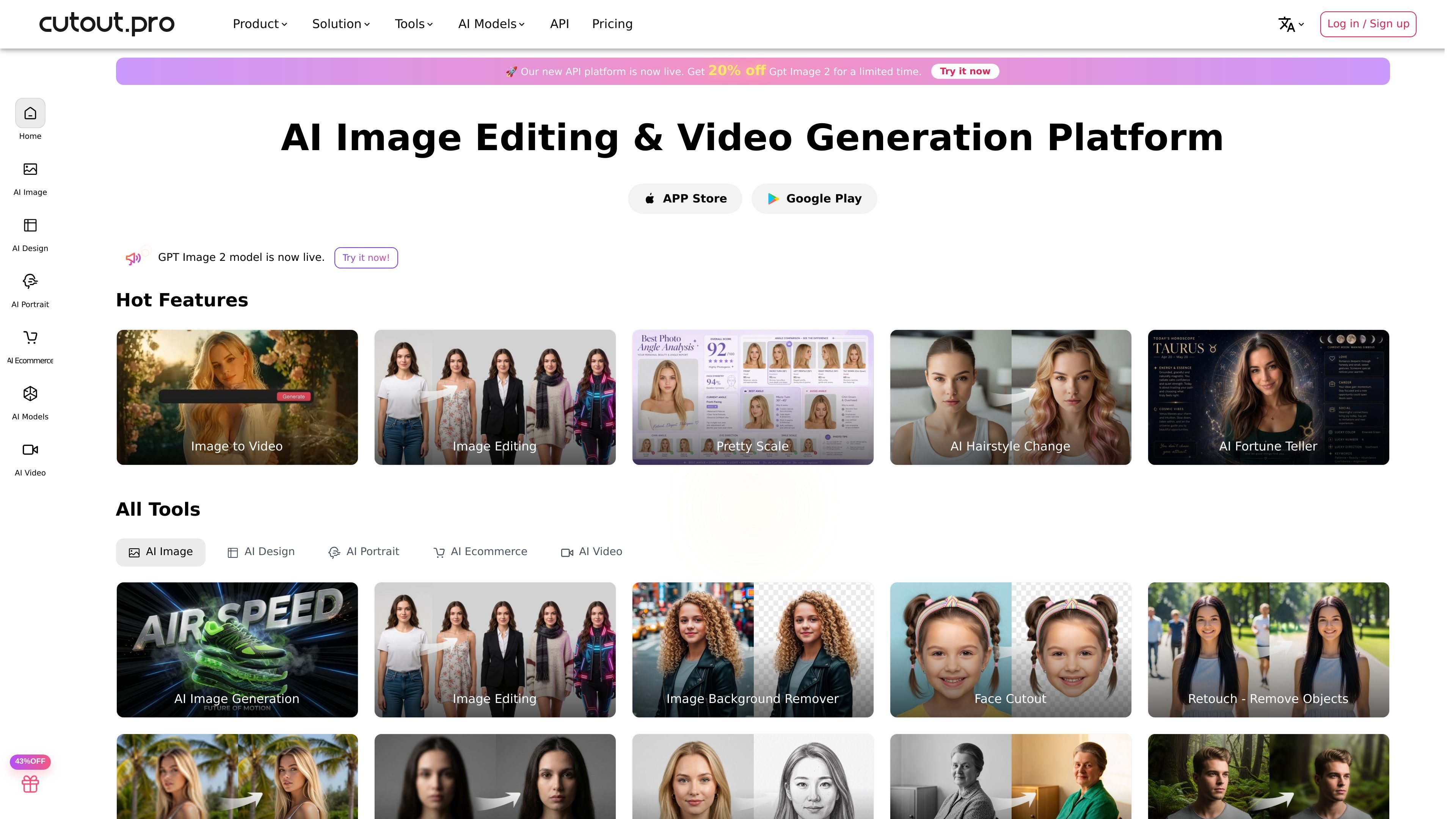
Cutout.Pro combines AI image and video tools for background removal, cleanup, enhancement, generation, and commerce visuals. Use individual web tools for a specific task, or integrate supported processing through APIs. Product staging pairs an uploaded product image with a scene description to explore new settings. Tool capabilities and charges differ across image processing, generation, and video workflows.
Remove image backgrounds or unwanted objects, retouch photos, and apply background blur or replacement effects.
Upscale photos, improve image detail, colorize older images, or transform portraits with task-specific tools.
Upload a JPG, PNG, or WebP product image, describe its new scene, and generate a visual for review. The current staging option costs four credits per run.
Use image-to-video generation, video background removal, video enhancement, and photo animation for moving content.
Integrate image and video processing through APIs or use batch photo editing for repeated visual tasks.
Clean a product background or explore seasonal and lifestyle scenes from an existing product photo.
Apply background or enhancement tasks across a photography workflow, then review results that need a finishing pass.
Use supported APIs to build image or video operations into your own application.
A free account includes previews and five free credits. Full-resolution processing uses credits, so free previews should not be treated as unlimited full-resolution downloads.
Background removal and retouching use one credit per image. Cartoon selfie, passport photo, enhancer, and colorizer use two. Generation and video tools have their own charges.
Both subscriptions and pay-as-you-go packs are available. Examples include 80 credits per month for $5.00, or a one-time pack of 30 credits for $4.99. Choose the option and quantity that fit the tools you plan to use.
Commercial use depends on the selected tariff. You must also have the necessary rights to the images you upload; processing does not clear third-party rights automatically.
Traffic data is for reference only.

imglarger.com
Browser-based AI tools to enlarge, enhance, uncrop, edit, and convert images

upsampler.video
Upsampler is a browser-based AI workspace for creating, enhancing, and finishing images and videos, from prompts or uploads to downloadable assets in one workflow.

sharkfoto.com
Browser-based AI media platform for creating and editing images, videos, and audio

abrush.ai
ABrush is an AI image generation plugin for Adobe Photoshop that lets artists generate, edit, and upscale images without leaving their creative workspace. It combines multiple AI models with Photoshop-based control for iterative image work.

dreamina.capcut.com
AI platform for generating videos, images, and marketing assets

photogrid.app
Build photo collages, edit pictures, and create AI images and videos online.